Tips
Why documentation gets ignored and how to fix it

13 Min Read
Documentation gets ignored when people stop seeing it as the fastest path to a trustworthy answer. The fix is not more pages; it is a clearer documentation workflow, stronger ownership, better findability, and a maintenance rhythm that keeps every important article aligned with the product and the questions users actually ask.
Share article:


Documentation gets ignored when it misses the moment of need

Most teams do not ignore documentation because they dislike documentation. They ignore it because, in the moment they need help, asking a person feels faster than searching, scanning, and judging whether a page is still correct.
That moment matters. A support agent needs the current refund rule while replying to a customer. A new teammate needs setup instructions before joining a live customer call. A user needs to know why a setting is missing before they abandon the task. If documentation cannot answer that question quickly, the team learns a simple habit: skip the docs and ask someone who knows.
Once that habit forms, documentation loses authority. People may still create pages, but fewer people trust them. Support keeps repeating the same answers. Product changes ship without matching updates. New employees build their own notes because the official pages feel too risky. Customers open tickets even when an answer technically exists.
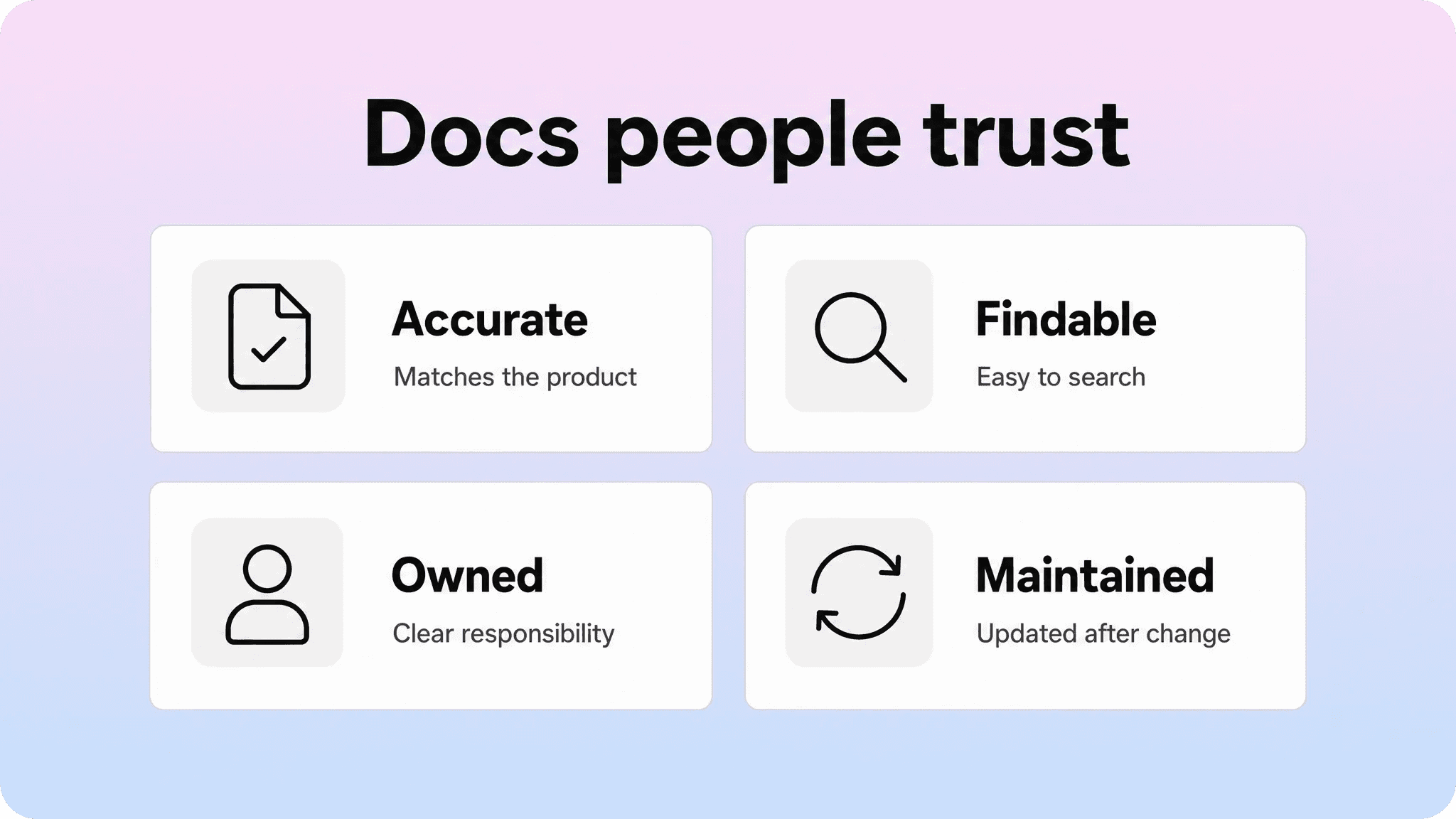
This is why documentation quality is not only about writing. It is about trust. Readers decide whether to use a doc based on signals they can feel immediately:
the title sounds like their problem
the article is easy to find through search or navigation
the intro confirms the page is relevant
the steps match the current product
links point to the next useful answer
the page feels owned, current, and consistent with nearby pages
If those signals are weak, documentation gets treated as a library of maybes. People may search it as a last resort, but they will not rely on it as part of daily work.
Why documentation is important for teams and customers
The reason why documentation is important is simple: it turns repeated knowledge into reusable guidance. Without it, every answer depends on memory, availability, and who happens to be online.
For customers, good documentation creates a faster path to self-service. They can solve setup questions, billing confusion, permission issues, and troubleshooting tasks without waiting for support. This only works when the help center is structured around customer language and real tasks, not internal product categories. Helpview’s guide to help center navigation covers this from the findability side: even strong content fails when users cannot connect their question to the right article.
For support teams, documentation reduces repeat work. A support reply can point to a stable answer instead of rewriting the same explanation from scratch. Over time, repeated tickets become a signal for new docs, unclear docs, or docs that customers cannot find. That is also why content gap reviews matter: Helpview’s guide to finding content gaps in a help center shows how search terms, zero-result searches, tickets, and feedback reveal where the documentation system is not matching real demand.
For product and success teams, documentation creates consistency. One accurate article is easier to align around than five private explanations in Slack, email, and personal notes. It also protects context when teammates leave, roles change, or a product area becomes more complex.
For new employees, documentation shortens onboarding. They do not have to learn every process through interruptions. They can read the official version, understand why a process exists, and ask better follow-up questions.
For the business, documentation is a trust system. It reduces friction before purchase, after signup, during onboarding, and when something breaks. It also makes product knowledge easier to scale because the team is not forced to answer the same question one conversation at a time.
The trap is assuming importance equals usage. Documentation can be strategically important and still ignored in practice. To make docs useful, teams need a system that keeps content accurate, findable, consistent, and close to the work that creates new knowledge.
The real reasons people stop trusting docs
Documentation usually breaks through drift, not one dramatic failure. A page is accurate when it is published. Then a UI label changes. A pricing rule moves. A screenshot becomes old. A support workaround becomes official. A teammate adds a new article with a slightly different answer. Nobody means to damage the help center, but trust slowly erodes.
The same thing happens inside teams. If the documentation process is unclear, people create pages in different formats, with different levels of detail, and no shared definition of done. One article explains every edge case. Another skips requirements. Another uses a feature name that customers never search for. The result is not just inconsistency. It is hesitation: readers are no longer sure which answer to believe.
Problem | What people experience | Practical fix |
|---|---|---|
Hard to find | “I know we wrote this somewhere, but I can’t find it.” | Improve titles, categories, search terms, synonyms, and internal links. |
Stale details | “This screenshot or label does not match the product.” | Add product-change update triggers and review dates. |
Conflicting answers | “Two pages say different things.” | Assign ownership, merge duplicates, and retire outdated pages. |
Internal language | “The category makes sense to the team, not to the user.” | Use customer tasks, problems, and plain terms in headings. |
No clear owner | “Nobody knows who should update this.” | Give important pages a DRI and a lightweight review rule. |
A lot of documentation advice focuses on writing clearer pages. That helps, but it does not solve the whole problem. A clear page can still be ignored if it is buried, outdated, or contradicted somewhere else.
Consistency also matters more than teams expect. Helpview’s guide to documentation standards separates page-level standards from broader governance: standards define how a finished page should read, while governance decides who owns it and how it stays current. Both are needed. Standards make pages easier to scan. Governance keeps them trustworthy after publishing.
The goal is not to make documentation perfect. Perfect documentation is usually too slow to maintain. The goal is to make docs reliable enough that people keep choosing them before asking a teammate.
Build a documentation workflow people can follow

A documentation workflow is the repeatable path a doc follows from idea to published and maintained article. It should be simple enough that people actually use it, but clear enough that important content does not sit half-finished or go live without review.
A healthy documentation workflow usually includes six stages:
Capture the need. Start with a real source: support tickets, onboarding questions, sales objections, product changes, release notes, or repeated internal questions.
Scope the article. Decide who the page is for, what task it helps with, what it should not cover, and which related pages it should link to.
Draft from the reader’s moment. Write around the user’s task, not the company’s product map. Use the terms people search for.
Review for accuracy. Have the right subject-matter owner verify facts, requirements, permissions, pricing, and edge cases.
Publish in the right place. Put the article where customers or teammates can actually find it, with a clear title and useful links.
Pull it back into maintenance. Add an owner, review date, and trigger conditions that reopen the page when something changes.
Helpview’s documentation workflow guide goes deeper on planning, review, publishing, and maintenance. For this article’s angle, the important point is that workflow affects adoption. If creating or updating docs feels like a side quest, people avoid it. If the workflow is visible and lightweight, documentation becomes part of normal work.
The best workflows also match the risk of the content. A simple “how to change your profile picture” page should not need the same approval chain as billing, data deletion, permissions, security, or legal-sensitive content. Heavy review on every page slows the system down. No review on high-risk pages damages trust.
A practical rule is to use three review levels:
Low risk: writer or support lead reviews for clarity and placement.
Medium risk: product or success owner reviews accuracy.
High risk: product, support, and legal/security/finance review where relevant.
This keeps the documentation process realistic. The team knows what has to happen before a page goes live, but the workflow does not become so heavy that nobody wants to write.
Keep the documentation process close to real work
A documentation process fails when it lives away from the work that creates new knowledge. If support learns about recurring confusion but the docs backlog never sees it, the help center falls behind. If product changes a setting but docs are not part of the release checklist, published articles drift. If customer success creates onboarding notes but they stay in private pages, the public help center misses useful guidance.
The fix is to connect documentation to the places where questions already appear.
Support should have a simple way to flag repeated questions, weak articles, and missing answers. Product should include documentation impact in release planning. Success should feed onboarding objections and customer language back into article improvements. Marketing and sales can surface pre-purchase confusion that belongs in public docs or comparison content.
This does not require a complex system. A small documentation backlog is often enough if it captures the right fields:
user question or support theme
related article, if one exists
gap type: missing, incomplete, stale, duplicated, or hard to find
owner
priority
source of evidence
next action
target publish or review date
This structure prevents the backlog from becoming a dumping ground. Every item has a reason, an owner, and a next step.
Writing standards should also live close to the process. A separate style guide nobody opens will not create documentation consistency. A checklist in the article template will. For example, a help article template can prompt writers to include the audience, prerequisites, steps, expected result, troubleshooting notes, and related articles. Microsoft’s writing style guide and Google’s developer documentation style guide are useful external references for clarity and consistency, but most teams still need a smaller internal version that fits their product, customers, and publishing workflow.
The point is to make the right behavior easier than the wrong one. If writers have to remember every standard, standards will slip. If the template, review checklist, and publishing flow carry the standards for them, consistency becomes much easier to maintain.
Manage the documentation lifecycle after publishing
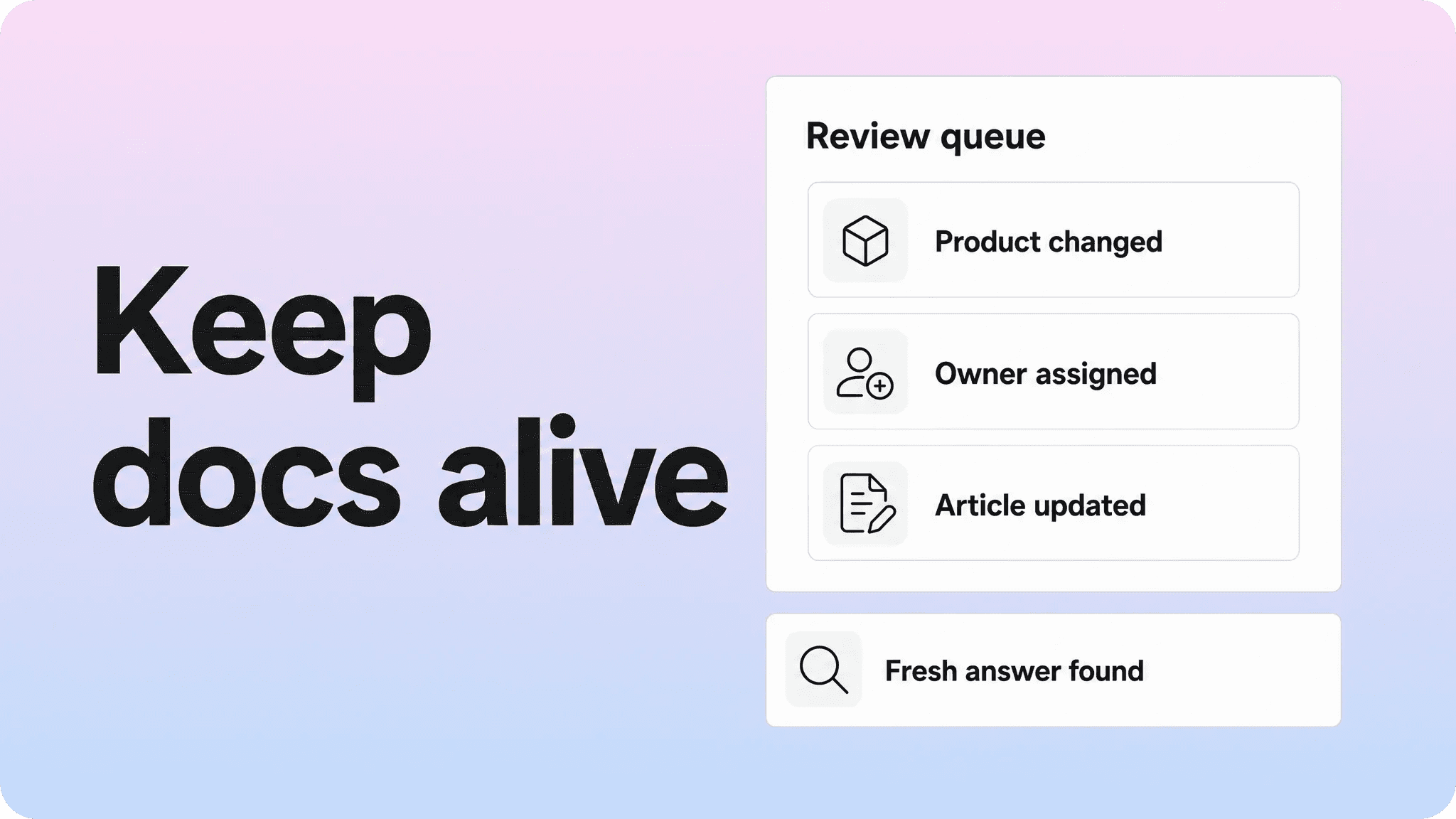
Publishing is not the end of the documentation lifecycle. It is the point where the article starts being tested by real readers, real product changes, and real support demand.
A practical documentation lifecycle includes four post-publish habits.
First, give important pages a clear owner. Ownership does not mean one person must write every update. It means someone is responsible for making sure the page stays accurate, gets reviewed, and does not conflict with related content.
Second, define update triggers. Review dates are useful, but many docs become stale because something changed before the calendar review. Triggers are better for fast-moving product areas. Common triggers include:
a feature, setting, or UI label changes
pricing, plan limits, or permissions change
a release note affects an existing workflow
support sees repeated confusion about the same page
search data shows people using terms the article does not include
a related article is merged, renamed, or retired
Third, watch behavior signals. Documentation should be maintained based on evidence, not only opinion. Search terms, zero-result searches, article feedback, support tickets, and customer conversations all show whether the content is doing its job. GOV.UK’s content design guidance is a useful reminder that effective content starts with user needs, not what the organization wants to publish.
Fourth, clean up old content. Maintaining documentation is not only updating pages. Sometimes the best fix is to merge duplicates, redirect readers, remove outdated screenshots, rename a vague article, or archive a page that no longer reflects the product.
This is where content governance becomes practical. Helpview’s guide to content governance for documentation teams frames governance as the operating system behind ownership, standards, workflows, and review rules. That matters because maintenance without governance depends on goodwill. Governance makes maintenance expected.
The lifecycle should stay lightweight. A monthly review of high-impact docs, plus trigger-based updates for product changes, is usually more useful than a huge yearly audit. Big audits find problems late. Small review loops keep trust from slipping in the first place.
Make documentation easier to use, not just easier to write
Many teams write documentation in a flexible workspace like Notion because it is fast, collaborative, and already part of daily work. That is a strong starting point. If people can draft and update pages easily, the documentation process has less friction.
But writing ease is not the same as reader ease. Customer-facing documentation also needs structure, search, navigation, branding, article relationships, and a polished browsing experience. Helpview’s article on using Notion for documentation explains the split well: Notion works well as the writing and collaboration layer, while customer docs often need a clearer help-center layer for discovery and presentation.
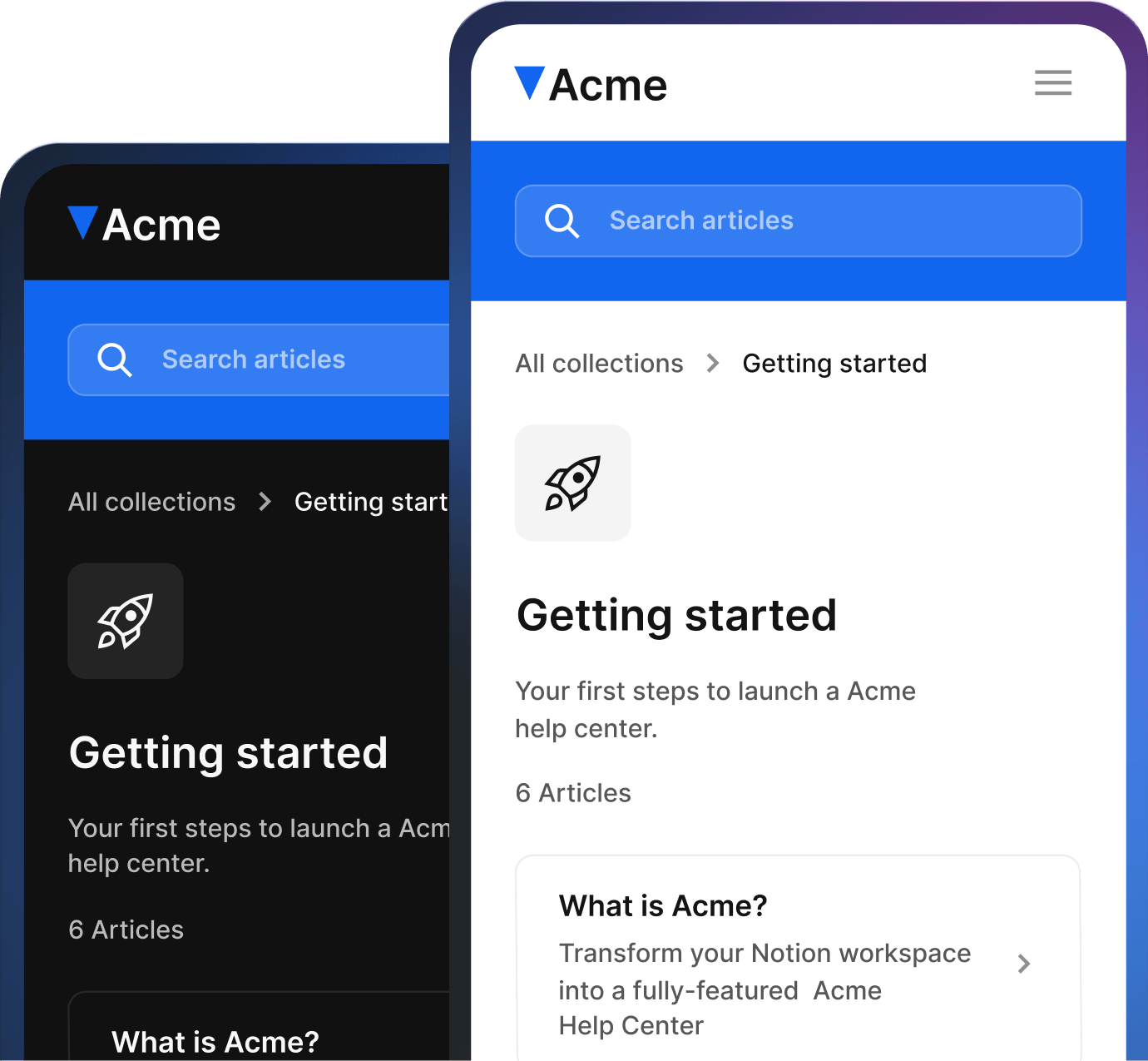
A Notion-based help center keeps that split simple: your team can continue writing and maintaining docs in Notion, while customers get a more structured place to find and use them.
That distinction matters when docs are getting ignored. Sometimes the content itself is weak. Other times the content is useful but trapped in a format readers do not trust. A long list of Notion pages may work internally, but customers need a help center that helps them answer three questions quickly:
Where do I start?
Which article matches my situation?
What should I do next?
This is where Helpview fits naturally. Teams can keep writing and maintaining content in Notion, then publish it as a more polished, structured, searchable help center. That does not replace the documentation workflow. It makes the output easier for customers to use.
A better help center also supports documentation consistency. Clear categories, readable article layouts, better search, related posts, and branded presentation all send trust signals. They tell users the docs are not just internal notes exposed to the public. They are a maintained support experience.
The strongest setup is not “write everything in a perfect tool.” It is a connected system:
Notion or another workspace for drafting and collaboration
a lightweight documentation workflow for planning, review, and maintenance
documentation standards for clear, consistent pages
governance for ownership and lifecycle rules
a customer-facing help center layer for search, navigation, and presentation
When those pieces work together, documentation stops being a static archive. It becomes part of how the team supports customers and shares knowledge.
Conclusion
Documentation gets ignored when it is slower, riskier, or harder to trust than asking a person. To fix it, do not only write more pages. Build a documentation workflow that captures real questions, reviews facts, publishes answers where people can find them, and brings each page back into the documentation lifecycle when the product or user need changes. That is how teams maintain documentation people actually use.
Frequently asked questions
Why documentation is important if people can just ask teammates?
Teammates are useful for judgment and context, but they do not scale as the main source of truth. Documentation preserves repeated knowledge, reduces interruptions, creates consistent answers, and helps customers or employees solve common tasks without waiting for the right person to be available.
What is the biggest reason documentation gets ignored?
How do you improve a documentation workflow without making it heavy?
How often should teams maintain documentation?
How does Helpview help teams keep documentation useful?
Share article:

2 free months of Pro
Turn Notion pages into help center answers.
Keep writing in Notion and publish a real, searchable Notion help center.

Articles
Keep reading