
Built for SaaS teams
SaaS knowledge base for your product
Turn your Notion docs into a beautiful help center for your SaaS, with structured articles, fast search, and an embeddable widget.
Turn your Notion docs into a beautiful help center for your SaaS, with structured articles, fast search, and an embeddable widget.


Trusted by early testers
Trusted by early testers






Why
Why Helpview for SaaS knowledge bases
Why Helpview for SaaS knowledge bases
Helpview builds on your Notion workspace so your team can keep writing support docs where you already work. Customers get a dedicated knowledge base that feels like part of your product, while your content stays in Notion.
Helpview builds on your Notion workspace so your team can keep writing support docs where you already work. Customers get a dedicated knowledge base that feels like part of your product, while your content stays in Notion.

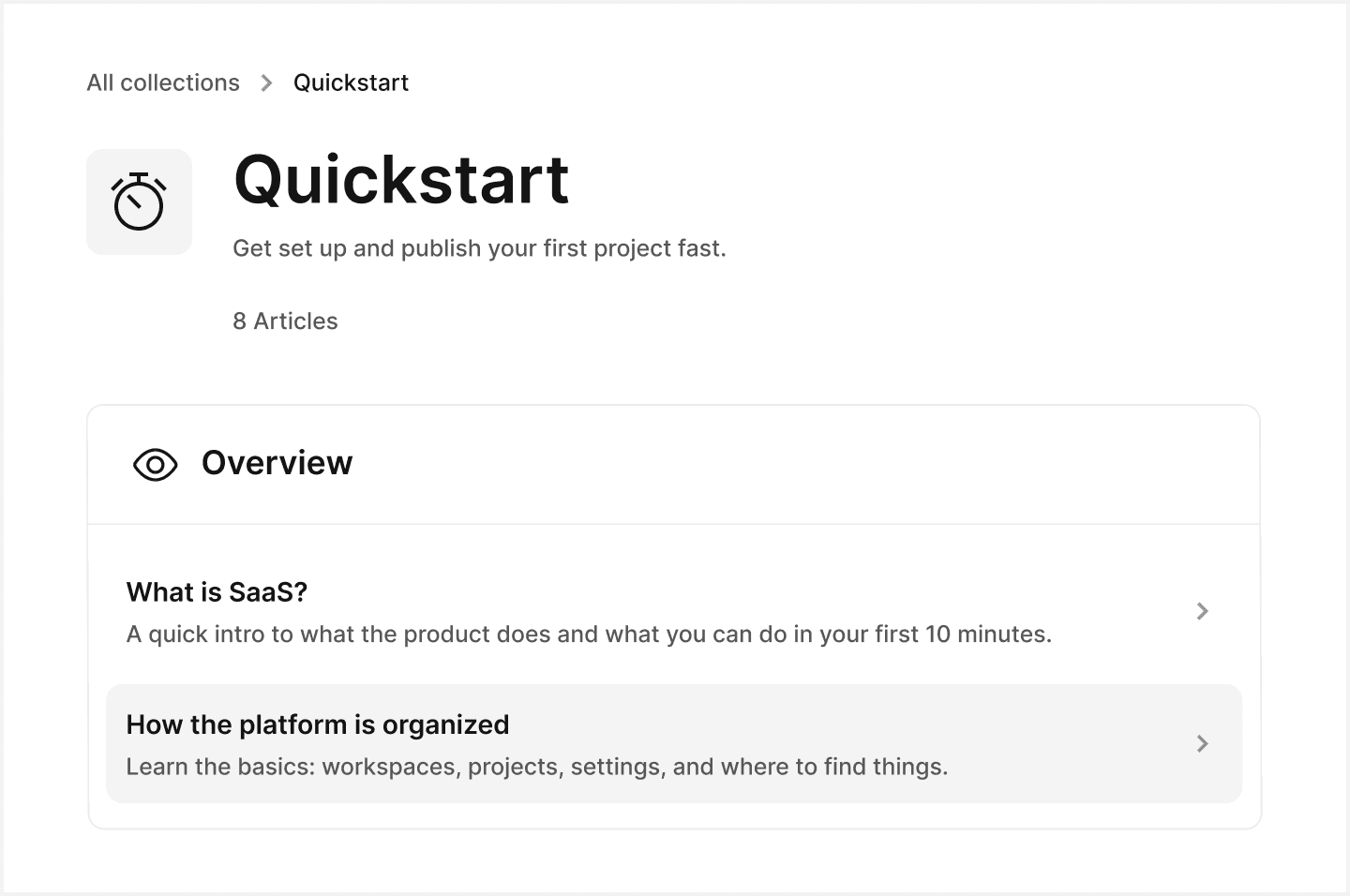

Write in Notion
Drop the docs you already keep in Notion into our template so they become a structured knowledge base for your SaaS product.
Write in Notion
Drop the docs you already keep in Notion into our template so they become a structured knowledge base for your SaaS product.

SaaS knowledge base
Organize how-to guides, FAQs, and onboarding flows into one public knowledge base your team can keep up to date in Notion.
SaaS knowledge base
Organize how-to guides, FAQs, and onboarding flows into one public knowledge base your team can keep up to date in Notion.

Embeddable widget
Add an embeddable widget to your website so users can search articles and open answers without leaving the page.
Embeddable widget
Add an embeddable widget to your website so users can search articles and open answers without leaving the page.
How it works
Go live in three easy steps
Launch your SaaS knowledge base with a simple setup, then publish when you’re ready.
Launch your SaaS knowledge base with a simple setup, then publish when you’re ready.
01
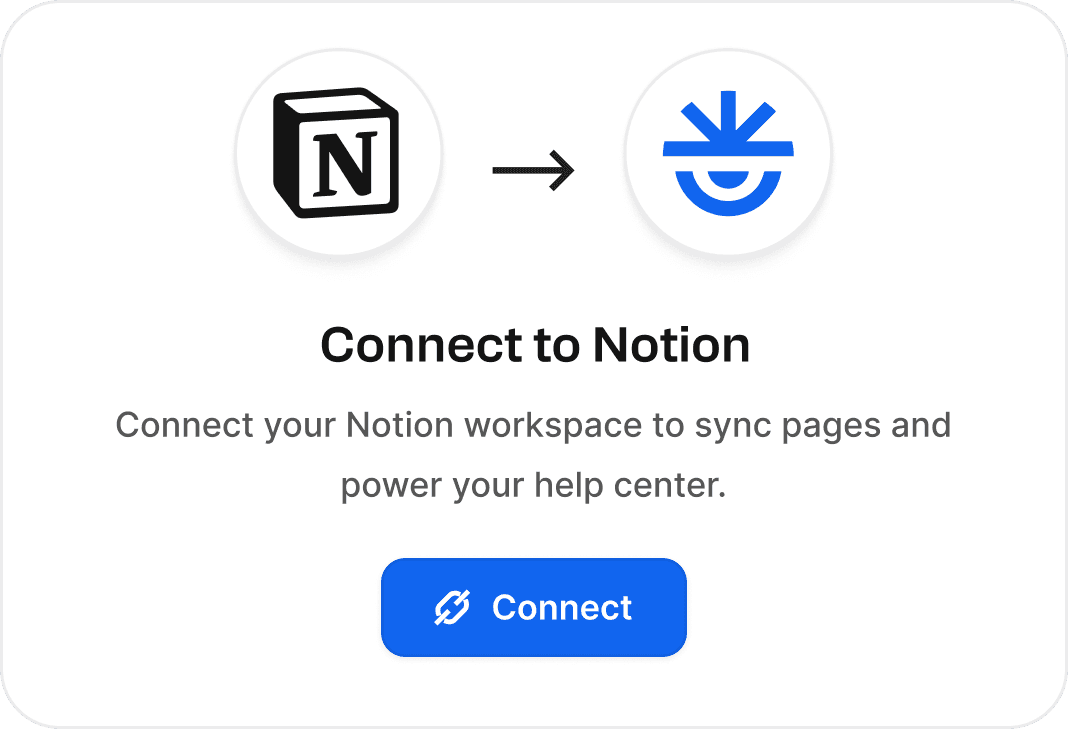
Connect your Notion workspace
Duplicate the Notion help center template, connect it to Helpview, and keep the rest of your workspace private.
02
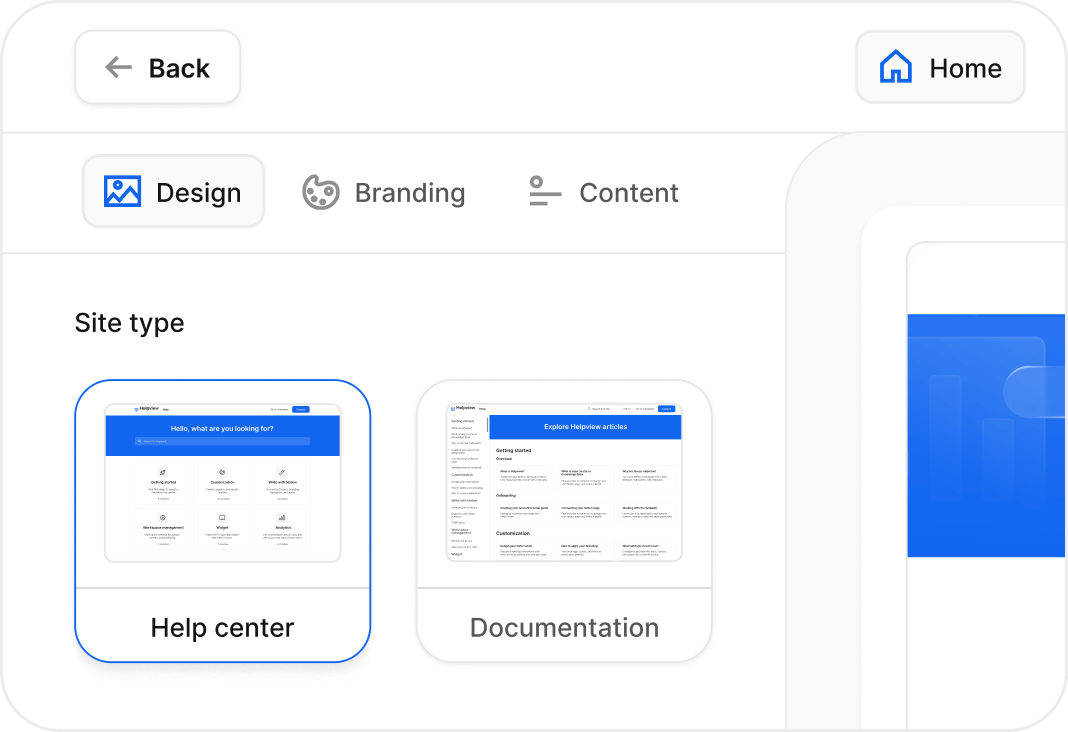
Pick your site type and theme
Select the type and theme for your Notion help center, adjust it to match your brand, and preview how it will look when it is live.
03
Name your site, publish, and go live
Give your help center a name and publish. Your Notion docs are ready to share with customers.

Products
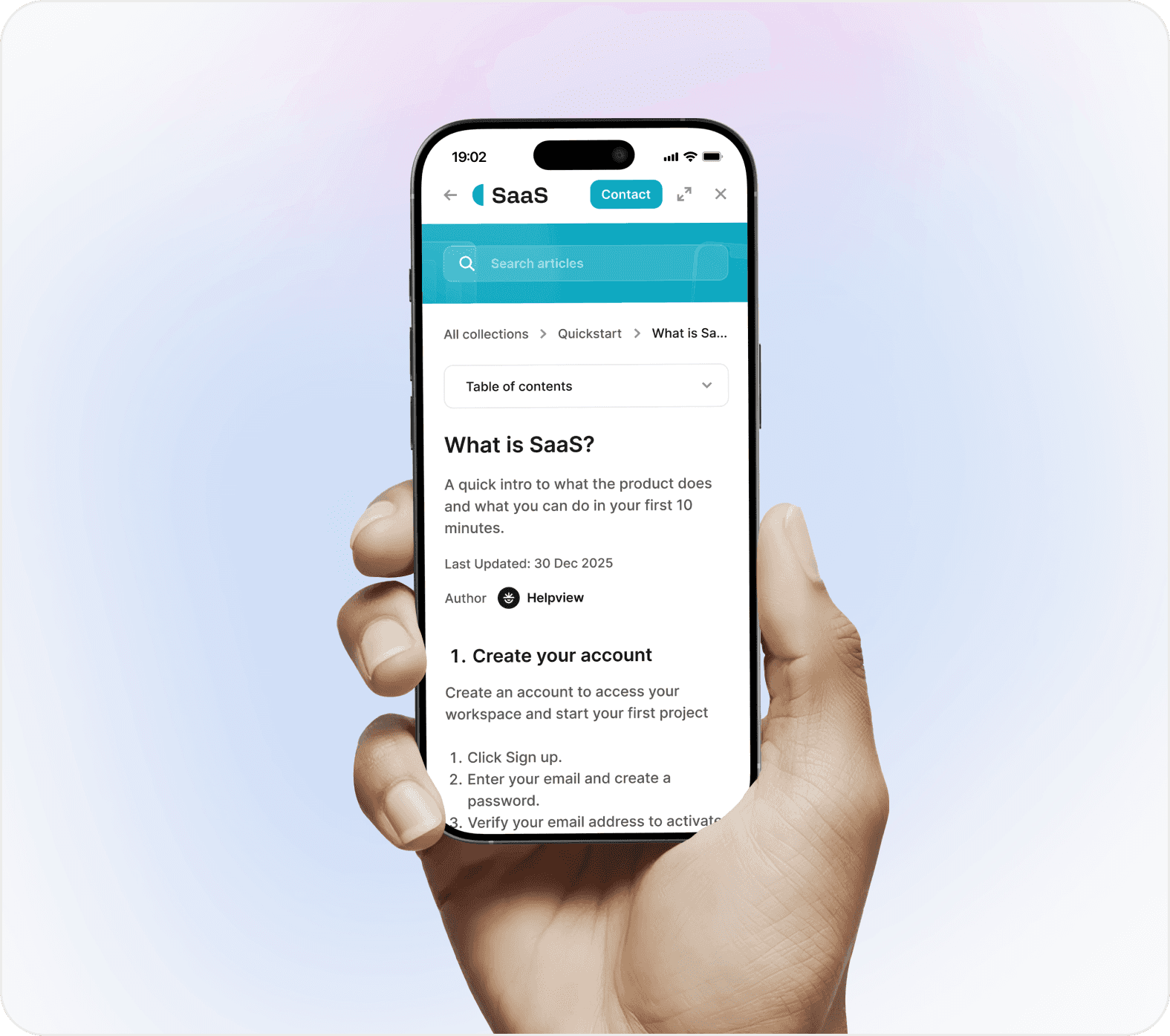
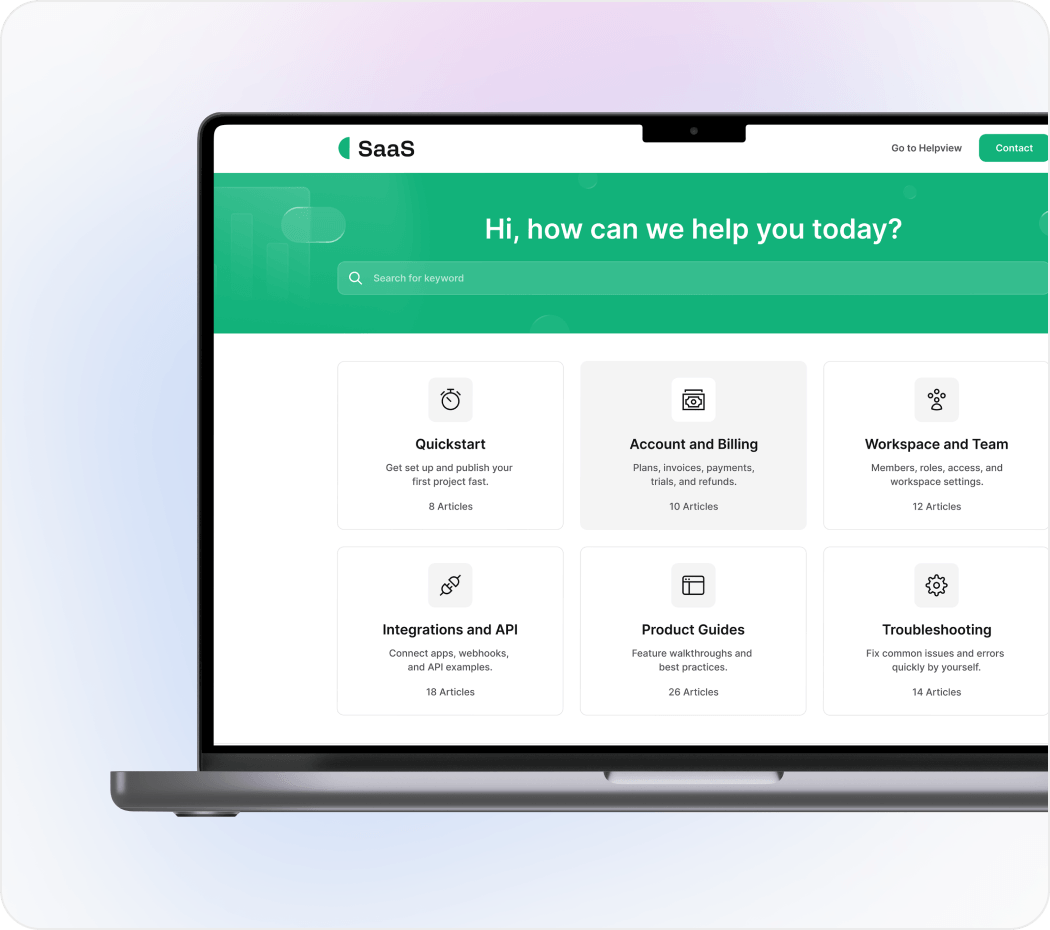
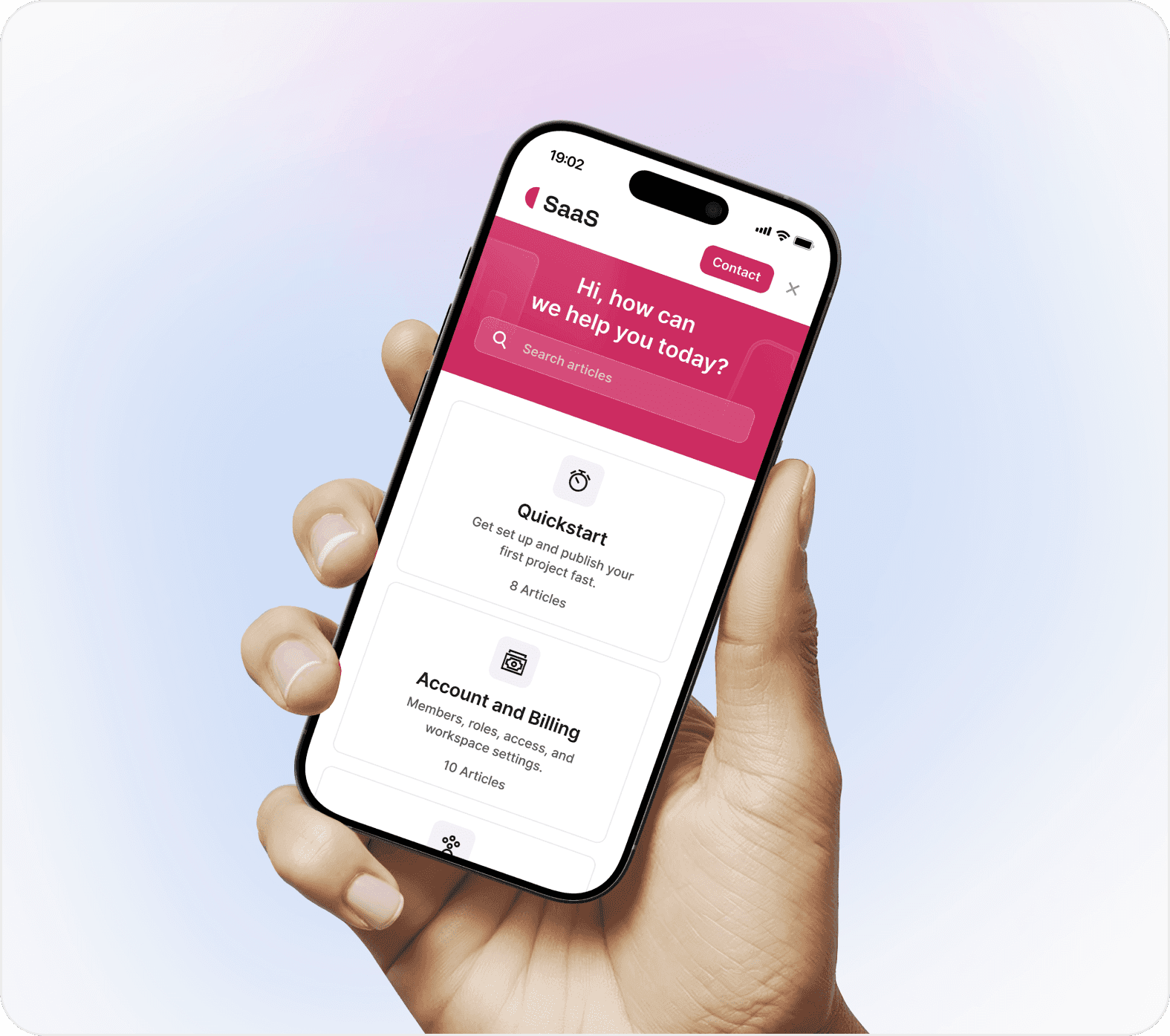
Make it look like your SaaS
Start from clean templates, then adjust branding and write content so your support site matches the rest of your product.
Start from clean templates, then adjust branding and write content so your support site matches the rest of your product.

Testimonials
What early testers say
Early testers share what it’s like using Helpview as their Notion help center.
Early testers share what it’s like using Helpview as their Notion help center.

We tried Helpview early and it’s already a solid way to run a help center from Notion. Setup was smooth, and it still looks clean and on brand.

Martynas Sileikis
CEO at Flair
We tried Helpview early and it’s already a solid way to run a help center from Notion. Setup was smooth, and it still looks clean and on brand.
Martynas Sileikis
CEO at Flair
We’re early testers and it’s been a strong start. We write in Notion, updates show up in the help center, and users find answers without pinging us.

Petras Nargėla
CEO & Founder at Subsight
We’re early testers and it’s been a strong start. We write in Notion, updates show up in the help center, and users find answers without pinging us.
Petras Nargėla
CEO & Founder at Subsight
We wanted to test Helpview with our Notion docs. It made them feel more structured and more polished for customers to use daily.

Saulius Aleksa
CEO & Founder at Engines of Fury
We wanted to test Helpview with our Notion docs. It made them feel more structured and more polished for customers to use daily.
Saulius Aleksa
CEO & Founder at Engines of Fury
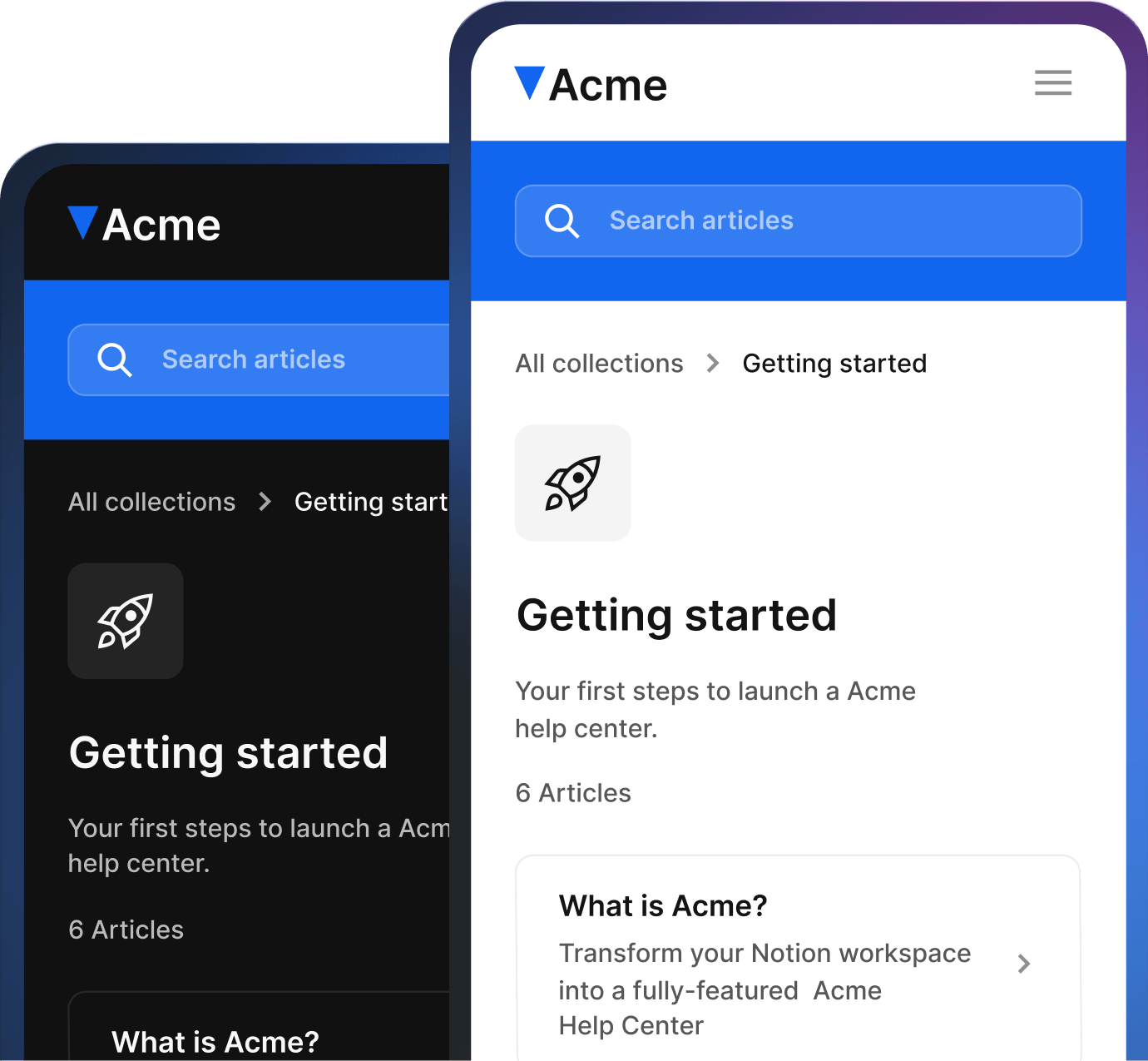
Give your Notion docs a home
Turn Notion pages into a SaaS knowledge base for your product. Join the waitlist for early access and get 2 free months of Pro at launch.
Give your Notion docs a home
Turn Notion pages into a SaaS knowledge base for your product. Join the waitlist for early access and get 2 free months of Pro at launch.
Give your Notion docs a home
Turn Notion pages into a SaaS knowledge base for your product. Join the waitlist for early access and get 2 free months of Pro at launch.

Helpview is the simple way to run a help center and knowledge base on top of Notion.


Helpview is the simple way to run a help center and knowledge base on top of Notion.
Helpview is the simple way to run a help center and knowledge base on top of Notion.