Waitlist
Get early access
to Helpview
Get early access
to Helpview
Notion help center for your product. Join the waitlist to try the Helpview beta and help shape what we build.
Notion help center for your product. Join the waitlist to try the Helpview beta and help shape what we build.
Notion help center for your product. Join the waitlist to try the Helpview beta and help shape what we build.

Get 2 free months of Pro at launch.
Get 2 free months of Pro at launch.
Lock in early release pricing
Lock in early release pricing
Help decide which features we build next
Help decide which features we build next
Trusted by early testers
Trusted by early testers






Features
What you will get
When beta opens, you’ll be able to run your help center, docs, and widget from the same Notion workspace.
When beta opens, you’ll be able to run your help center, docs, and widget from the same Notion workspace.



Support content managed in Notion
Support content managed in Notion
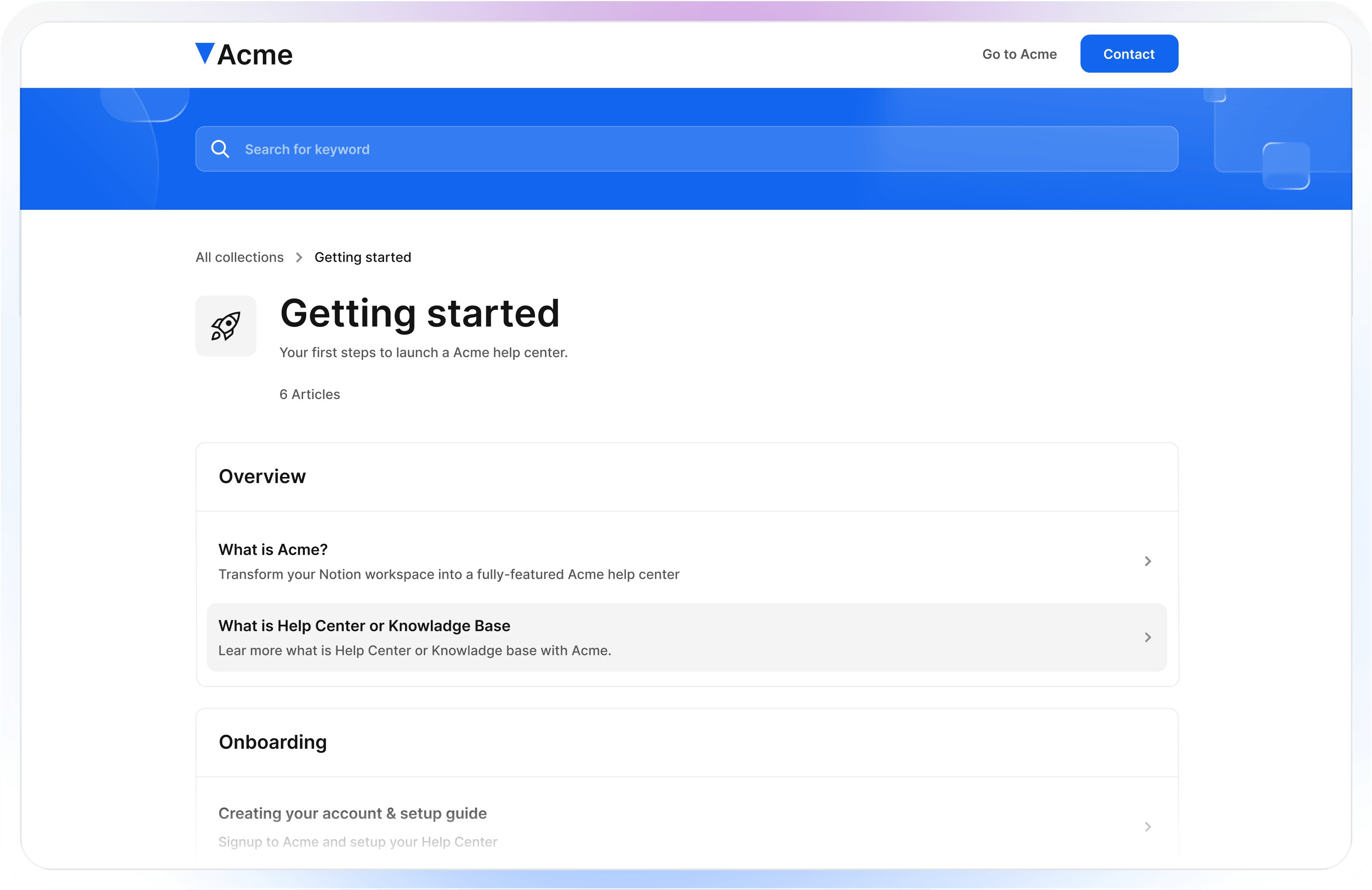
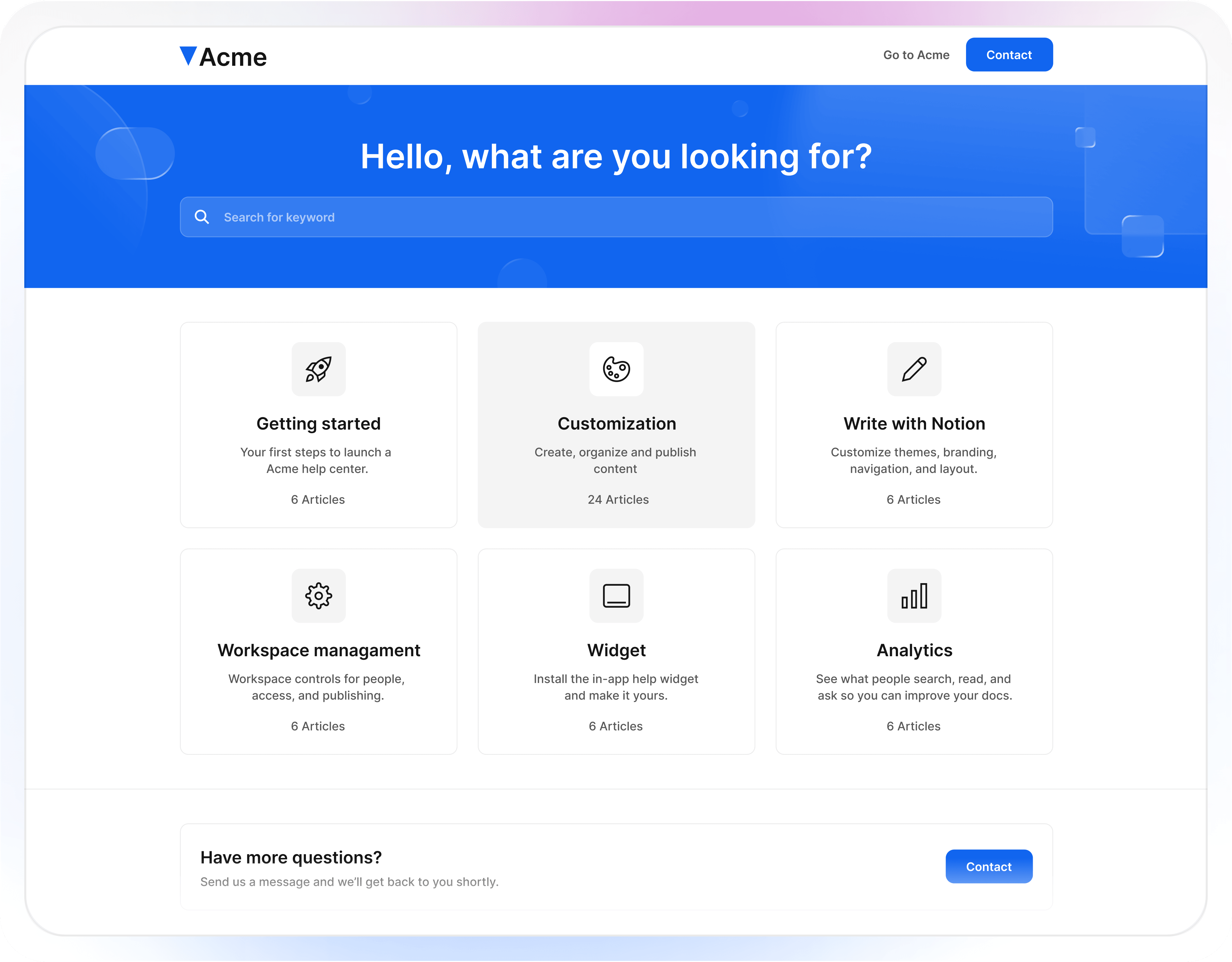
Write and organize everything in Notion. Helpview syncs the pages you choose and keeps your help center up to date.
Write and organize everything in Notion. Helpview syncs the pages you choose and keeps your help center up to date.

Beautiful themes
Beautiful themes
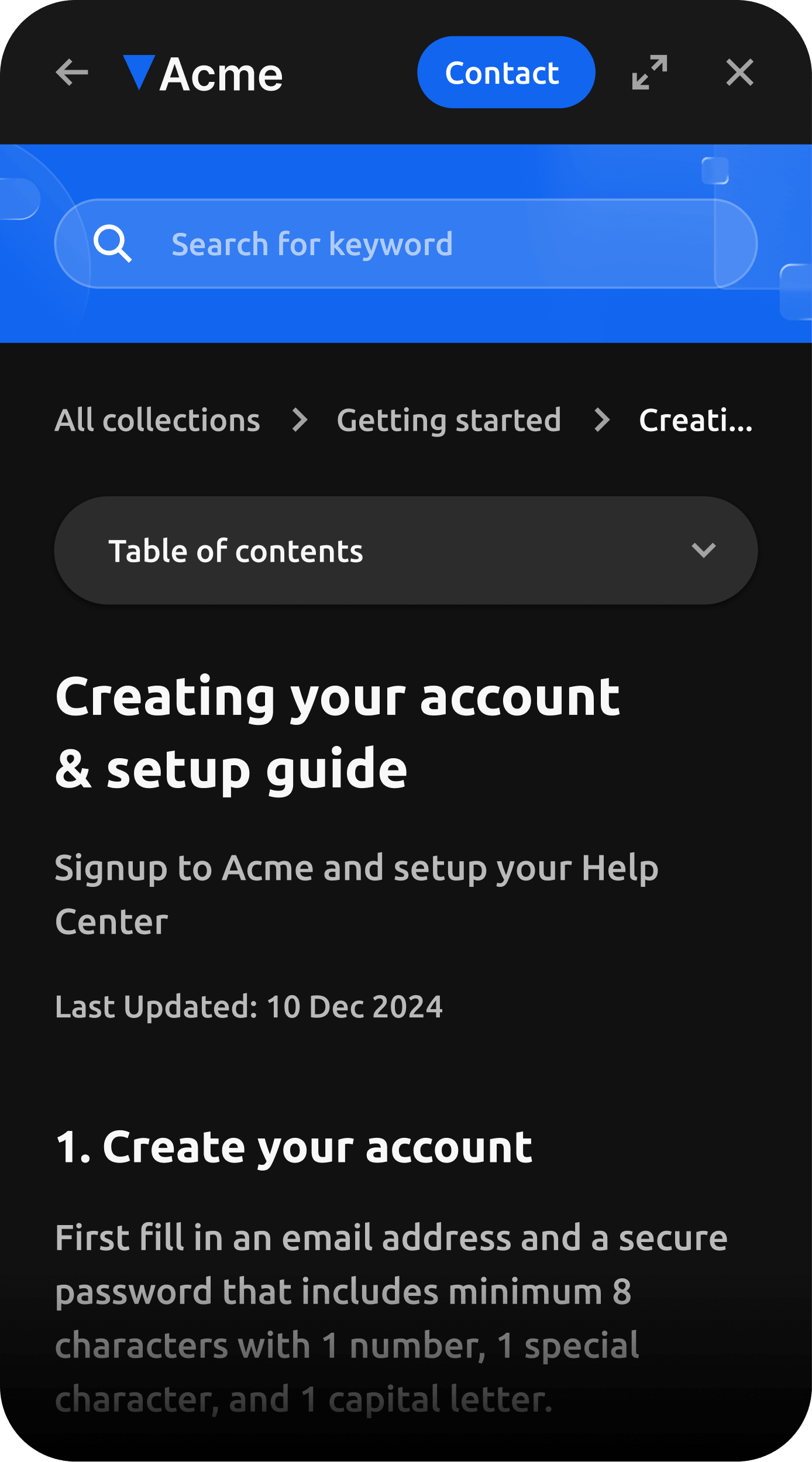
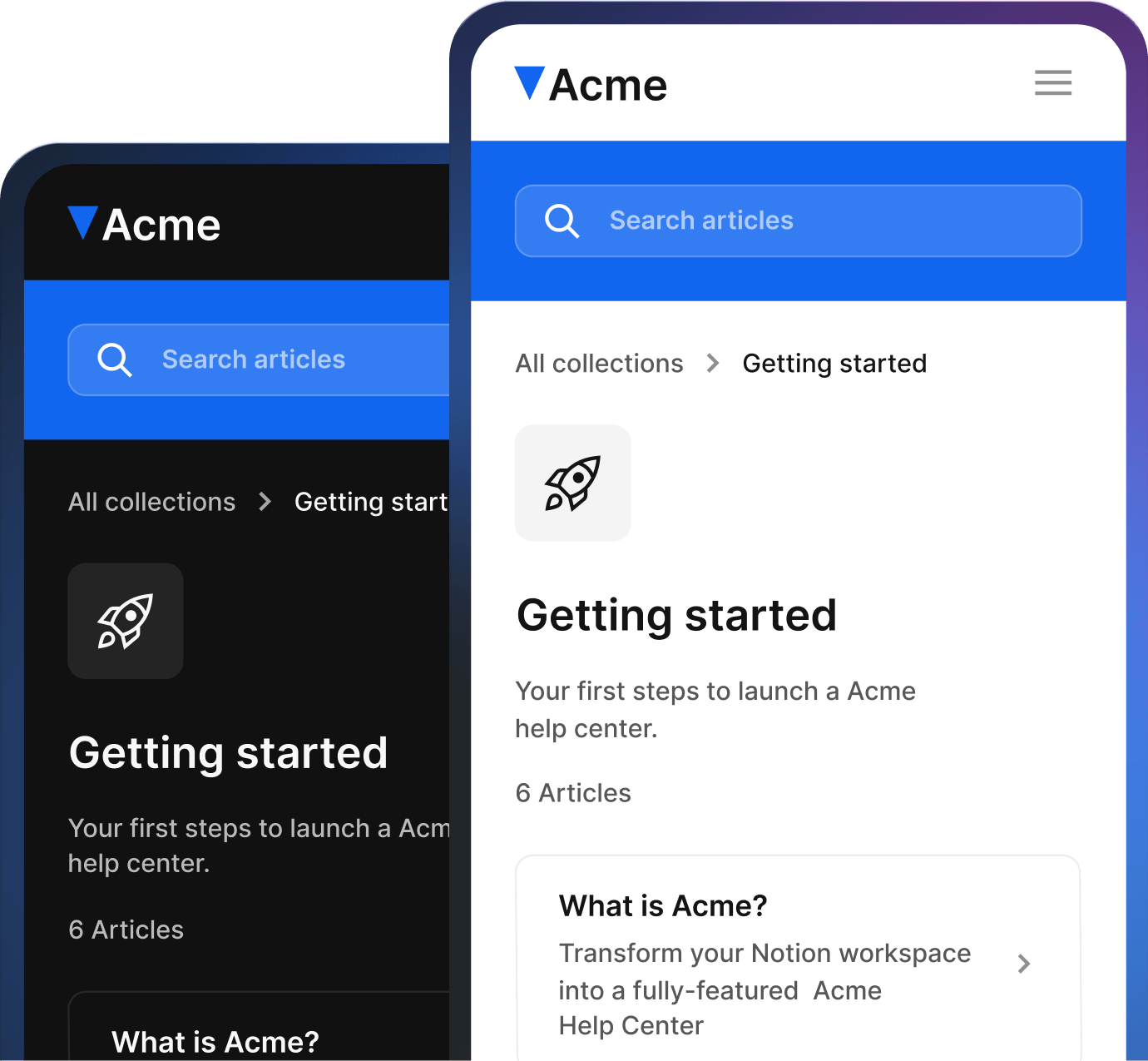
Start with design led themes, switch between light and dark, and match your branding in a few clicks.
Start with design led themes, switch between light and dark, and match your branding in a few clicks.

Smart search and discovery
Smart search and discovery
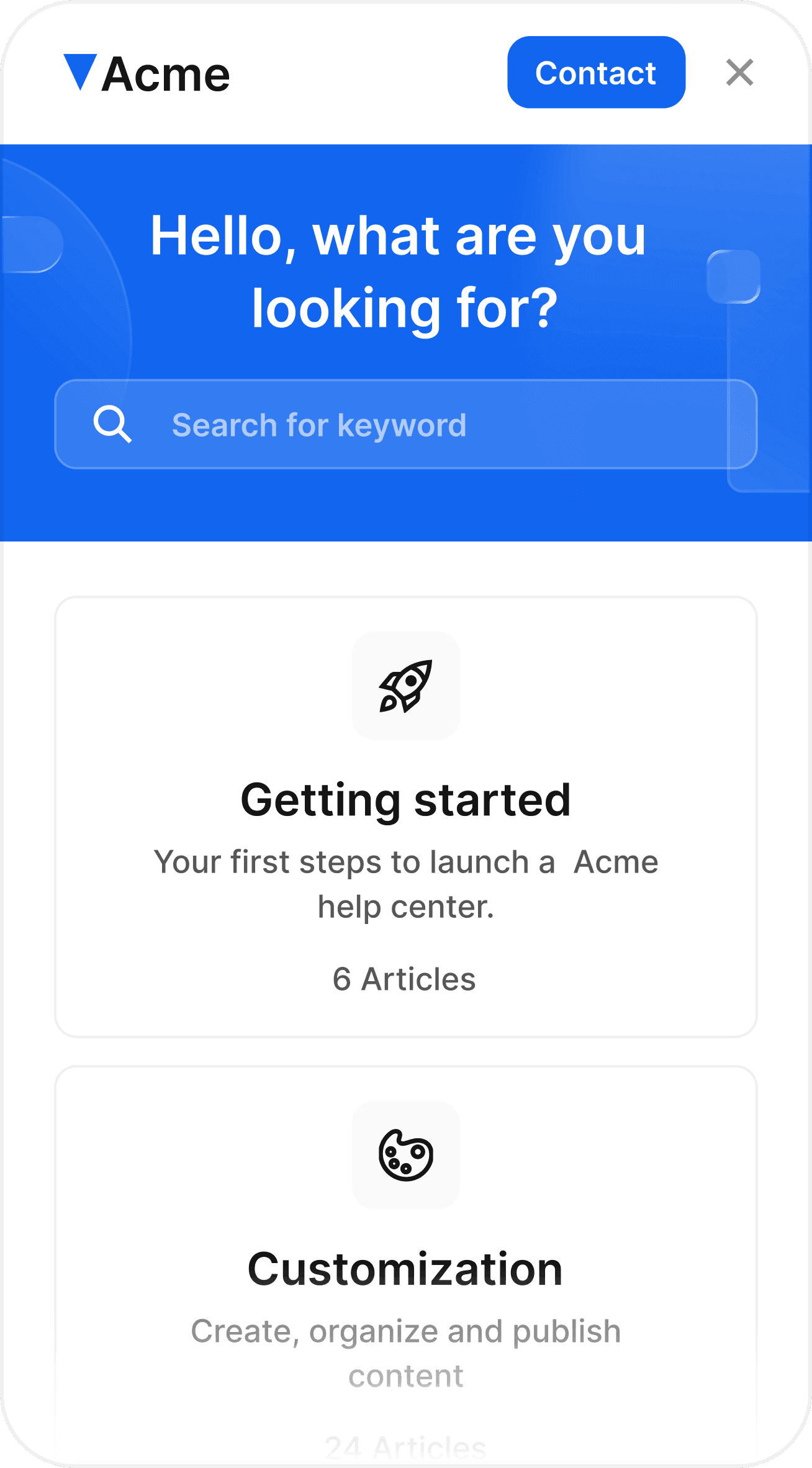
Helpview adds fast search, related articles, and clear categories so customers find answers without digging through Notion pages.
Helpview adds fast search, related articles, and clear categories so customers find answers without digging through Notion pages.
And many more...
And many more...
How it works
Go live in three
easy steps
Launch your help center with a simple setup, then publish when you’re ready.
Launch your help center with a simple setup, then publish when you’re ready.
01
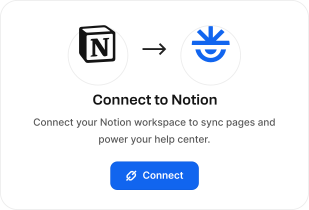
Connect your Notion workspace
Duplicate the template, connect it to Helpview, and keep the rest of your workspace private.
01
Connect your Notion workspace
Duplicate the template, connect it to Helpview, and keep the rest of your workspace private.
02
Pick your site type and theme
Select your site type and theme, match it to your brand, and preview how it will look.

02
Pick your site type and theme
Select your site type and theme, match it to your brand, and preview how it will look.
03
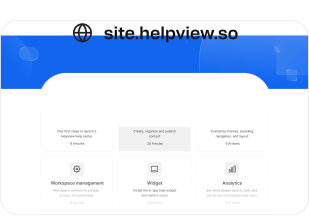
Name your site, publish, and go live
Give your site a name and publish. Your Notion docs are ready for customers to use.
03
Name your site, publish, and go live
Give your site a name and publish. Your Notion docs are ready for customers to use.

Testimonials
What early testers say
Early testers share what it’s like using Helpview as their Notion help center.
Early testers share what it’s like using Helpview as their Notion help center.

We tried Helpview early and it’s already a solid way to run a help center from Notion. Setup was smooth, and it still looks clean and on brand.

Martynas Sileikis
CEO at Flair
We tried Helpview early and it’s already a solid way to run a help center from Notion. Setup was smooth, and it still looks clean and on brand.
Martynas Sileikis
CEO at Flair
We’re early testers and it’s been a strong start. We write in Notion, updates show up in the help center, and users find answers without pinging us.

Petras Nargėla
CEO & Founder at Subsight
We’re early testers and it’s been a strong start. We write in Notion, updates show up in the help center, and users find answers without pinging us.
Petras Nargėla
CEO & Founder at Subsight
We wanted to test Helpview with our Notion docs. It made them feel more structured and more polished for customers to use daily.

Saulius Aleksa
CEO & Founder at Engines of Fury
We wanted to test Helpview with our Notion docs. It made them feel more structured and more polished for customers to use daily.
Saulius Aleksa
CEO & Founder at Engines of Fury
FAQ
Find answers
easily
Find answers
easily
Quick answers to common questions about setup, pricing, and how Helpview works.
Quick answers to common questions about setup, pricing, and how Helpview works.
Quick answers to common questions about setup, pricing, and how Helpview works.
How much can I earn as a Helpview partner?
Earn 30% recurring commission for every paying customer you refer. Commissions are paid every month.
Who is the Helpview partner program for?
How does the SaaS affiliate program work?
How can I track my referrals?
Where can I share my referral link?
When will I receive my commissions?
Can I get help promoting Helpview?
How much can I earn as a Helpview partner?
Earn 30% recurring commission for every paying customer you refer. Commissions are paid every month.
Who is the Helpview partner program for?
How does the SaaS affiliate program work?
How can I track my referrals?
Where can I share my referral link?
When will I receive my commissions?
Can I get help promoting Helpview?
Give your Notion docs a home
Give your Notion docs a home
Turn Notion docs into a real help center. Join the waitlist and get 2 free months of Pro at launch.
Turn Notion docs into a real help center. Join the waitlist and get 2 free months of Pro at launch.
Turn Notion docs into a real help center. Join the waitlist and get 2 free months of Pro at launch.


Helpview is the simple way to run a help center and knowledge base on top of Notion.


Helpview is the simple way to run a help center and knowledge base on top of Notion.
Helpview is the simple way to run a help center and knowledge base on top of Notion.