Tips
7 Product Documentation Examples for SaaS Teams

14 Min Read
Product documentation examples are useful when they show more than polished docs pages. They show which answers SaaS users need first, how those answers should be structured, and how a support team can turn repeated questions into clearer self-service guidance.
Share article:


What counts as a product documentation example?
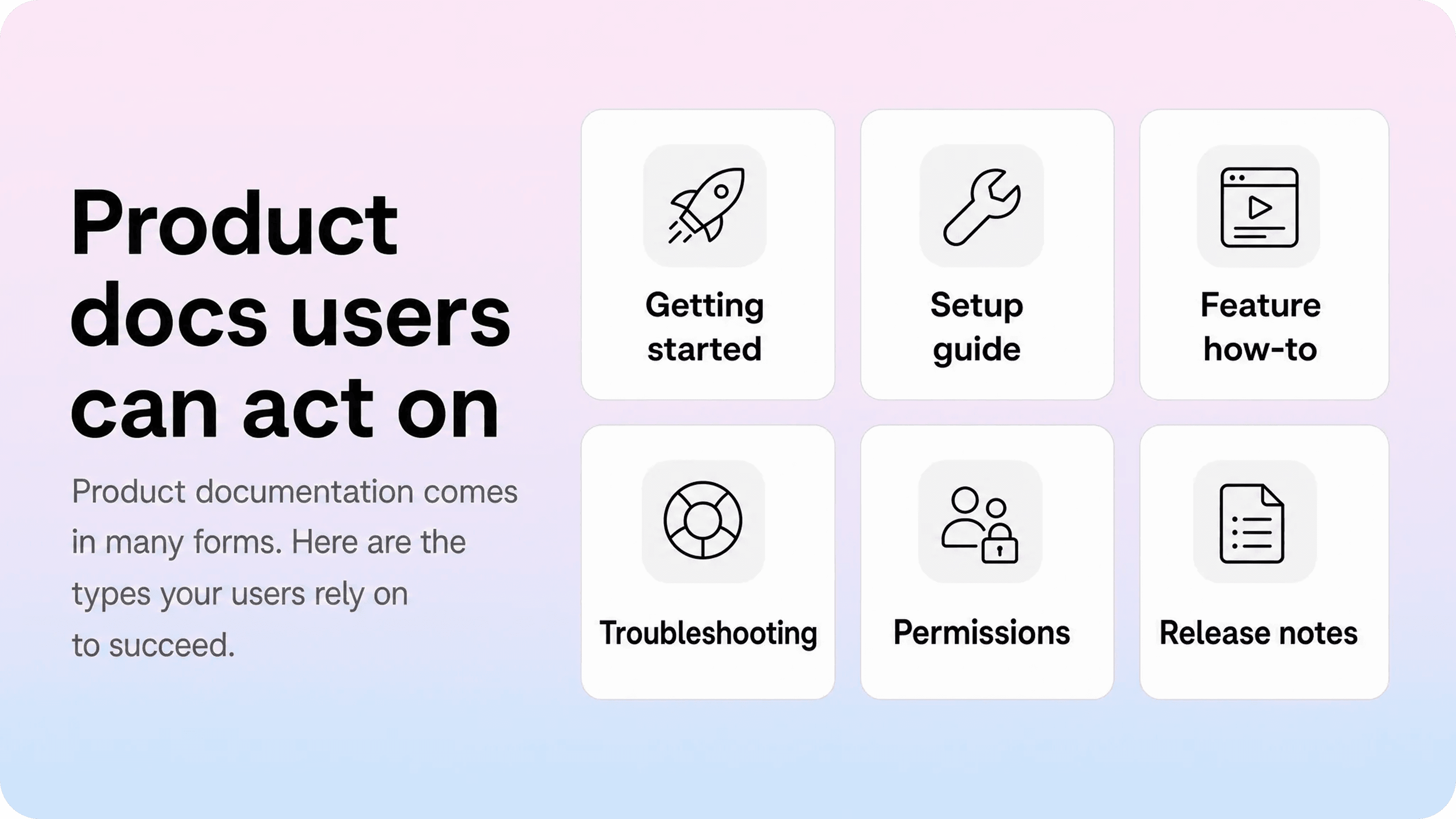
A product documentation example is any customer-facing page that helps someone understand, set up, use, fix, or manage a product. For SaaS teams, that usually means help center articles, getting-started guides, product walkthroughs, troubleshooting pages, billing explainers, admin guides, release notes, and integration docs.
That definition matters because product documentation is often treated too narrowly. Teams hear “documentation” and think of a long manual, a technical reference, or a folder of internal product notes. Users experience it differently. They reach for docs when they want to complete a task, recover from a confusing state, confirm whether they have the right permission, or understand what changed after a release.
Good examples therefore have a practical shape. A setup guide should help a new account reach the first useful result. A product guide should walk through one repeatable task. A troubleshooting article should start with the symptom the user sees. A billing or permissions page should explain who can do what before the user wastes time in the wrong settings.
The useful question is not “Do we have documentation?” It is “Do we have the right examples for the moments where users get stuck?” That is also the safest way to avoid overlap with broader knowledge base planning. A knowledge base may hold many reusable answers, but product documentation is the set of answers that helps users make progress inside the product.
Product documentation examples SaaS teams should create first
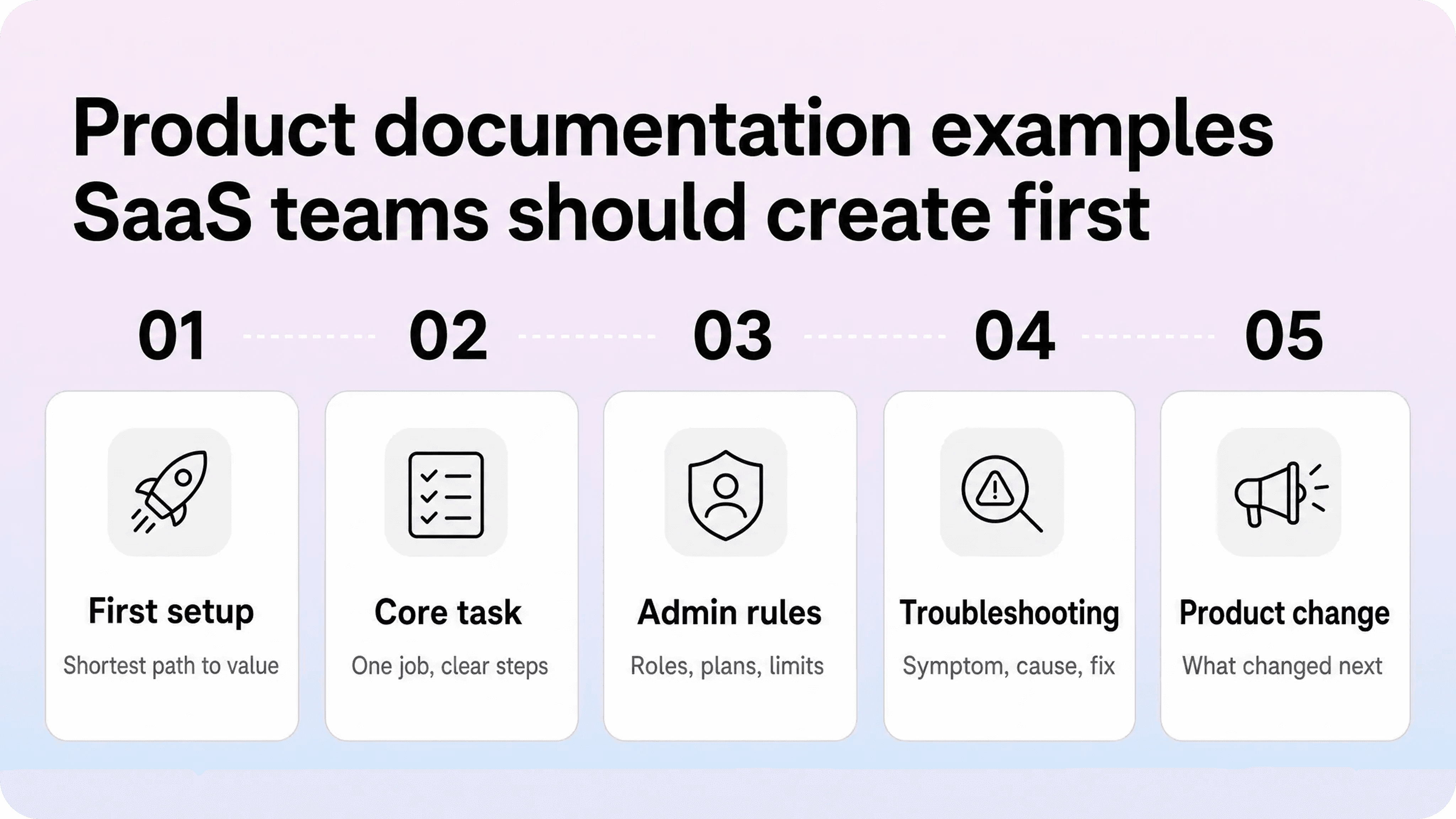
Most SaaS teams do not need to document every corner of the product before publishing better docs. They need a small set of high-impact article types that match the most common support, onboarding, and activation moments.
1. Getting-started documentation
A getting-started guide should give new users the shortest sensible path from empty account to first useful outcome. It should not explain every feature. It should help the reader understand where to begin, what they need before starting, and what “done” looks like.
Strong getting-started documentation usually includes:
who the guide is for
prerequisites, such as role, plan, connected account, or imported data
the minimum setup path
the expected result after setup
one or two next articles once the user finishes
For example, Notion Help surfaces beginner paths and popular topics instead of making new users browse a raw article archive. The lesson for SaaS teams is simple: early documentation should reduce choice. Help the user start with the path that creates confidence fastest.
A weak getting-started page tries to introduce the whole product. A strong one says, “Do these few things first, then go here next.”
2. Product guide examples for common tasks
A product guide is a task-focused article that helps a user complete one clear job. It might explain how to invite a teammate, create a project, publish an article, connect an integration, export data, configure a notification, or update a workspace setting.
Good product guide examples share a few traits:
the title starts with the task, not the feature name
the intro confirms the outcome quickly
steps are short and ordered
screenshots or visuals appear only where they remove doubt
the guide explains the expected result after the action
related links point to the next likely task
This is where many SaaS docs get weaker than they need to be. A page called “Workspace settings” may be accurate, but it is not as helpful as “Change your workspace name” or “Invite a teammate to your workspace.” Users search by the job they want to finish.
Slack’s help center is a useful reference for everyday task language because many articles are framed around recognizable workplace actions rather than internal product theory. SaaS teams can borrow that principle even if their product is more complex: keep product guide examples close to the words customers already use.
3. Setup and configuration examples
Setup documentation is different from ordinary task guidance because the user may need to make several decisions before the product works properly. That is common for SaaS products with roles, integrations, imports, billing settings, workspaces, domains, automations, or permissions.
A good setup article should not only list clicks. It should explain the setup decision in plain language, then give the safest path for the most common case. If there are advanced options, separate them from the default path so new users are not forced to evaluate everything at once.
A strong setup guide usually follows this structure:
What this setup enables
Who can complete it
What to prepare first
The default setup steps
How to check that it worked
Common mistakes or failed states
Where to go next
Stripe Docs are a useful example because the site creates paths around concrete setup jobs such as accepting payments, selling subscriptions, using invoices, and setting up a development environment. The takeaway is not that every SaaS team needs Stripe-level documentation. It is that setup docs should help users choose a practical lane before asking them to understand the entire product system.
4. Troubleshooting documentation examples
Troubleshooting documentation is one of the highest-value forms of product documentation because the reader is already blocked. The page has to reduce uncertainty quickly.
A strong troubleshooting article starts with the symptom the user recognizes. It then explains likely causes, gives checks in a safe order, and tells the user what to try next if the first fix does not work. It should avoid long background explanations before the first useful step.
Zapier’s troubleshooting guide for Zap workflow errors is a useful product documentation sample because it breaks errors into statuses, diagnosis paths, HTTP codes, recovery steps, and next actions. That structure is especially helpful for products where the same symptom can have several causes.
A practical troubleshooting template can be simple:
What the problem looks like
Who it affects
Common causes
Fixes to try first
How to confirm the issue is resolved
What to do if the issue continues
Related issues that look similar
For SaaS teams trying to reduce support tickets, troubleshooting articles often matter more than polished overview pages. They meet users at the exact moment support demand is created.
5. Permissions, roles, billing, and limits examples
Not every product question is really about the product interface. Many recurring SaaS questions are about access, plan limits, billing, ownership, privacy, seats, guests, admin controls, or what happens after a change.
These pages need a different shape from ordinary how-to guides. They should help the reader understand rules before taking action.
Good examples usually include:
who the page applies to
which plan, role, or account type is required
what changes for admins, members, guests, or billing owners
what the user can and cannot do
any consequences before they make a change
where to go if they need a different level of access
For B2B SaaS, this documentation is easy to underestimate. A product may be simple for an end user but confusing for the person managing billing, permissions, workspace ownership, or security settings. If those articles are missing, support teams often get repetitive questions that could have been self-serve.
This is also where internal language hurts. If customers ask about “team seats,” do not hide the answer under an internal term like “commercial entitlement allocation.” Use the wording people recognize, then map it to official product labels inside the article.
6. Integration and API documentation examples
Software documentation examples often include integration guides, API references, SDK guides, webhook docs, and developer quickstarts. These pages serve a more technical reader, but the same product documentation principles still apply: clear entry points, focused tasks, scannable structure, and useful next steps.
GitHub Docs separates product areas, account help, developer APIs, actions, apps, webhooks, billing, and admin documentation into clear lanes. Docker Documentation separates getting started, guides, manuals, and reference material. Both examples show a useful pattern: technical depth works better when tutorials, guides, concepts, and reference pages are not mixed into one undifferentiated list.
For SaaS teams with integrations or APIs, this usually means creating at least three different page types:
a quickstart for the fastest working setup
task guides for common workflows
reference pages for exact fields, endpoints, limits, or settings
If the product serves both non-technical admins and developers, keep those paths visibly separate. A customer success manager trying to connect an integration does not need to start inside API reference. A developer trying to debug a webhook does not need a marketing overview.
7. Release notes and product change documentation
Release notes are product documentation too. They explain what changed, who is affected, why it matters, and what users should do next.
A useful release note is not just a changelog entry. It should connect the change to the user’s workflow. If a feature was renamed, a setting moved, a limit changed, or a new option appeared, users need enough context to keep working without confusion.
Strong release documentation usually includes:
the change in plain language
who it affects
what action, if any, users should take
links to updated product guides
known limitations or rollout notes when relevant
This is where release notes connect to the rest of the documentation system. A product change should not only create a new announcement. It should update the affected setup guides, how-to articles, screenshots, troubleshooting pages, and internal support macros. If your team needs a repeatable shape, a release notes template can keep updates clearer and easier to maintain.
A product documentation template you can reuse
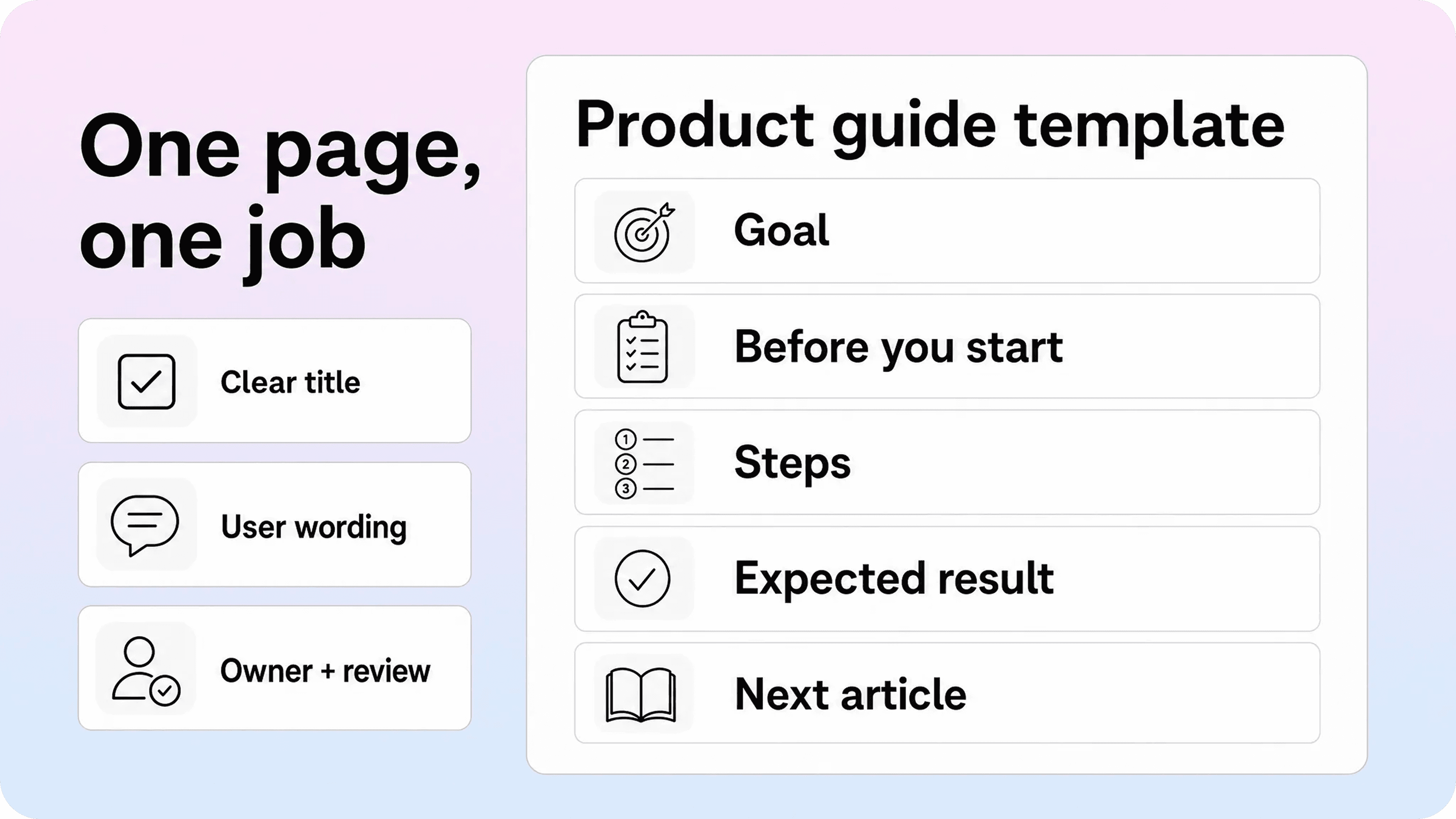
The best product documentation template is simple enough to use often, but structured enough to stop articles from drifting into vague explanations. It should help a writer answer one user need clearly.
Use this product documentation template for most SaaS how-to guides and product guide examples:
Section | What to include |
|---|---|
Title | Start with the user task, such as “Invite a teammate” or “Connect your Stripe account.” |
Short intro | Say what the article helps the user do and when to use it. |
Before you start | List role, plan, permission, data, integration, or setup requirements. |
Steps | Keep each step short, ordered, and tied to one action. |
Expected result | Tell the user what should happen after the steps are complete. |
Troubleshooting note | Mention the most common failure or where to go if it does not work. |
Related articles | Link to the next likely setup, admin, billing, or troubleshooting page. |
Owner and review date | Track who owns the article and when it should be checked again. |
Here is a product documentation sample for a SaaS help article:
Sample product guide: Invite a teammate to your workspace
Use this guide when: an admin wants to add another person to the account.
Before you start: you need admin access and an available seat on your plan.
Steps:
Open workspace settings.
Select Members.
Choose Invite teammate.
Enter the person’s email address.
Choose their role.
Send the invitation.
Expected result: the teammate receives an email invitation and appears as pending until they accept.
If it does not work: check whether your plan has an available seat, whether the email address is correct, and whether your account allows external domains.
Next articles: manage member roles, change billing seats, remove a teammate.
That sample looks basic on purpose. Product documentation should not become more complicated than the user’s task. The template gives writers a reliable default while leaving room for judgment when the topic needs screenshots, warnings, examples, or a more detailed explanation.
For teams already writing in Notion, the practical move is to turn this template into a reusable page shape. Add properties for owner, status, audience, content type, last reviewed date, and target category. Then publish customer-facing pages through a help center when search, browsing, branding, and article relationships need to feel more polished.If you are building that layer around Notion docs, a Notion help center gives customers a structured place to search, browse, and use those articles while your team keeps the writing workflow in Notion.
Product documentation best practices from the examples
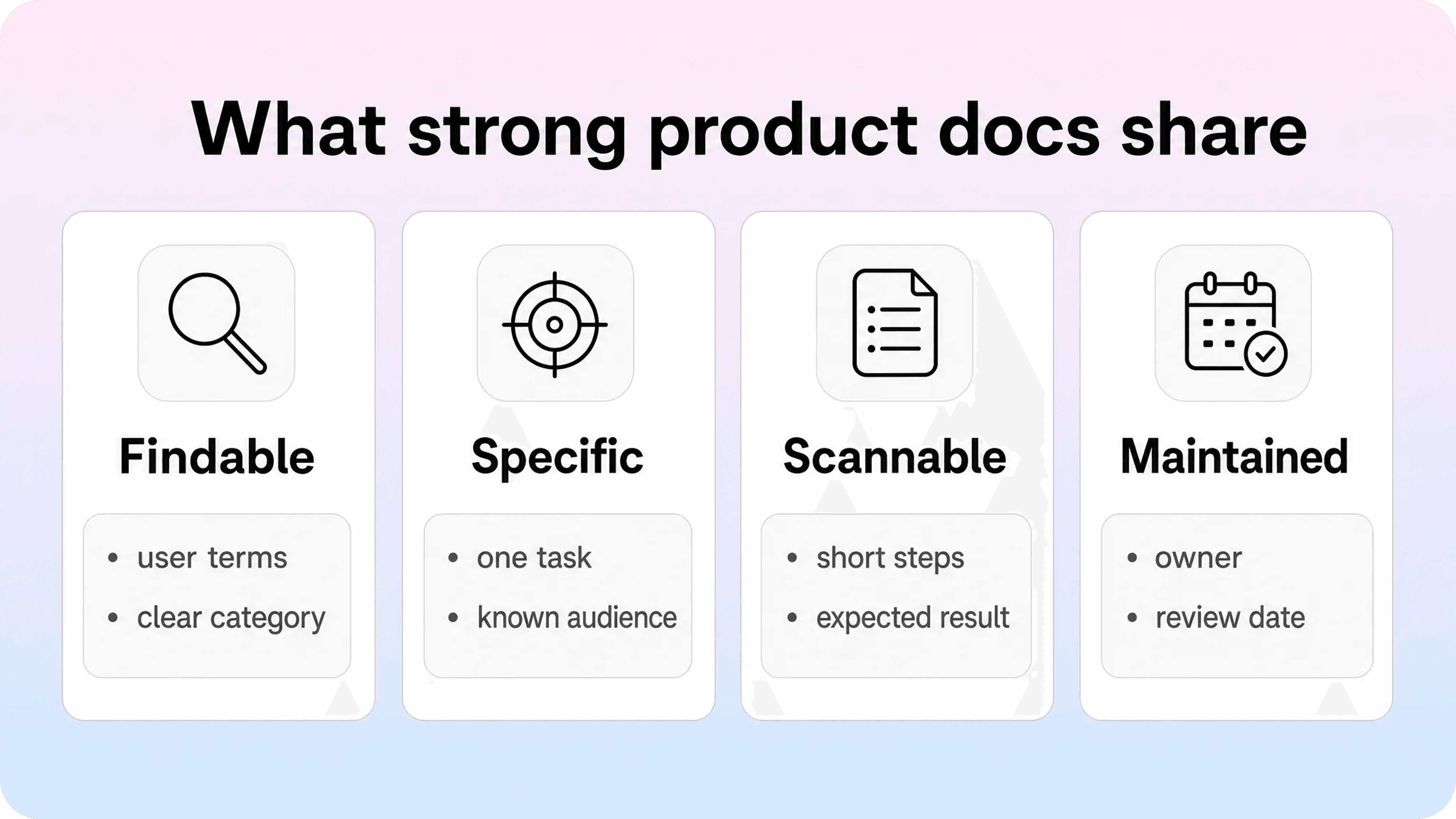
The examples above vary by audience and format, but the underlying best practices are consistent. Strong product documentation is findable, specific, scannable, connected, and maintained.
Make the page promise specific
A vague page creates doubt before the reader even starts. “Settings overview” could mean anything. “Change your workspace name” is specific. “Fix a failed Zap run” is specific. “Set up your billing portal” is specific.
A good article title should tell the user whether they are in the right place. If the topic is broad, split it into smaller pages instead of forcing one article to cover setup, usage, troubleshooting, and policy in the same flow.
Write around the user’s moment, not the team’s structure
Product teams often organize docs around features because that mirrors how the product is built. Users usually think in tasks, problems, roles, and outcomes.
That does not mean feature names should disappear. It means the user’s job should lead. A page can mention the official feature label after the reader understands what the page helps them do.
This is the same principle behind strong product documentation best practices: documentation should support the moment where users need help, not just describe the product from the inside out.
Separate article types before the library gets large
A getting-started guide, troubleshooting article, API reference, billing explainer, release note, and product guide should not all use the same structure. Each format has a different reader promise.
Small teams can start with four page types:
getting-started guides
how-to product guides
troubleshooting articles
rules and settings explainers
As the product grows, add integration guides, API reference, release notes, admin guides, migration guides, and customer education content. The important part is to define the page type before drafting. A reusable knowledge base article template can help keep those shapes consistent.
Put the useful part early
Users do not read product documentation like a blog essay. They scan for confirmation, steps, warnings, and the next action. Long introductions delay the answer.
Start with what the page helps with, who it applies to, and anything the user needs before starting. Then move into the steps or explanation. If the article is troubleshooting content, surface likely fixes early. If it is a permissions page, state the role or plan requirement before the reader invests time.
Connect related answers
A good documentation page should not leave the user at a dead end. If someone finishes a setup guide, they may need the next workflow. If they read about roles, they may need billing seats. If they troubleshoot an error, they may need a related integration article.
Internal links should feel like part of the task, not SEO filler. Link when it helps the reader continue. For example, this article naturally connects to Helpview’s guide on documentation standards, because templates and standards are what keep product docs consistent after the first few pages are written.
Maintain examples after product changes
Documentation breaks quietly. A button moves. A plan changes. A screenshot becomes stale. A support macro keeps using old wording. A release note announces a feature, but the setup guide never gets updated.
Every important product documentation page should have an owner and a review signal. That signal can come from product launches, repeated support tickets, search terms with no good results, customer feedback, or a scheduled review date.
The best SaaS docs are not only well written. They are maintained close to the product.
How to choose the right example for the article you need
If you are not sure which documentation format to create, start with the user’s situation.
If the user is new, write a getting-started guide. If they are trying to complete one task, write a product guide. If something is broken, write troubleshooting documentation. If they are deciding what applies to them, write a rules or settings explainer. If they are technical and need exact behavior, write reference documentation. If the product changed, write release notes and update the pages affected by the change.
A simple decision model helps:
User situation | Best documentation example |
|---|---|
“I am new and need to start.” | Getting-started guide |
“I need to do one thing.” | Product guide or how-to article |
“Something is not working.” | Troubleshooting article |
“Can I do this on my plan or role?” | Permissions, billing, or limits explainer |
“I need to connect another tool.” | Integration setup guide |
“I need exact technical details.” | API, field, or reference documentation |
“Something changed.” | Release note plus updated product docs |
This keeps documentation planning grounded in demand. Instead of asking the team what pages it wants to publish, ask which user moments create confusion, tickets, onboarding friction, or failed setup. The answer usually reveals which documentation example to create next.
Common mistakes in product documentation examples
The first mistake is making examples too broad. A single article called “Projects” may feel efficient internally, but it rarely helps users with specific questions like creating a project, archiving a project, inviting collaborators, changing project visibility, or restoring deleted work.
The second mistake is copying the shape of a large company’s docs without copying the reason behind it. Stripe, GitHub, Docker, Notion, Slack, and Zapier all have useful patterns, but their scale is not the point. The point is how they separate entry points, task guidance, troubleshooting, and reference material.
The third mistake is mixing audiences. Admins, end users, developers, billing owners, and support contacts often need different answers. If one page tries to serve all of them, it usually becomes vague for everyone.
The fourth mistake is treating a template as a substitute for judgment. A product documentation template should create consistency, not force every page into the same rhythm. A troubleshooting page needs causes and recovery steps. A billing page needs rules and consequences. A product guide needs steps and expected results.
The fifth mistake is letting published examples go stale. A polished article that no longer matches the product is worse than a rough article that is accurate. Good documentation systems need ownership, review, and update triggers built into the workflow.
Conclusion
Product documentation examples are most useful when they show how to help users make progress. For SaaS teams, that usually means starting with getting-started guides, product guide examples, setup docs, troubleshooting pages, permissions explainers, integration docs, and release notes before trying to document everything at once.
The best examples do not depend on a huge documentation team. They depend on clear page promises, user language, repeatable templates, useful links, and a maintenance habit. If your team writes in Notion, you can keep that workflow while using Helpview to turn those pages into a clearer, searchable, customer-facing help center.
Frequently asked questions
What are product documentation examples?
Product documentation examples are customer-facing docs that help users understand, set up, use, troubleshoot, or manage a product. Common examples include getting-started guides, product guides, setup docs, troubleshooting articles, permissions explainers, integration guides, API reference, release notes, and billing help.
What should SaaS product documentation include?
What is a product guide example?
What is the difference between product documentation and software documentation?
What is a simple product documentation template?
Share article:

2 free months of Pro
Turn Notion pages into help center answers.
Keep writing in Notion and publish a real, searchable Notion help center.

Articles
Keep reading