
Tips
What is a knowledge base? When teams need one

7 Min Read
A knowledge base sounds like a big-company thing until the same customer question shows up for the tenth time, your answers start living in Slack, Notion, and support replies at once, and nobody is sure which version is current. At that point, the question is not whether you have knowledge. It is whether people can actually find and use it. This guide explains what a knowledge base is, how it differs from a help center or FAQ, and the practical signs that a team has outgrown ad hoc docs.
Share article:

What a knowledge base actually is
A knowledge base is a centralized, searchable collection of information that helps people find answers without waiting for a person to explain the same thing again. In practice, it usually includes how-to articles, troubleshooting steps, policy answers, onboarding guidance, and task-based documentation. TechTarget’s definition is useful here because it frames a knowledge base as a central repository, not just a pile of files.
For customer-facing teams, the most important part is not the label. It is the job the content does. A good knowledge base helps someone solve a problem, complete a task, or understand what to do next with minimal friction. That is why the best ones feel closer to a working support system than a static archive.
It also helps to separate the content from the system around it. When people ask what a knowledge base system is, they usually mean the full setup: the articles, the search experience, the category structure, the publishing workflow, and the maintenance process that keeps everything current. The content matters, but so do the rules that make it findable and trustworthy.
For Helpview’s audience, that usually means turning support knowledge that already lives in Notion into a cleaner customer experience. If your team is already writing docs, a knowledge base is the step where those docs become structured, searchable, and usable by people outside the company.
How a knowledge base differs from a help center, FAQ, and documentation
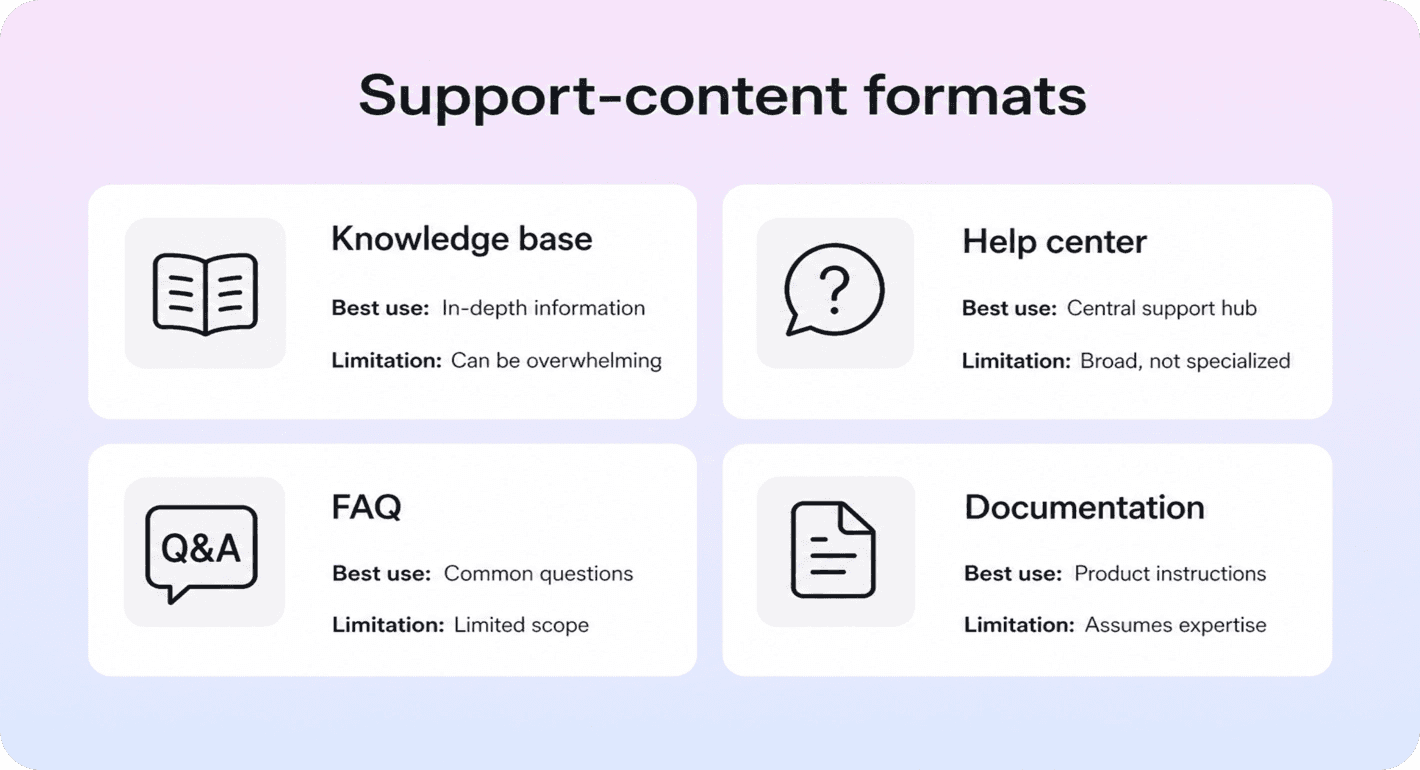
These terms get blurred together because they often live in the same place. Still, they do different jobs, and the differences matter when you decide what to build first.
Format | Best at | Usually falls short when |
|---|---|---|
FAQ | Answering a small set of repeated questions fast | Users need deeper steps, troubleshooting, or structured navigation |
Documentation | Explaining features, systems, or technical detail in depth | Someone needs a quick answer under pressure |
Help center | Giving customers a branded place to search, browse, and get support | The underlying articles are weak, outdated, or hard to organize |
Knowledge base | Powering repeatable self-service with searchable, reusable answers | There is no ownership, structure, or maintenance process |
The easiest way to think about it is this: the knowledge base is the answer layer, and the help center is the customer-facing experience wrapped around it. A help center can include FAQs, troubleshooting articles, onboarding guides, and deeper documentation, but the knowledge base is what makes those pieces coherent enough to search and maintain.
That is also why a FAQ page is rarely enough for a growing team. FAQs are fine for a short list of predictable questions, but they break down once users need step-by-step guidance, related articles, or clear paths between topics. Documentation can go deeper, but on its own it is often too broad or too technical for routine support moments.
If you are shaping the customer-facing side of this system, help center best practices and real help center examples become more useful than debating the label. The important question is whether users can reach the right answer quickly and trust what they find.
When a team actually needs one
Teams rarely need a knowledge base because they hit a certain headcount. They need one when answering questions stops being a one-off activity and starts becoming a pattern.
The clearest signal is repetition. The same questions keep showing up in support, onboarding, sales handoffs, or customer success conversations, and the team keeps rewriting the same answer in slightly different ways. Once that happens, you are already paying the cost of a knowledge base, just inefficiently.
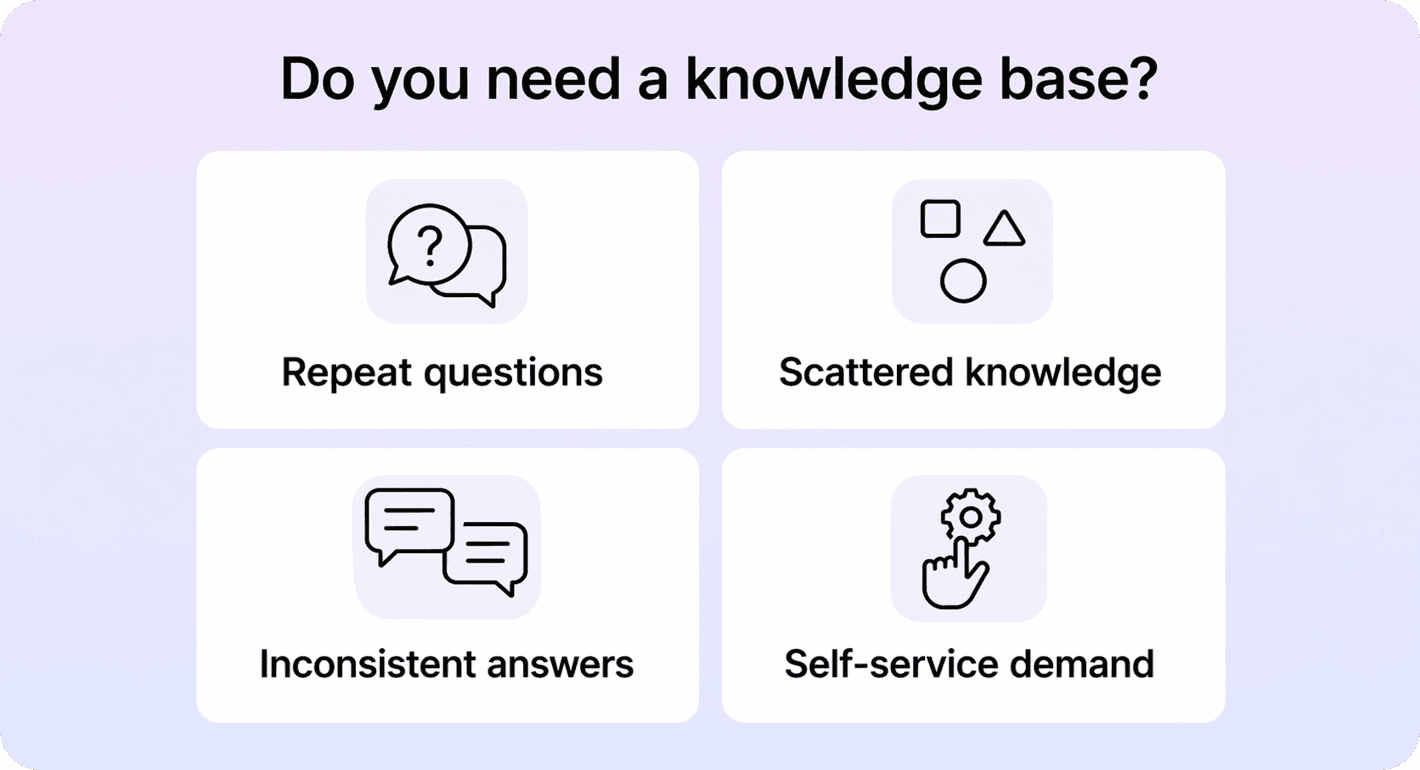
Other strong signs show up quickly:
your answers live across Notion pages, Slack threads, tickets, and old docs
customers need help with recurring tasks like setup, billing, permissions, or troubleshooting
multiple teammates explain the same thing differently
onboarding is slowing down because users cannot self-serve the basics
your product is becoming mature enough that people expect search, structure, and polished support content
That does not mean every early-stage team needs a full help center right away. If the product is still changing daily, question volume is low, and the founder can answer everything directly, a massive documentation project is usually the wrong move. But even then, a lightweight knowledge base often becomes useful earlier than teams expect, especially once product language stabilizes and the same issues keep resurfacing.
A simple rule of thumb helps: if you can name the ten questions your team answers every week, you are ready for a first version. It does not need to be big. It needs to be consistent, searchable, and easy to update. That is the same logic behind reducing support tickets with a help center: start where repetition is already costing time.
Benefits of a knowledge base for customers and teams
The main benefit of a knowledge base is not that it stores information. It is that it turns repeat knowledge into a usable system.
For customers, that means faster answers and less friction. Instead of waiting for a reply, they can search, scan, and solve routine questions on their own. That is especially valuable for moments like account setup, billing questions, password resets, feature discovery, or troubleshooting steps that do not actually require a human.
For support and success teams, the win is consistency. A shared answer is usually better than five improvised ones. Articles become a stable reference point for onboarding, support replies, macros, suggested links, and in-app help. That makes the team faster, and it also improves the quality of the answers people get.
There is also a compounding effect. Once your knowledge base is structured well, it becomes easier to improve search, spot content gaps, and expand self-service deliberately. That is where a polished help center, strong internal linking, and ongoing help center SEO work start to matter. Zendesk’s guide to building and maintaining a knowledge base is a useful outside reference for that broader operational view.
A good knowledge base does not replace support. It filters routine questions, improves the quality of escalations, and gives your team a stronger source of truth. The result is usually fewer repetitive tickets, smoother onboarding, and a support experience that feels more intentional.
How to start a knowledge base without overbuilding it
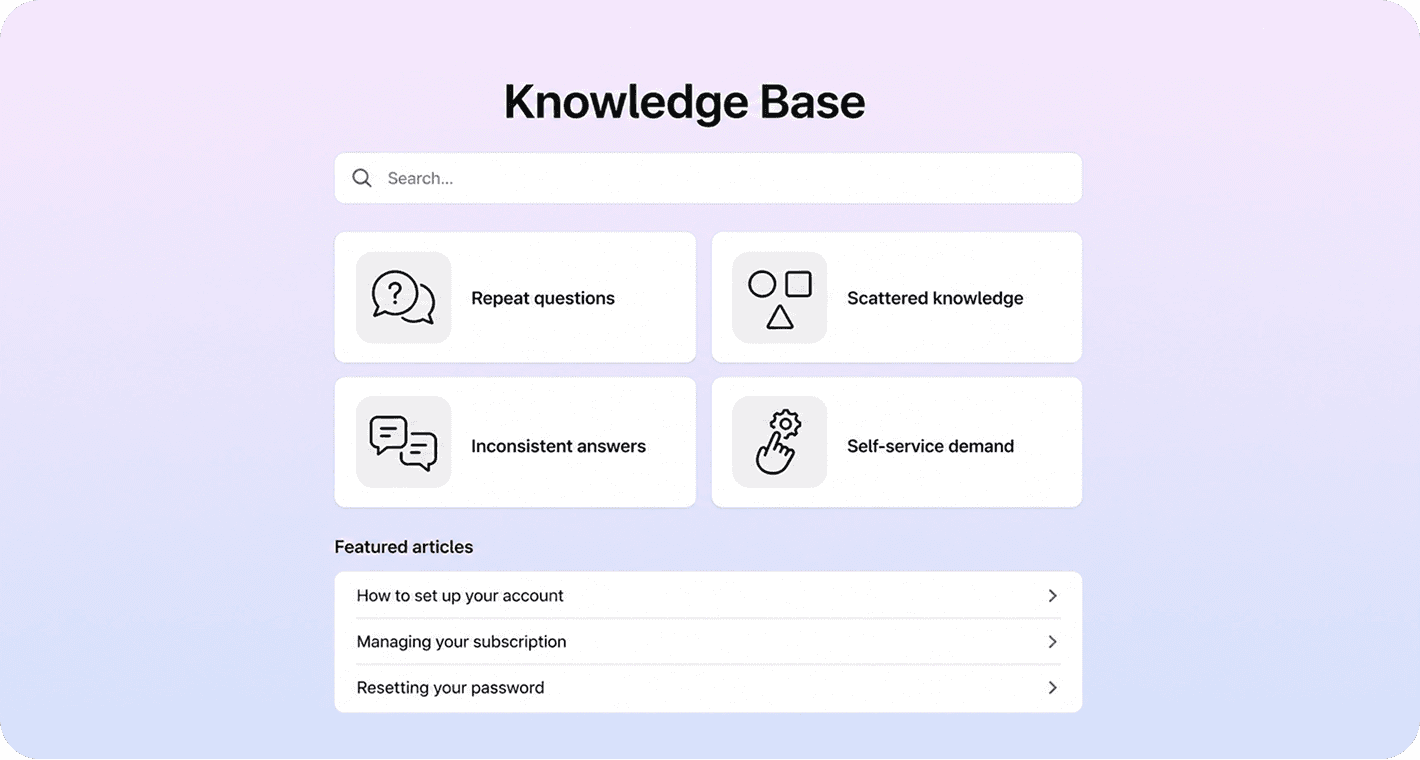
The biggest mistake teams make is treating a knowledge base like a giant side project. The better approach is to build the smallest version that already saves time.
Start with the last 30 to 90 days of real questions. Look at support tickets, onboarding calls, chat transcripts, internal handoff notes, and search terms if you have them. Then pick the issues that are both common and solvable in self-service. Most teams do not need fifty articles to begin. They need ten useful ones.
Next, group those answers into a small structure people can scan. Keep the categories boring on purpose: getting started, billing, account and security, troubleshooting, integrations, or whatever matches the real jobs users are trying to do. If you already write in Notion, this is where a tool like Helpview’s Notion-based SaaS knowledge base setup becomes practical, because it lets you keep authoring where you already work while publishing a cleaner customer-facing layer.
Then make each article do one clear job. Use task-based titles, lead with the answer, keep the steps short, and link to the next relevant action when it helps. If you are still choosing the publishing layer itself, our comparison of help center software is a better next read than jumping straight into a bigger documentation project.
Finally, assign ownership and a review rhythm. A small knowledge base that stays current is more valuable than a huge one that drifts out of date. The first version should feel simple, findable, and obviously useful, not complete.
If your team already keeps its product knowledge in Notion, a Notion help center lets you publish it in a customer-ready format without adding another place for the team to manage content.
Conclusion
A knowledge base is not something teams build because it sounds mature. They build it because repeat questions, scattered answers, and growing self-service expectations make ad hoc support too expensive to keep improvising. If your team already has recurring questions and stable answers, you probably do not need a bigger pile of docs. You need a clearer, searchable system people can actually use.
Frequently asked questions
What is the difference between a knowledge base and a help center?
A knowledge base is the underlying library of answers, articles, and structured information. A help center is the customer-facing experience that presents that content through search, categories, navigation, and support entry points. Most good help centers are powered by a knowledge base.
What is a knowledge base system?
Do small teams need a knowledge base?
What should a knowledge base include first?
Can you build a knowledge base in Notion?
Share article:

2 free months of Pro
Turn Notion pages into help center answers.
Keep writing in Notion and publish a real, searchable Notion help center.

Articles
Keep reading