Tips
Product documentation that SaaS users actually need

12 Min Read
If your SaaS documentation only explains features, it will keep missing the moments users actually care about: getting started, completing a task, fixing something that broke, understanding permissions, and figuring out what to do next without opening a ticket. Good product documentation is not a side library of articles. It is part of the product experience, and it works best when it is written around real user needs instead of internal product structure.
Share article:

What product documentation actually means
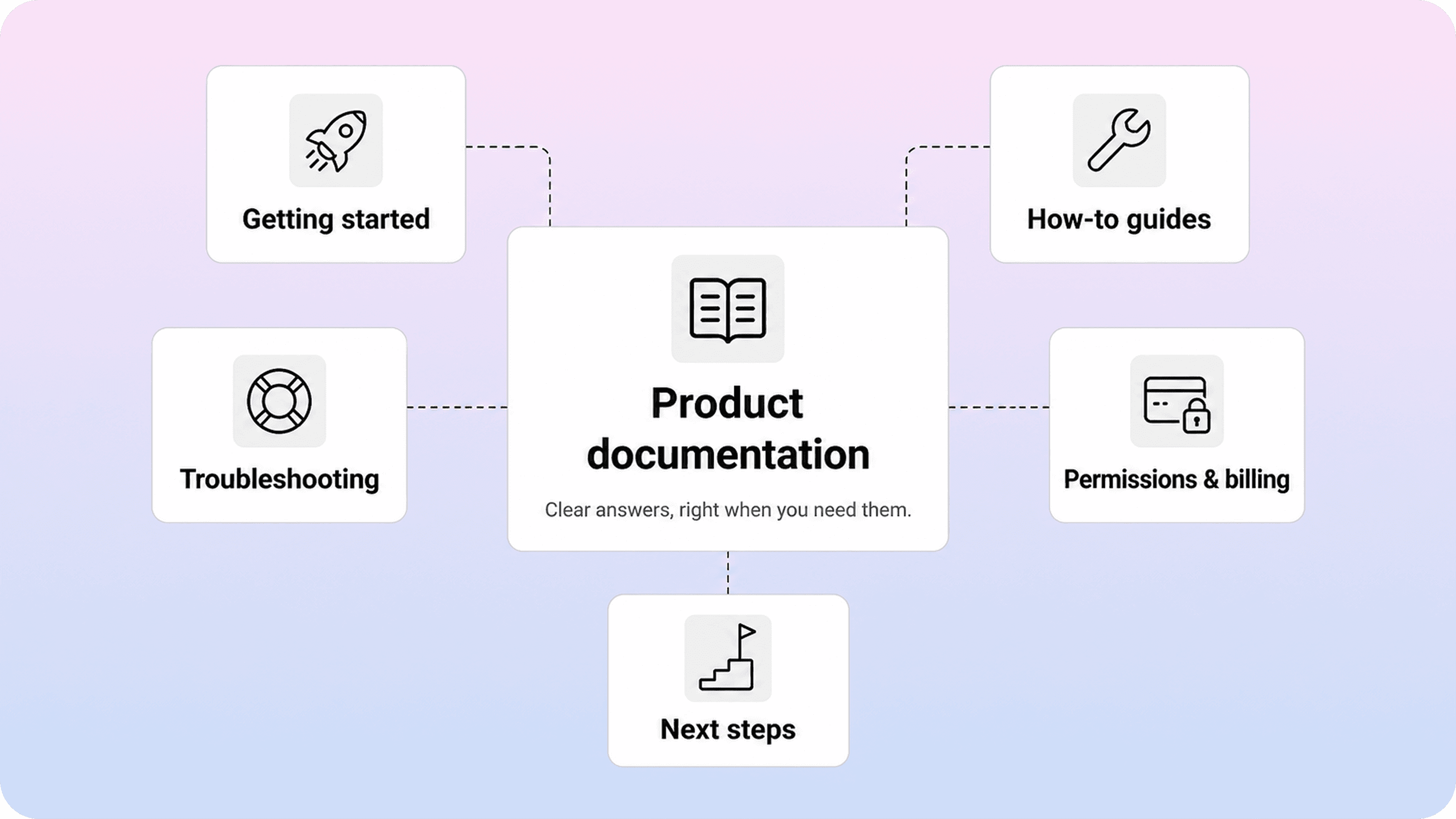
Product documentation is the user-facing guidance that helps someone understand, set up, use, troubleshoot, and manage your product. In SaaS, that usually includes getting-started guides, how-to articles, troubleshooting pages, plan and permissions explanations, billing help, and short answers to recurring questions.
That definition matters because teams often treat product documentation too narrowly. They think of it as feature explanations or a long manual. Users do not experience it that way. They reach for documentation when they are trying to get unstuck, complete a task, confirm whether a setting applies to them, or figure out what to do next.
So good product docs are less about documenting everything and more about supporting the moments where confusion costs time. If a new user cannot finish setup, if an admin is unsure about permissions, or if a customer hits an error and needs a fix, documentation becomes part of the product experience.
That is also why product documentation sits in a practical middle ground. It is broader than a single product guide, because users need more than one linear walkthrough. But it is narrower than your company’s total knowledge, because internal notes, roadmap context, and team-only process docs are not the same thing as customer-facing help.
For SaaS teams, the most useful definition is simple: product documentation is the system of articles and guidance that helps users make progress without waiting for support.
How product documentation differs from a knowledge base, help center, and FAQ
These terms overlap, but they are not interchangeable.
Product documentation is the actual guidance users rely on to learn the product, complete tasks, and solve problems. A knowledge base is the broader collection of reusable answers behind that experience. A help center is the customer-facing place where people search, browse, and read that content. A FAQ is just one content format inside the larger system.
The easiest way to think about it is this: product documentation is the substance, the knowledge base is the organized body of content, and the help center is the interface people use to access it.
That distinction matters because teams often say they need a knowledge base when the real problem is that their product docs are weak, scattered, or written around internal language. Or they redesign the help center while leaving the underlying articles vague. The surface can look polished and still fail users if the documentation underneath does not answer real questions clearly.
It also helps to separate user-facing product documentation from developer documentation. API references, SDK guides, and integration docs matter, but they serve a different audience with different expectations. This article is focused on end-user documentation: the content that helps a customer use the product successfully.
Once that line is clear, planning gets easier. You are not trying to publish every possible kind of documentation at once. You are deciding which user-facing answers need to exist, how they should be structured, and where people should find them inside a help experience that follows strong help center best practices.
What SaaS users actually need from product documentation
Most SaaS users are not looking for a tour of your product. They are trying to do something specific. They want to know whether they are in the right place, what action to take now, and what result to expect afterward.
Once the basic definitions are clear, this becomes the real test. The strongest product documentation follows user moments instead of internal feature lists. In practice, most users come back to the same five needs again and again.
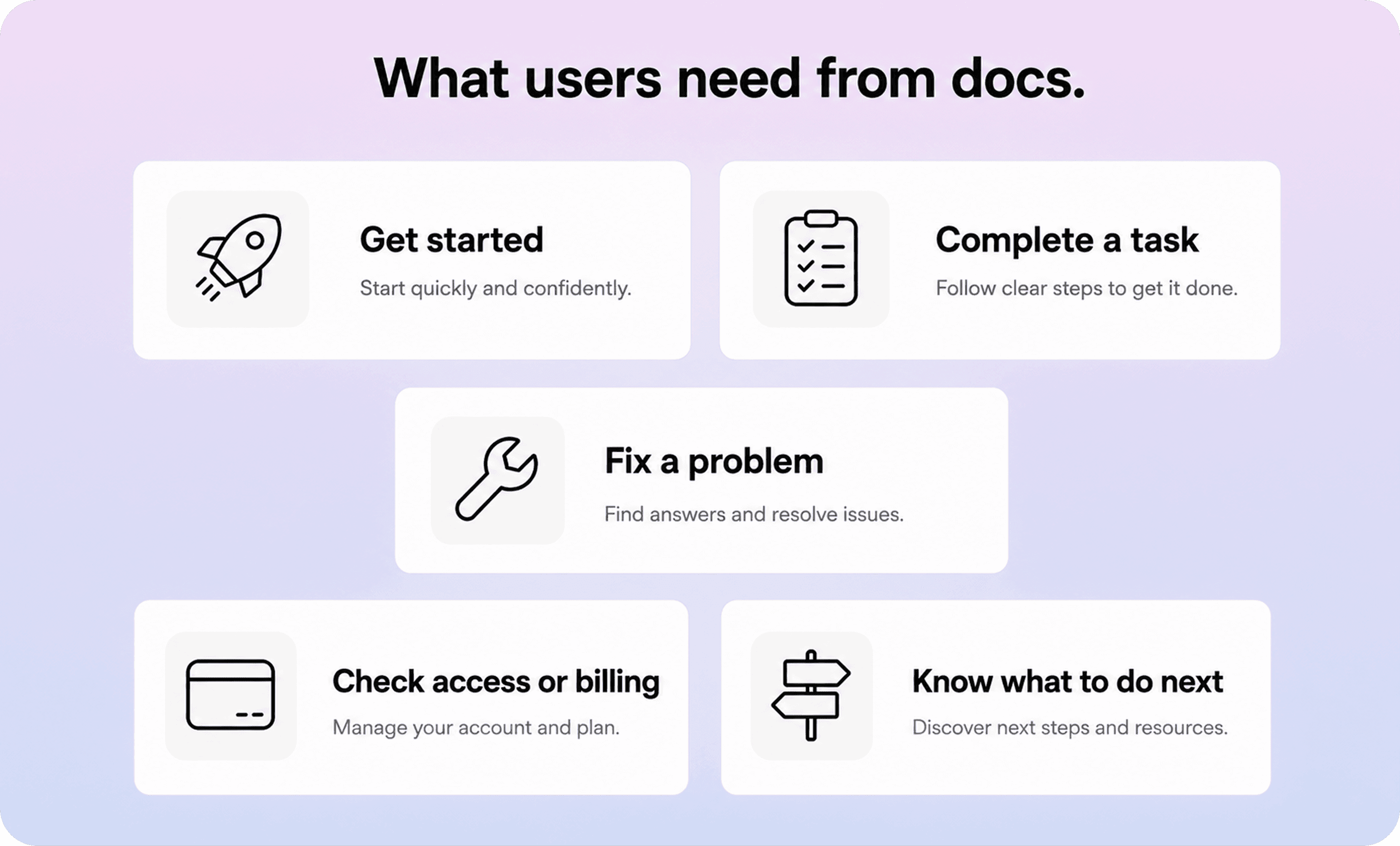
User moment | What the user needs | Best documentation format |
|---|---|---|
Getting started | a fast path to first success, clear prerequisites, and the shortest sensible setup path | getting-started guide or onboarding checklist |
Completing a task | step-by-step instructions for one specific job | how-to article or product guide |
Fixing a problem | the likely cause, the fix, and what to try next if it fails | troubleshooting article |
Understanding access, billing, or limits | who can do what, what is included, and what changes by plan or role | policy or settings explainer |
Moving forward | related actions, next articles, or escalation if self-service is not enough | related links, suggested articles, or contact path |
Notice what is missing from that list: long introductions, feature marketing, and broad descriptions that never turn into action. Those may be useful elsewhere, but they rarely help a user under pressure.
A new customer needs a clear first path. A regular user needs quick task guidance. An admin needs confidence around roles, settings, and edge cases. A frustrated customer needs a fix without digging through three loosely related pages. Good product documentation respects those different contexts instead of flattening everyone into one generic reader.
This is also where many SaaS docs either become genuinely useful or quietly fail. If your content helps users recognize their situation fast and get to the next step with low friction, it works. If it makes them translate internal terms, guess which article applies, or scan past paragraphs of setup before the answer appears, it does not.
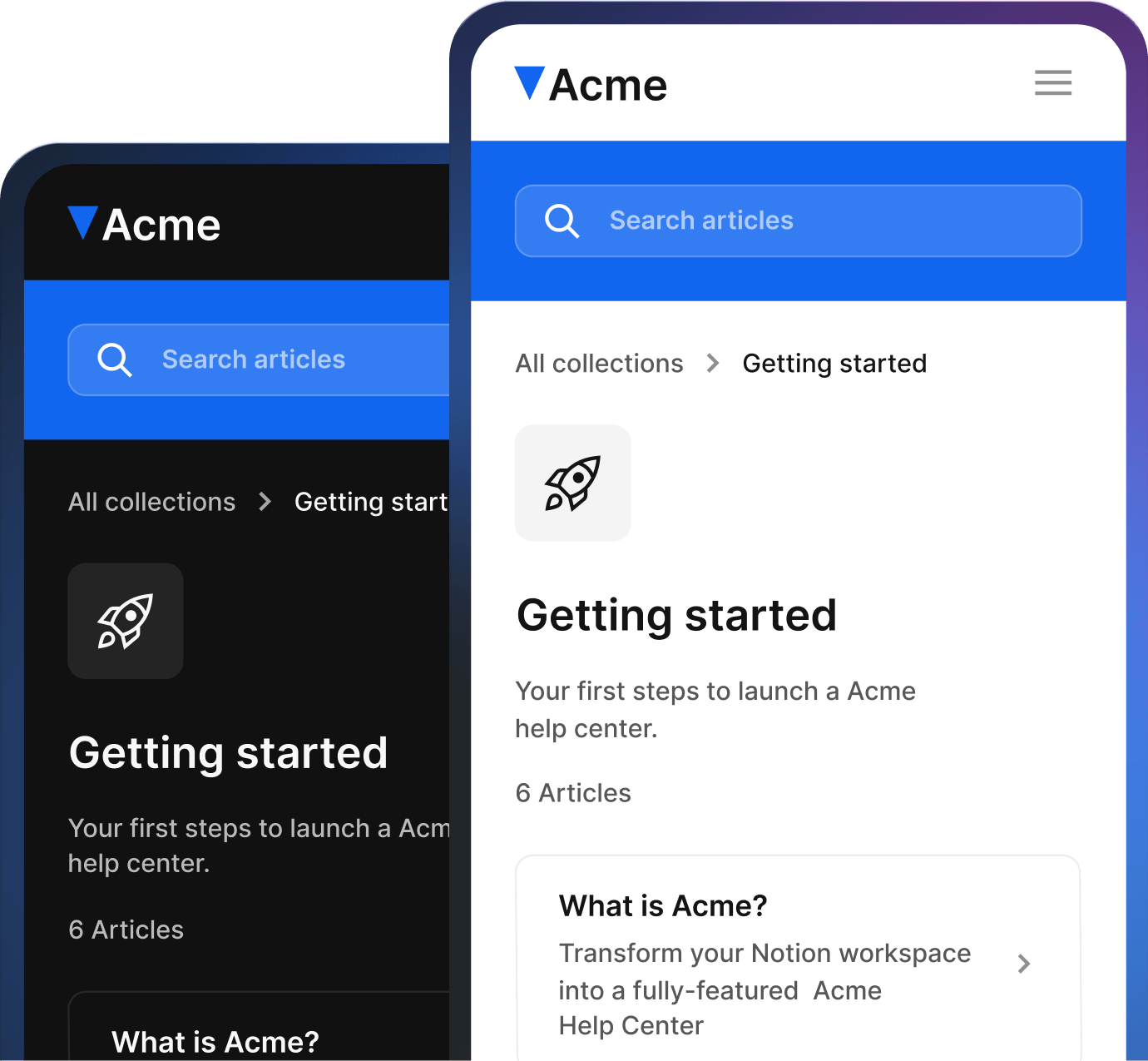
A Notion help center can be a good fit when your team wants to write product documentation in Notion but give customers a clearer, dedicated place to browse it.
Where product docs usually fail users
Product docs usually fail in ordinary ways, not dramatic ones. The answer technically exists, but the user still cannot get to it quickly enough.
One common problem is vague scope. An article title sounds broad enough to catch everything, but once someone opens it, the page only answers one edge case. Another problem is internal language. Teams title pages around feature names or internal concepts, while users search for the problem they are having right now.
Buried answers are another frequent failure. A user opens a troubleshooting article because something is broken, then has to read several paragraphs before seeing the likely fix. The same thing happens when setup docs spend more time describing the product than telling people what to do.
Missing context also causes friction. If an article does not say who it is for, what permissions are required, what plan it applies to, or what should happen after the steps are complete, users are left second-guessing whether they are following the right guidance.
Then there is the structural failure that shows up at scale: documentation without continuity. No related articles. No obvious next step. No clear escalation path. No maintenance rhythm. Even strong individual pages become unreliable when users hit dead ends or stale instructions.
The result is predictable. Users bounce back to support, repeat the same questions, or lose trust in the docs after one bad experience. That is why product documentation quality is not just about writing style. It is about whether the content system helps people move from confusion to resolution with minimal hesitation. Teams trying to lower repeat questions run into the same pattern described in our guide to reducing support tickets with a help center: the issue is often not missing content, but weak findability and weak article design.
Product documentation best practices for SaaS teams
The most useful product documentation best practices are usually simple. Write for the user’s task, match the language they use, and make the next step obvious.
Start with one clear intent per page. A page should help someone set up a feature, complete a task, solve a problem, or understand a rule. Once a page starts trying to do three of those jobs at once, it usually becomes slower to scan and harder to trust.
Put the useful part early. If the article is a how-to, show the task and prerequisites fast. If it is troubleshooting content, surface the likely fix early. If it is a settings or permissions explanation, state who the page applies to before the reader invests time in the rest.
Use user wording, not team wording. Product names and official labels still matter, but article titles and intros should reflect the language users actually use when they search. That is often the difference between content that exists and content that gets found.
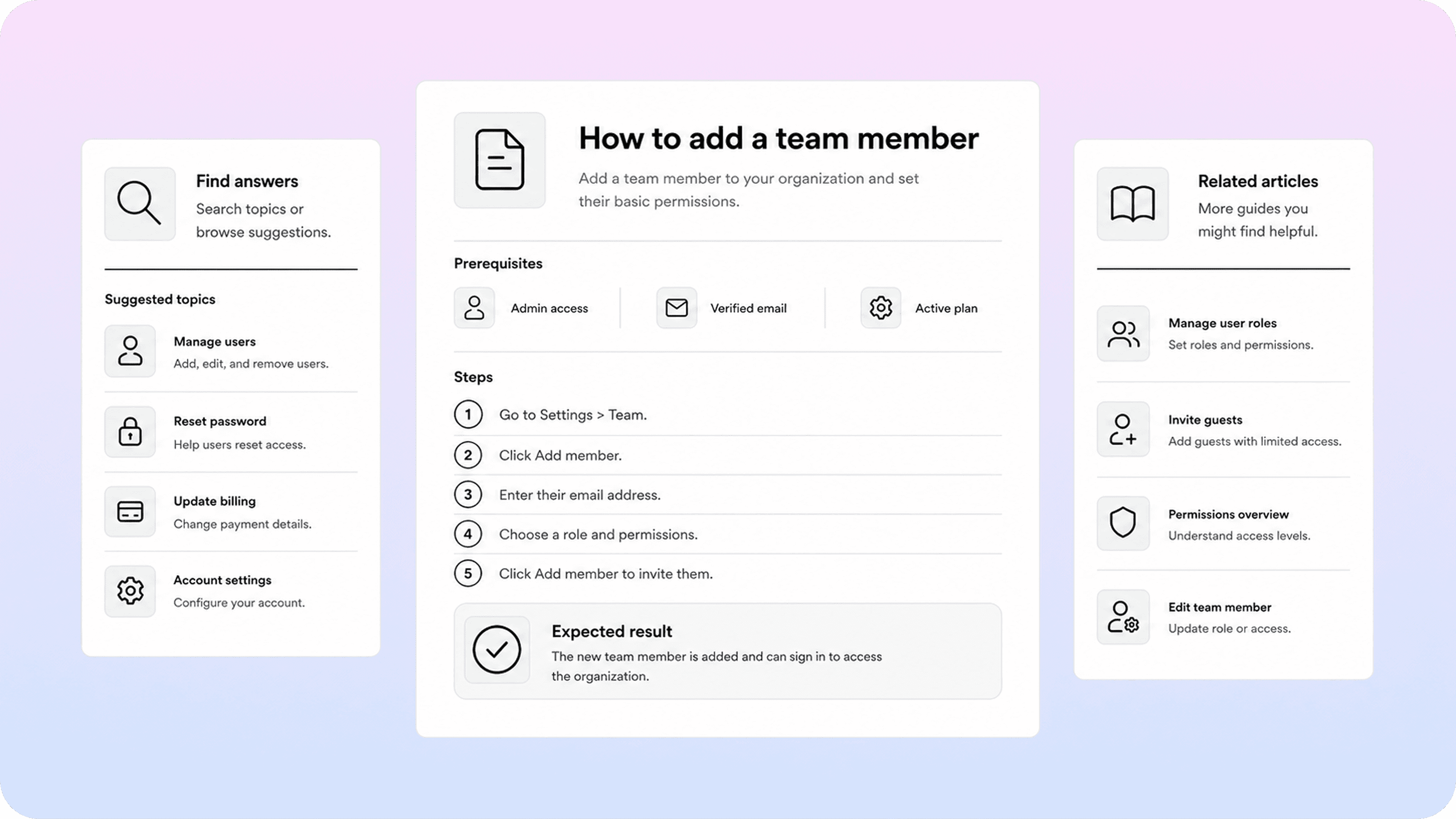
Keep the structure predictable. Strong end user documentation usually follows a repeatable rhythm: what this page helps with, anything to know before starting, the answer or steps, the expected result, and the next logical path if the issue is not solved. Predictability reduces effort for both readers and writers. If your team is still standardizing article shapes, a simple knowledge base template can remove a lot of unnecessary variation.
Keep paragraphs short and headings functional. Users do not read support content like essays. They scan, confirm intent, and move. Good structure helps them do that without feeling rushed. That is also why guidance like the Microsoft Writing Style Guide, Google’s developer documentation style guide, and GOV.UK’s guidance on writing for the web keeps returning to the same idea: clarity, consistency, and user need matter more than sounding impressive.
Finally, treat documentation like a maintained product surface. Review search terms, repeated ticket themes, stale pages, and content gaps on a regular cadence. The fastest way for product docs to become unhelpful is not bad writing. It is drift. That maintenance habit also supports stronger help center SEO, because clear, current, task-focused pages are easier for both users and search engines to trust.
Product documentation examples worth learning from
Strong product documentation examples are useful because they show what real user-centered structure looks like in practice.
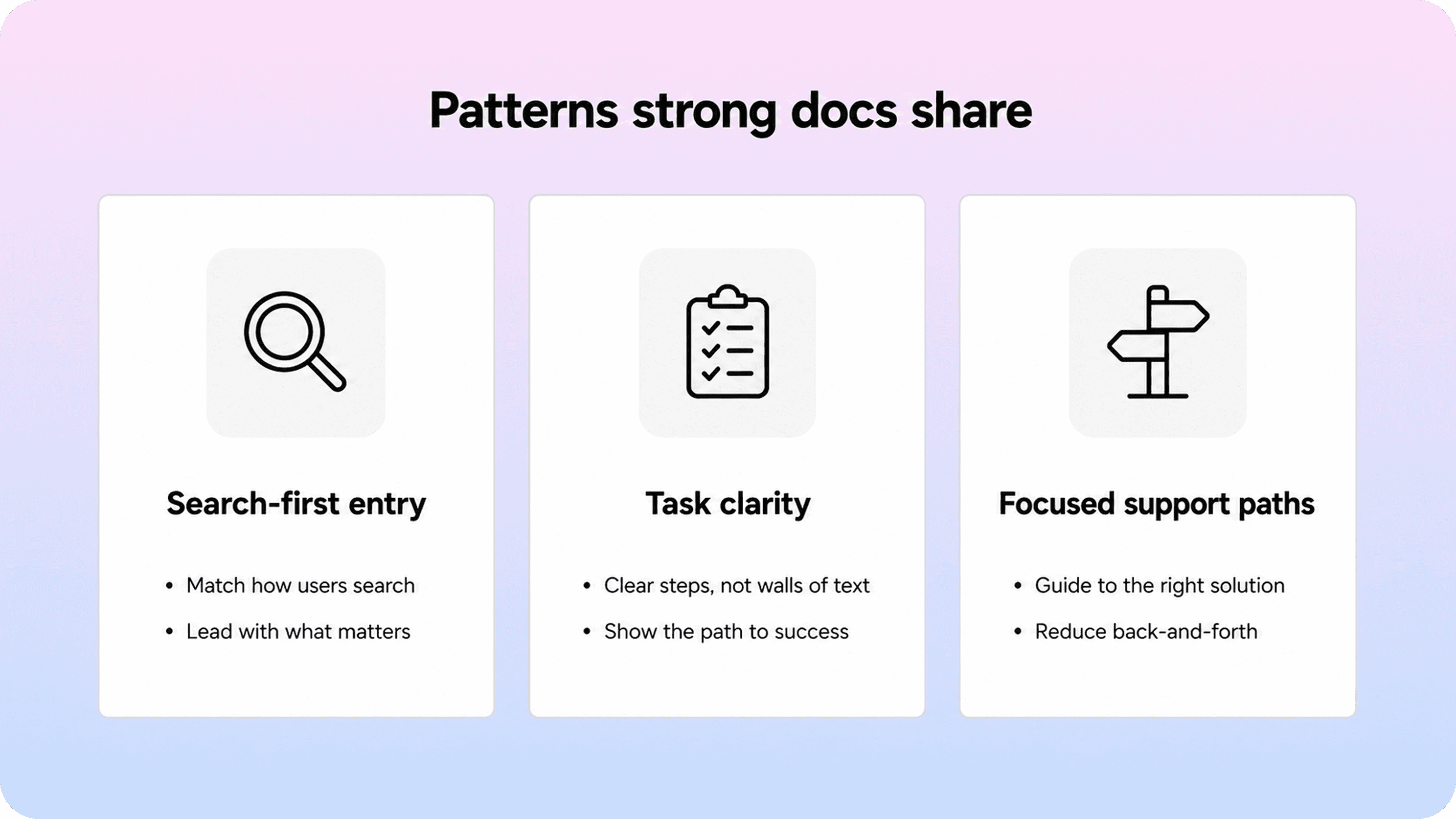
Notion Help is a good example of search and topic surfacing done well. Its help experience makes common needs visible quickly, including billing, member management, restoring content, and beginner paths. That kind of structure reduces the work users have to do before they even choose an article.
Slack’s help center is a useful example of task-oriented onboarding and category clarity. Its help content makes room for both broad getting-started questions and more specific how-to guidance, which matters because new users and experienced users rarely need the same entry point.
Stripe support is a strong example of structured support content for more complex product situations. Even when the topic is dense, the documentation model points users toward focused paths instead of leaving them in a generic archive. That is especially important for troubleshooting, payments, account settings, and workflow-specific questions.
The common pattern across these examples is not style for its own sake. It is practical clarity. Strong product docs help users sort themselves quickly, land on the right page faster, and understand what action to take next.
That is the standard worth copying. Not the exact layout, and not the brand size behind it. What matters is that the documentation respects the user’s moment: first-run setup, repeated task, confusing setting, broken workflow, or account question. When product documentation is built around those moments, it becomes easier to trust and much easier to use. For Notion-first teams, that is exactly the kind of experience Helpview is trying to support with its SaaS knowledge base workflow and core help-center features.
Conclusion
Product documentation works when it helps users make progress, not when it tries to describe the whole product in one place. For SaaS teams, that means writing around real user moments, keeping answers easy to find and follow, and treating documentation as part of the customer experience rather than a side project. If the docs help people get started, finish tasks, fix problems, and move to the next step with confidence, they are doing the job users actually need.
Frequently asked questions
What should product documentation include?
Product documentation should include the guidance users need to set up the product, complete common tasks, troubleshoot issues, understand roles or plan limits, and know what to do next. In practice, that usually means getting-started guides, how-to articles, troubleshooting pages, permissions or billing explainers, and related links to the next logical help.
What is the difference between product documentation and a knowledge base?
What is the difference between product documentation and user documentation?
What makes good end user documentation?
What product documentation should a SaaS team create first?
Share article:

2 free months of Pro
Turn Notion pages into help center answers.
Keep writing in Notion and publish a real, searchable Notion help center.

Articles
Keep reading