Tips
Release notes template: how to write clear product updates

9 Min Read
A clear release notes template helps your team turn shipped work into product updates customers can understand, scan, and trust.
Share article:


Release notes template to copy
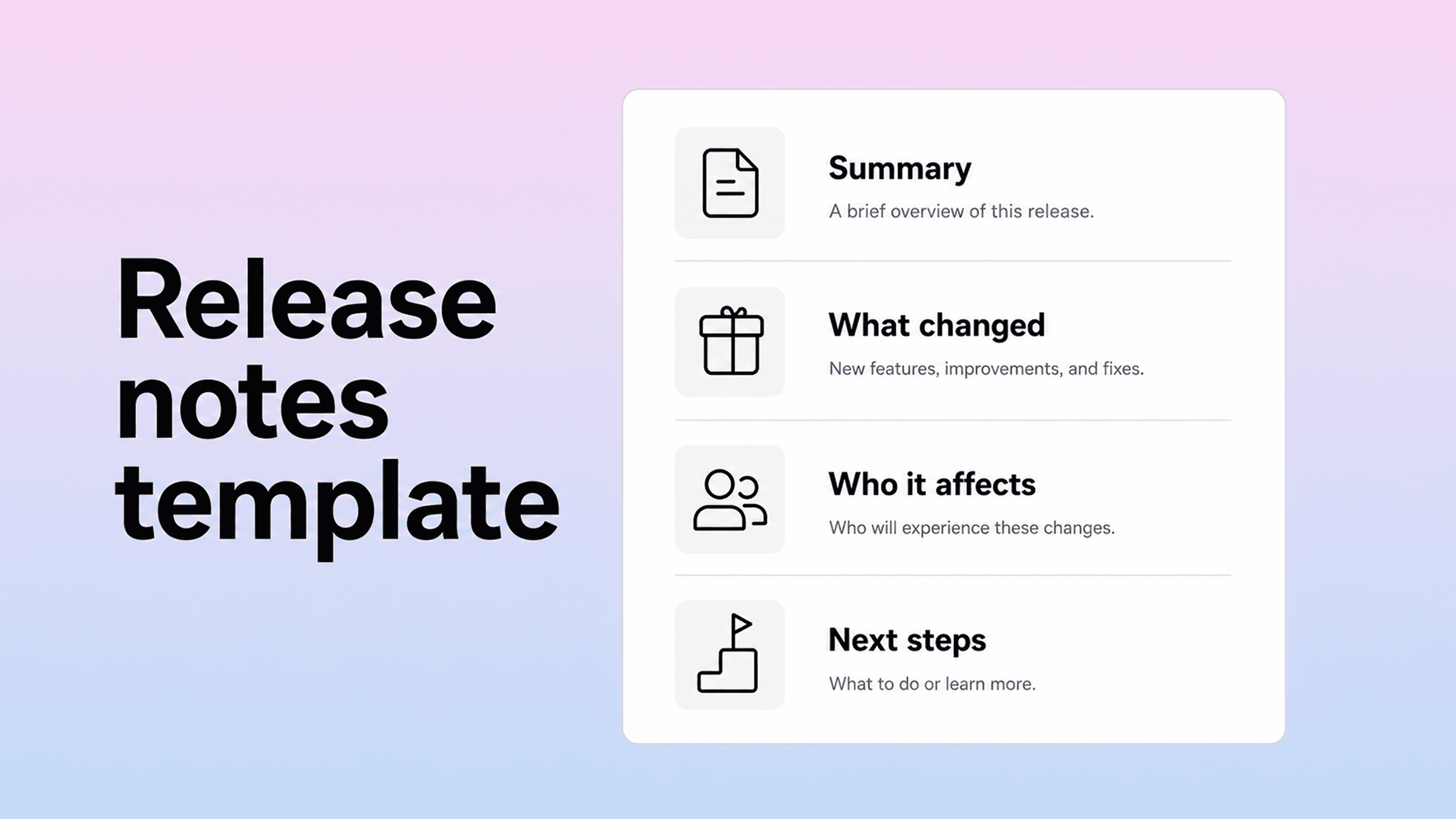
Use this release notes template when you need a customer-facing update that is clear enough for users and structured enough for the internal team.
Customer-facing release notes template
[Release title or version] — [Date]
Short summary
[One or two sentences explaining what changed and why it matters. Lead with the customer outcome, not the internal project name.]
What’s new
[Feature or update name]: [Explain what users can now do and where they can find it.]
[Feature or update name]: [Explain the practical benefit in one sentence.]
Improvements
[Explain what is better, faster, clearer, easier, or more reliable.]
[Mention only changes users are likely to notice or care about.]
Fixes
Fixed [plain-language description of the issue] so [customer-facing result].
Fixed [another issue] that affected [specific workflow or user group].
Who this affects
[All customers / admins / workspace owners / developers / users on a specific plan / users of a specific feature.]
Anything you need to do
[No action needed / update your settings / review this new option / migrate before a date / contact support if you need help.]
Learn more
[Link to help article]
[Link to setup guide]
[Link to migration instructions]
That structure works because it separates the announcement from the detail. The summary tells readers whether to keep reading. The grouped sections let them scan. The affected-audience note helps people decide if the change matters to them. The action section prevents confusion after bigger updates.
Do not use every section for every release. A small bug-fix update may only need a short summary and two fixes. A larger launch may need every section, screenshots, supporting documentation, and a customer email. The template is a starting point, not a checklist to overfill.
Short product update template
Use this lighter version for small weekly updates, in-app product updates, or a public changelog page.
[What’s new]
[One sentence on the main change.]
New: [Customer-facing feature or capability.]
Improved: [What is smoother, faster, clearer, or easier.]
Fixed: [Issue fixed in plain language.]
[Optional link to full docs or feedback.]
This version is useful when your product ships often and each release does not need a full article. It keeps momentum visible without making every update feel like a major launch.
Release notes example: before and after
Release notes get weak when they copy internal language directly into the customer update. The facts may be correct, but the note does not help the reader understand the outcome.
Here is a simple release notes example.
Weak release note example
Updated dashboard filters
We refactored the reporting filter logic and fixed several edge cases in date handling. We also improved the query layer and changed how saved views are loaded.
Stronger release note example
Dashboard filters are easier to use
Reports now remember your saved date ranges more reliably, so you can return to the same dashboard view without rebuilding the filters each time.
What changed
Saved report views now keep custom date ranges.
Large dashboards load filter options faster.
We fixed an issue where some reports reset to the default date range after refresh.
Who this affects
Anyone who uses saved dashboard views or custom reporting dates.
The stronger version does not hide the technical work. It translates it. The user does not need to know that the query layer changed. They need to know that saved filters behave more predictably.
Here is another release notes example for a bug fix.
Weak bug-fix note
Fixed OAuth callback null-user state.
Stronger bug-fix note
Fixed a sign-in issue that occasionally blocked Google login after a session expired. If this affected you before, signing in should now work without restarting the browser.
The second version is still short, but it answers the questions a customer actually has: what broke, when it happened, and what is different now.
Software release notes template for technical updates
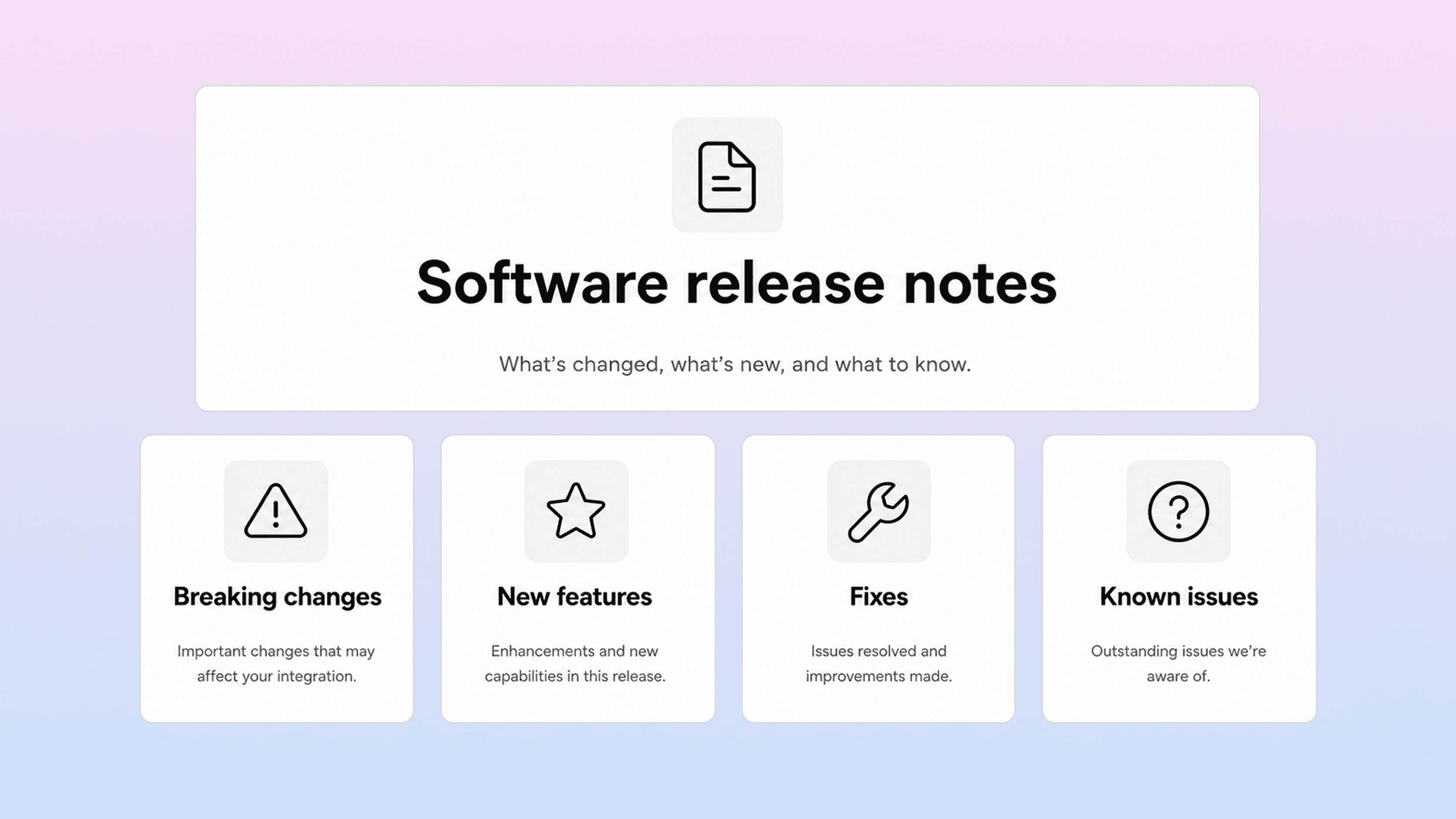
A software release notes template needs more detail than a general product update. Developers and technical users are often reading because they need to decide whether to upgrade, test, migrate, or delay.
Use this template for APIs, SDKs, developer tools, integrations, libraries, desktop apps, or technical SaaS releases.
Software release notes template
[Product or package] [Version] — [Date]
Release summary
[Brief summary of the release, including the most important change and whether action is required.]
Breaking changes
[Change name]: [What changed, who it affects, and what to update.]
Migration path: [What users should do before or after upgrading.]
New features
[Feature name]: [What it does and how to use it. Link to docs if needed.]
Improvements
[Performance, reliability, usability, or workflow improvement.]
Bug fixes
Fixed [issue] that affected [specific behavior].
Known issues
[Issue, workaround, and when you expect to resolve it if known.]
Compatibility and requirements
Minimum version: [Browser, framework, package, operating system, API version, or dependency.]
Deprecated: [Anything that still works but will be removed later.]
Links
Full documentation: [URL]
Migration guide: [URL]
Full changelog: [URL]
For technical notes, put breaking changes near the top. Do not bury them under new features. If a reader needs to take action before upgrading, that should be impossible to miss.
You can also borrow categories from the common changelog pattern: added, changed, deprecated, removed, fixed, and security. Those labels are useful for engineering-facing release history because they make a long changelog easier to scan. For customer-facing notes, use friendlier headings unless your audience expects technical labels.
The main rule is consistency. If every technical update uses a different structure, readers have to relearn the page every time. If each release follows the same order, people know where to look for the risk, the benefit, and the next step.
Product release notes vs changelog
Product release notes and changelogs are closely related, but they are not always the same thing.
A changelog is usually the running record of what changed over time. It may include every version, patch, fix, dependency update, deprecation, and technical note. It is useful for auditability and history.
Product release notes are the customer-facing explanation of a specific release or update. They are more selective. They highlight what users need to know, explain why the change matters, and link to documentation for details.
Think of it this way:
Format | Main audience | Best for | Tone |
|---|---|---|---|
Product release notes | Customers, admins, customer-facing teams | Explaining useful changes and actions | Plain, benefit-led, concise |
Software release notes | Developers, technical users, admins | Upgrades, API changes, fixes, compatibility | Precise, structured, detailed |
Changelog | Power users, developers, internal teams | Historical record of all notable changes | Consistent, categorized, chronological |
Many teams publish both through the same page. That can work if the page is organized well. The top of the update can explain the customer impact, while the lower section or linked changelog carries the technical detail.
Problems appear when the changelog becomes the only customer update. A raw list of commits may be complete, but it is rarely helpful for users. Customers do not want to decode internal ticket names. They want to understand what changed in their product experience.
The opposite mistake is turning every release note into a mini launch campaign. Not every fix needs a story. Strong release communication is proportionate: big changes get context, small fixes get clarity, and technical updates get precision.
How to write clear product release notes
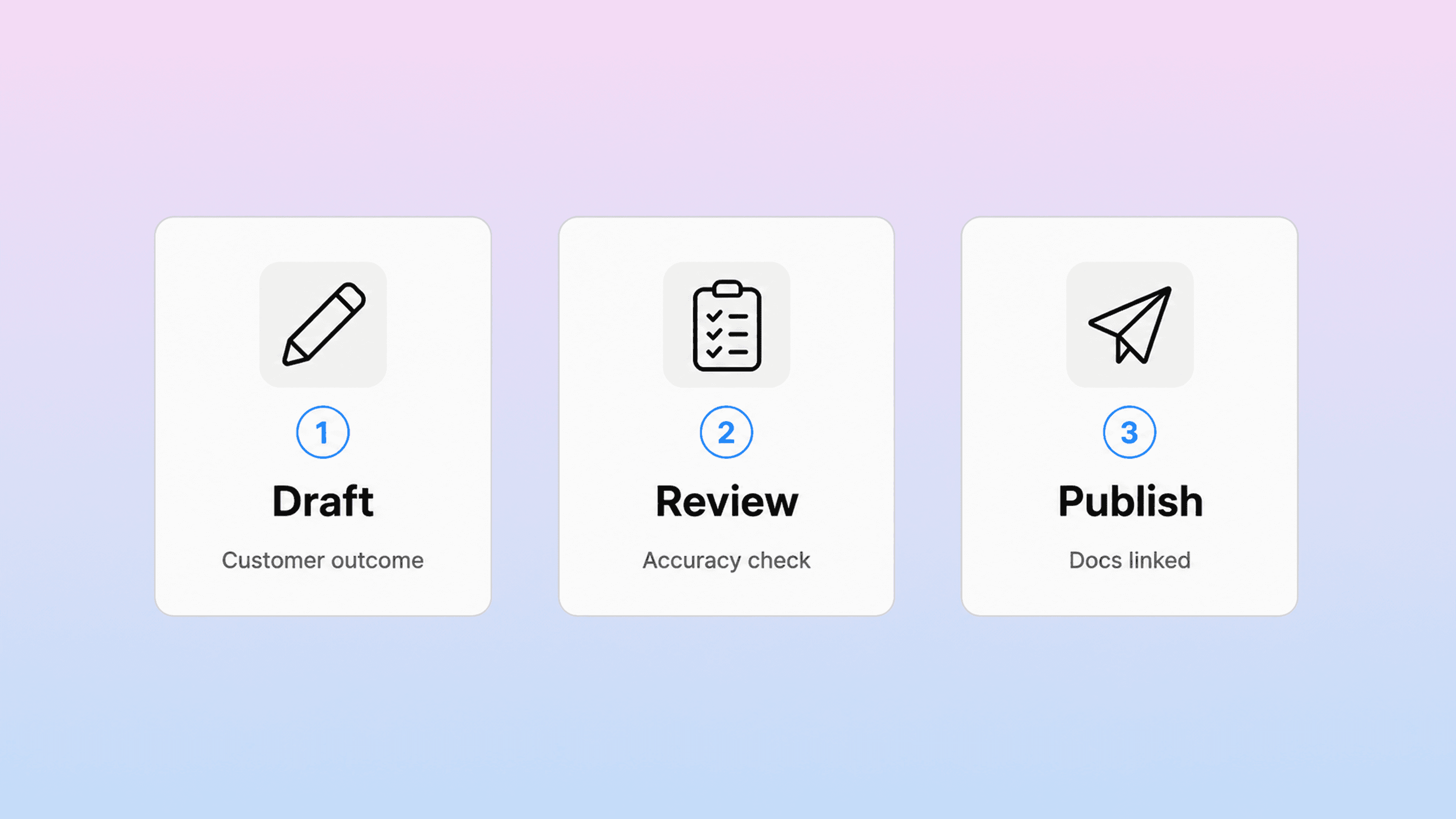
The template gives you the structure. The writing still matters.
Start with the reader, not the release. Ask who is affected and what they were trying to do before the change. If you cannot answer that, the update may not belong in public release notes yet.
Then write the note around the outcome. Instead of “implemented bulk export,” say “you can now export filtered reports as CSV files.” Instead of “optimized search indexing,” say “search results now update faster after you publish a new article.” The second version connects the shipped work to the customer’s workflow.
A useful product release note usually answers five questions:
What changed?
Why does it matter?
Who is affected?
Does anyone need to take action?
Where can readers learn more?
If an update cannot answer all five, that is fine. A small improvement may not need an action section. But the writer should still check. Missing action details are one of the fastest ways to turn a helpful update into a support spike.
Keep each entry short. Most release notes are scanned, not studied. Put the most important update first. Group smaller changes under clear headings. Remove internal labels, sprint names, implementation details, and vague claims.
Vague release note language usually sounds like this:
performance improvements
general bug fixes
various UI updates
backend changes
stability improvements
Sometimes those phrases are true, but they do not help the reader. If the change is worth publishing, make it concrete. Say which page is faster, which workflow is clearer, which bug is fixed, or which user group is affected.
Use screenshots or short visuals when the update changes the interface. A release note for a new dashboard, setting, editor, or help center layout is easier to understand when people can see the change in context. The note should explain the why; the image should show the what.
Finally, link release notes to the right help content. If the update introduces a new feature, link to the setup guide. If it changes an existing workflow, update the existing help article and link to it. If it closes a common support question, use the release note as a route into the full answer. Helpview’s article on turning support questions into documentation is a good next step for that workflow.
Where release notes should live
Release notes are only useful if people can find them when they need them.
Some teams publish updates in a changelog tool. Some use a blog. Some use an in-app widget. Some keep a Notion page and share it with customers. The right option depends on your audience and how important product updates are to support, onboarding, sales, and customer success.
For a SaaS team, release notes usually work best when they are part of the customer knowledge system, not hidden in an internal doc. A public product updates page gives customers a place to check what changed. Help articles give them the deeper instructions. Support teams can link to both in replies.
If your team already writes release notes in Notion, that can be a good drafting layer. Product managers, engineers, support, and customer success can collaborate in a familiar workspace. The public version still needs a cleaner customer experience: search, categories, readable article pages, related links, and stronger control over what is visible.
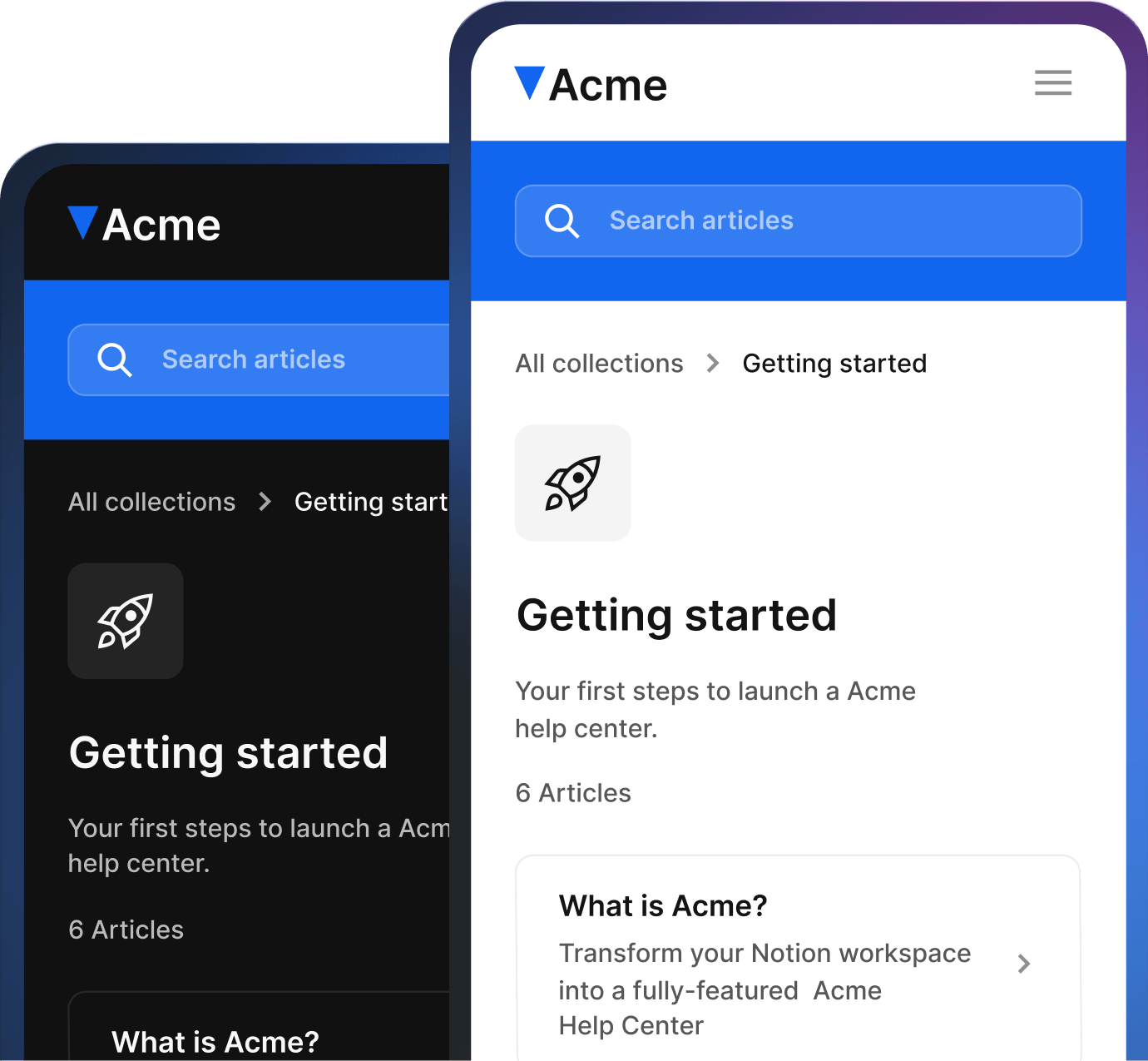
That is the same pattern many Notion-first teams run into with documentation. Notion works well for writing, but raw public pages can become harder to browse and trust as the content set grows. A Notion help center gives teams a way to keep writing in Notion while publishing product updates and documentation in a more polished customer experience.
If release notes become part of your help center, create a simple system around them:
one page or category for product updates
clear titles that include the feature or release name
short summaries for each update
links to related help articles
ownership for each update
a review step before publishing
a habit of updating older docs when a release changes a workflow
This keeps release notes connected to the rest of the customer experience. It also prevents the product update page from becoming a pile of disconnected announcements.
Common release notes mistakes
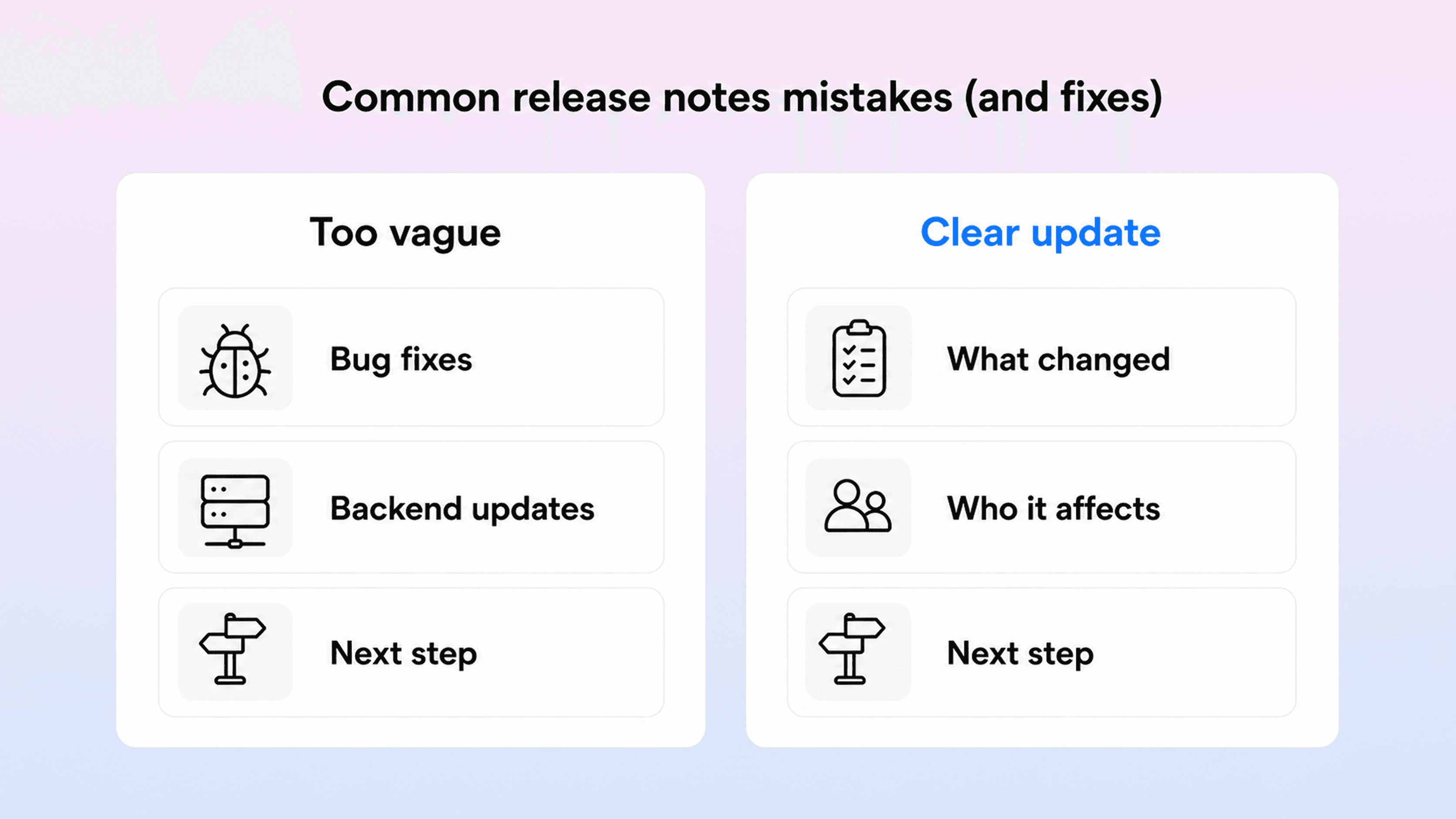
The most common mistake is writing for the team instead of the reader. Internal language is efficient inside a company, but it usually makes release notes harder to understand. Ticket names, repository names, internal feature flags, and engineering shorthand should be translated before publishing.
Another mistake is publishing everything. Not every internal change belongs in customer-facing release notes. Dependency updates, refactors, tiny copy changes, and invisible maintenance work may matter internally, but they can bury the updates customers actually care about. Include them in a technical changelog if needed. Keep product release notes focused on noticeable value, action, or risk.
Teams also forget to explain who is affected. If a feature only applies to admins, enterprise plans, developers, workspace owners, or users of one integration, say that early. Otherwise readers waste time deciding whether the note applies to them.
Another common issue is separating release notes from documentation. If you announce a new feature but the related help article is outdated, the release note creates more confusion than clarity. Product updates and docs maintenance should move together. Before publishing, ask whether any setup guide, FAQ, troubleshooting page, or onboarding article needs to change.
Finally, many teams let the changelog go quiet. A stale product updates page can make the product look inactive even when the team is shipping. If you cannot publish every week, choose a cadence you can maintain. Monthly release notes are often enough for a smaller SaaS team, especially if they group small improvements into one useful update.
A simple review checklist helps:
Is the title clear without internal context?
Does the summary explain the customer benefit?
Are changes grouped in a predictable order?
Are technical details kept where technical readers need them?
Does the note say who is affected?
Does it explain any required action?
Are related help articles updated and linked?
Is anything included that customers do not need?
If the answer to any of those questions is weak, revise before publishing.
Conclusion
A release notes template is not just a formatting shortcut. It is a way to make product communication more consistent every time your team ships.
Use the template to separate the important parts: what changed, why it matters, who is affected, what action is needed, and where readers can learn more. Keep customer-facing product release notes plain and useful. Keep software release notes precise enough for technical readers. Use a changelog when you need a complete historical record.
The strongest release notes are connected to the rest of your documentation. They announce the change, link to the deeper answer, and help customers understand the product without opening a support ticket.
If your team already writes product updates in Notion, keep that workflow. Just make sure the public version feels like part of a clear customer help experience, not a raw internal page with a public link.
Frequently asked questions
What should a release notes template include?
A release notes template should include a release title or version, date, short summary, grouped changes, affected audience, required action, known issues when relevant, and links to supporting documentation. Customer-facing release notes can stay short, while software release notes may need breaking changes, compatibility requirements, and migration steps.
What is the difference between release notes and a changelog?
How long should release notes be?
Who should write product release notes?
Do release notes need screenshots?
Share article:

2 free months of Pro
Turn Notion pages into help center answers.
Keep writing in Notion and publish a real, searchable Notion help center.

Articles
Keep reading