Tips
Canned response examples: how to turn support replies into docs

9 Min Read
Canned responses save time in the support queue, but their real value shows up when you use them as documentation signals. The replies your team sends again and again can become clearer help articles, better support email templates, and a more useful self-service library.
Share article:


What canned responses are really telling you
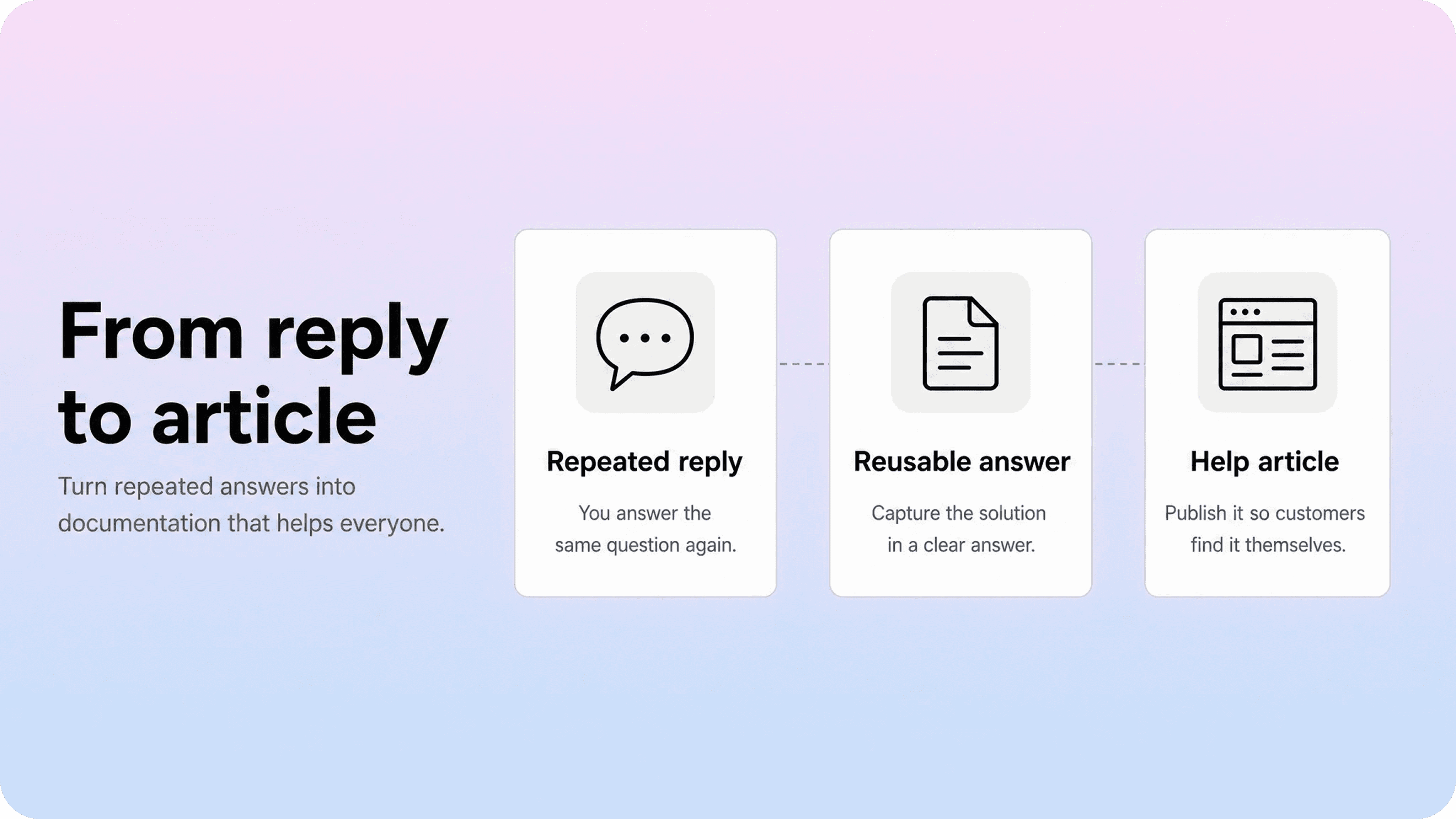
Canned responses are prewritten replies that support teams use to answer common customer questions faster. They might live in a help desk as macros, saved replies, snippets, customer service canned responses, or support email templates. The name changes by tool, but the job is the same: give agents a consistent starting point for questions they answer often.
That consistency is useful. A good canned response can save an agent from rewriting the same billing explanation, login troubleshooting step, or setup instruction twenty times a week. It also reduces the risk that different agents give slightly different answers.
But a repeated canned response is more than a productivity tool. It is evidence. If support keeps sending the same answer manually, customers probably need that answer earlier, more clearly, or in a place they can find without opening a ticket.
That does not mean every canned reply should become a public article. Some responses depend on private account details, exceptions, refunds, security review, or human judgment. Those belong in the support workflow. But many canned responses answer stable questions:
Where can I find my invoice?
Why can’t I invite a teammate?
How do I reset my password?
What does this error mean?
Can I export my data?
How do I connect this integration?
What happens if I cancel?
Those are documentation candidates. They are repeatable, useful, and usually easier for the next customer to solve through a help article than through another support exchange.
The important shift is to stop treating canned responses as only a way to reply faster. They are also a map of where your help center is not carrying enough of the answer yet. Helpview’s guide on turning support questions into documentation covers the broader support-to-docs loop. This article focuses on the narrower workflow: using canned response examples as raw material for better customer-facing documentation.
Canned response examples worth turning into help articles
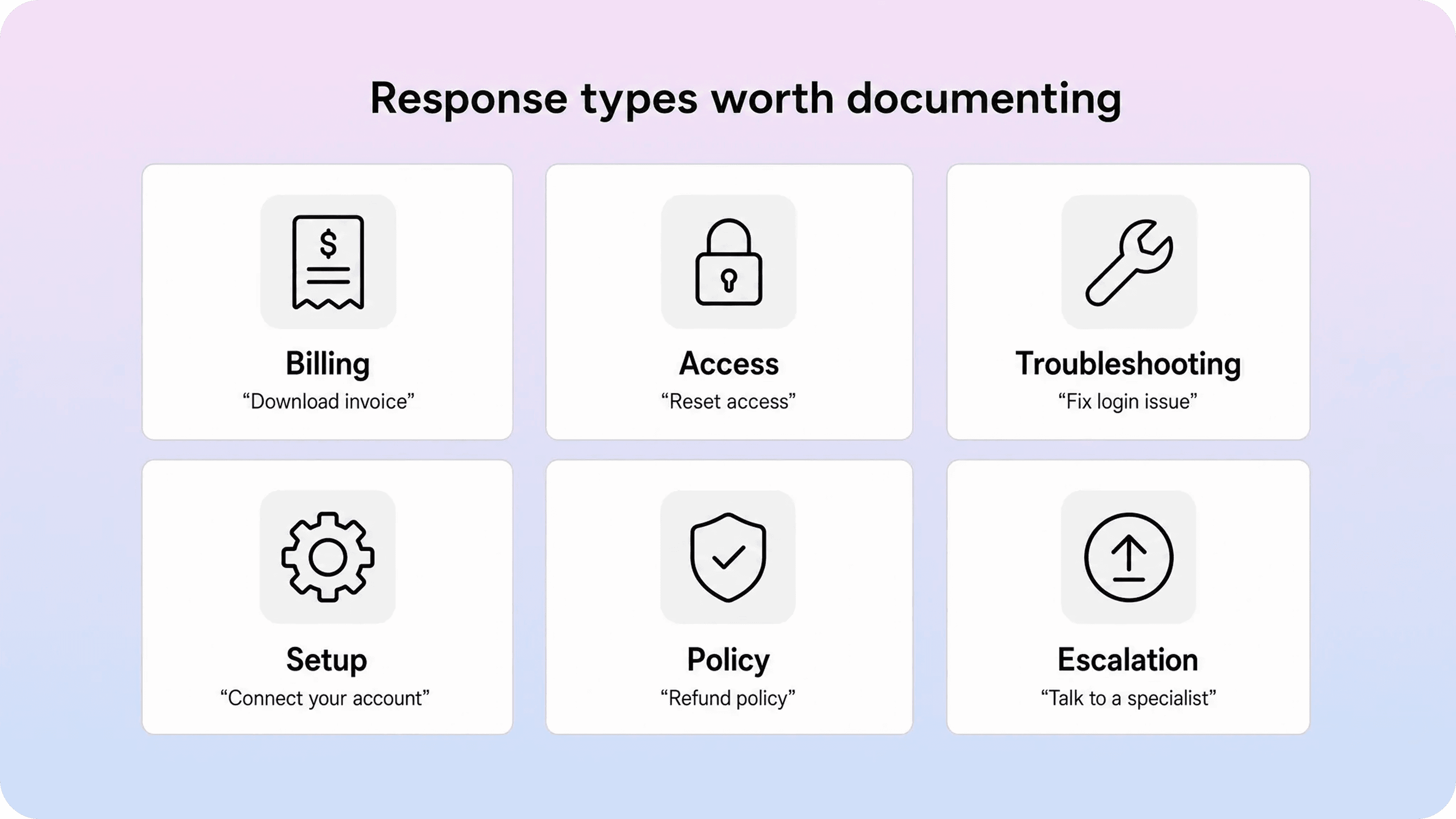
The strongest canned response examples for documentation usually have three traits: the answer repeats often, the public version would help future customers, and the answer does not require private account judgment.
Here are common examples worth reviewing.
Canned response type | Example support reply | Better documentation angle |
|---|---|---|
Billing and invoices | “You can download invoices from Billing settings.” | How to download invoices and view billing history |
Access and permissions | “Only workspace admins can invite new teammates.” | Why you cannot invite a teammate |
Login and account recovery | “Try resetting your password and checking your spam folder for the code.” | What to do if you cannot sign in |
Plan limits | “That feature is available on the Pro plan.” | Which features are included in each plan |
Troubleshooting | “This error usually means the integration token expired.” | Fix an expired integration connection |
Setup instructions | “Go to Settings, choose Integrations, and paste your API key.” | Connect the integration step by step |
Cancellation or renewal | “You can cancel before your renewal date from account settings.” | How cancellation and renewal dates work |
Data export | “Admins can export workspace data from the export page.” | Export your data from the workspace |
These are not just canned email templates. They are signals about customer intent. A customer asking for an invoice is not really asking for a support reply; they are trying to complete a billing task. A customer who cannot invite a teammate is not asking for a macro; they are trying to understand permissions.
That distinction matters because help articles should be organized around the customer’s job, not around the support team’s internal reply library. If five saved replies all point to the same intent, you may need one strong help article instead of five thin pages.
For example, these replies might all belong to one article about billing documents:
“Invoices are available in Billing settings.”
“Receipts are emailed to the billing contact.”
“Only account owners can download invoices.”
“Annual invoices include the full subscription period.”
A weak documentation system might turn those into separate fragments. A stronger one groups them into a focused article: Download invoices and receipts. That page can include who can access invoices, where to find them, whether they are emailed, and what to do if the billing contact is wrong.
The same pattern works for customer service canned responses around access, setup, troubleshooting, policies, and account changes. Start with the repeated reply, then ask what reusable article would have prevented the ticket.
How to rewrite a canned response into documentation
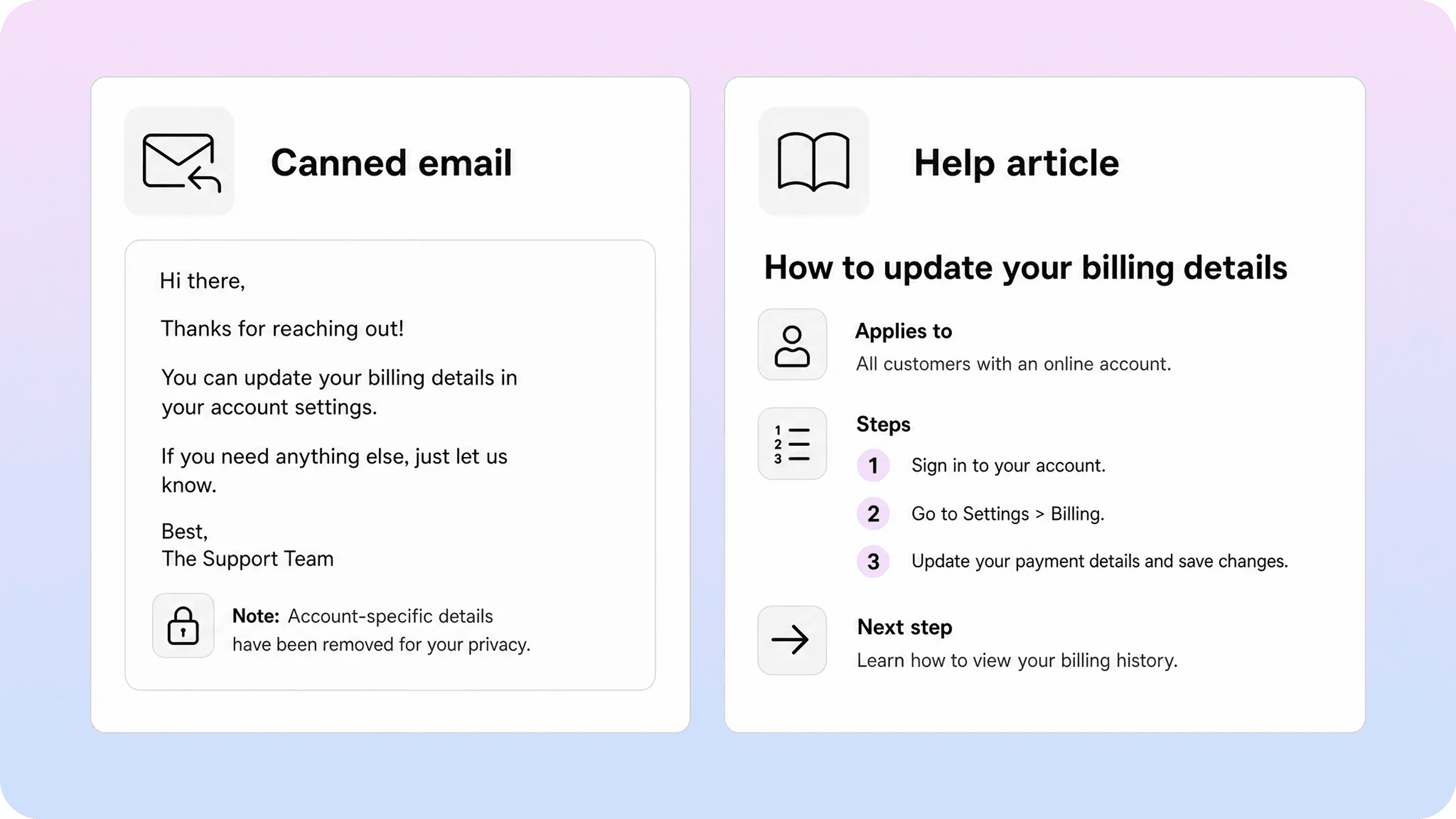
A canned response and a help article should not have the same structure.
A support reply is written for one customer in one conversation. It may include a greeting, an apology, account-specific context, assumptions from the thread, and a closing line. A help article has to work for many readers who arrive from search, product links, related articles, or a support form without any of that context.
Start by separating the reusable answer from the ticket-specific wrapper.
Canned response email:
Hi Sam, I checked your account and it looks like you are a member, not an admin. Only admins can invite new teammates. Please ask one of your workspace admins to invite the new user from Settings → Members, or have them update your role first.
Documentation version:
Only workspace admins can invite new teammates. If you do not see the invite option, check your role first or ask an admin to send the invitation. Admins can invite teammates from Settings → Members → Invite teammate.
The documentation version does a few things differently. It removes the customer’s name and account check. It states the rule first. It explains why the option may be missing. It gives the path an admin can follow. It works even if the reader never contacted support.
Use this rewrite checklist:
Remove private details. Delete names, company details, account IDs, contract notes, screenshots with customer data, and internal comments.
Lead with the answer. Put the direct answer near the top instead of opening with support pleasantries.
Explain who it applies to. Mention roles, plans, permissions, regions, product versions, or prerequisites when they affect the answer.
Turn thread context into article context. If the reply assumes the customer already knows something, explain it briefly.
Add the expected result. Tell readers what should happen after they follow the steps.
Include common exceptions. Add the recurring edge cases support sees most often, but do not overload the page with one-off issues.
End with the next step. Link to a related article or explain when to contact support and what details to include.
This is also where article titles matter. A canned response might be named “Billing macro 4” inside the help desk. A customer-facing article should use the words customers actually search for, such as Download an invoice, Change your billing email, or Fix a failed payment.
If your help center search data shows customers using different words than your team uses, reflect that in the title, intro, headings, and natural synonyms. Helpview’s article on zero-result searches is useful here because failed searches often reveal the gap between internal wording and customer language.
Canned response email examples and documentation versions
The easiest way to see the difference is to compare support replies with article-ready versions. These examples are deliberately short, but they show the editorial move: one-to-one support language becomes reusable self-service guidance.
Example 1: invoice request
Canned response email:
Thanks for reaching out. You can download your invoices from Settings → Billing → Invoices. You’ll need to be an account owner or billing admin to access this page.
Documentation version:
Account owners and billing admins can download invoices from Settings → Billing → Invoices. If you do not see the Billing page, ask an account owner to download the invoice or update your role.
Article this could become:
Download invoices and view billing history
What to include:
who can access invoices
where invoices are located
whether invoices are emailed automatically
how to change the billing contact
what to do if an invoice is missing
Example 2: missing invite button
Canned response email:
It looks like your current role does not include permission to invite teammates. Please ask a workspace admin to invite the new user or change your role.
Documentation version:
If the invite button is missing, your role may not include teammate management permissions. Workspace admins can invite teammates and update member roles from Settings → Members.
Article this could become:
Why you cannot invite a teammate
What to include:
which roles can invite teammates
where admins can manage members
plan or seat limits that may block invitations
common error messages
related links for changing roles or upgrading seats
Example 3: expired integration token
Canned response email:
That error usually means the connection token expired. Please reconnect the integration from Settings → Integrations and try syncing again.
Documentation version:
An expired integration token can stop syncing until the connection is renewed. To reconnect, go to Settings → Integrations, choose the affected integration, select Reconnect, and then run the sync again.
Article this could become:
Fix an expired integration connection
What to include:
what the error means
how to reconnect the integration
who needs permission to reconnect it
what happens to existing data
what to try if reconnecting fails
Example 4: feature not available on current plan
Canned response email:
This feature is not included in your current plan. You can upgrade from Billing settings if you want to use it.
Documentation version:
Some features are available only on specific plans. If you see a locked feature, check your plan first. Account owners can review plan options and upgrade from Billing settings.
Article this could become:
Why a feature is locked or unavailable
What to include:
which plans include the feature
who can upgrade
whether the feature requires an add-on or role permission
what users can do instead if they are not ready to upgrade
Example 5: cancellation timing
Canned response email:
You can cancel your subscription before the renewal date from Billing settings. Your workspace will stay active until the end of the current billing period.
Documentation version:
Account owners can cancel before the renewal date from Billing settings. After cancellation, the workspace stays active until the end of the current billing period, unless your plan or contract says otherwise.
Article this could become:
Cancel a subscription before renewal
What to include:
who can cancel
where cancellation happens
what happens after cancellation
how renewal dates work
when customers should contact support instead
Notice that the article-ready versions are not longer for the sake of being longer. They are clearer because they answer the next likely questions before the reader has to ask them.
Build support email templates and docs from the same source
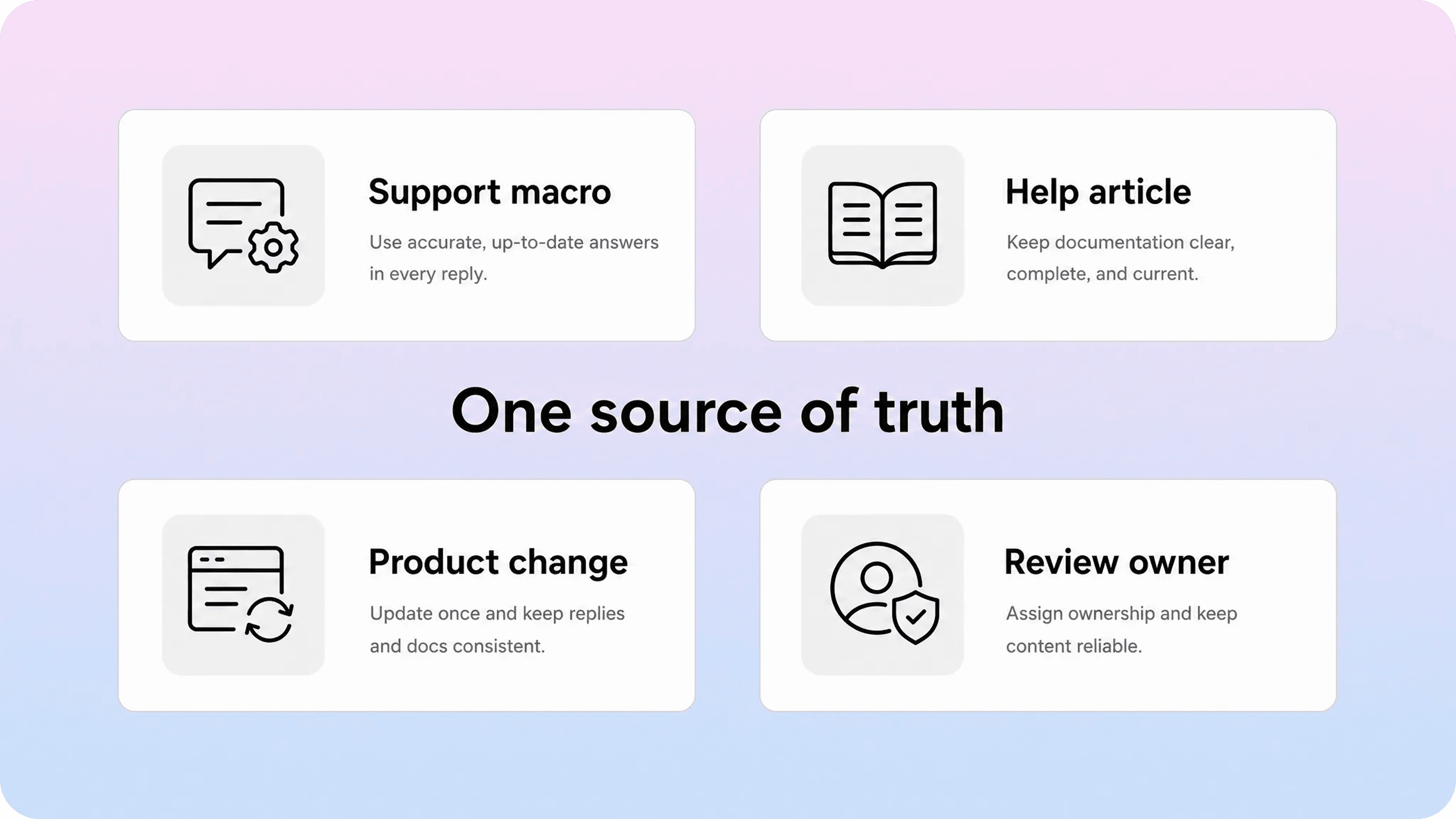
The goal is not to replace every canned response with a help article. Support still needs fast replies. Customers still need human help when the situation is personal, sensitive, or account-specific.
The problem is drift. If a support email template says one thing and the help article says another, agents lose trust in both. Customers get inconsistent answers. Product changes create support debt because every macro, article, and internal note has to be updated separately.
A better approach is to create one source of truth for the answer, then adapt it into the formats each channel needs.
For a repeated billing question, that might look like this:
Source of truth: billing policy and product flow
Help article: public explanation customers can find and search
Canned response: short agent reply that links to the article
Internal note: exceptions, escalation rules, and account-specific handling
The canned response should not repeat the entire article. It should answer the customer’s immediate question, personalize where needed, and link to the public article for the full steps.
For example:
Support email template:
You can download invoices from Billing settings if you are an account owner or billing admin. I’ve linked the full steps here: [Download invoices and view billing history]. If you do not have access to Billing settings, ask an account owner to download the invoice or update your role.
That reply is still useful in the support queue, but it also reinforces the help center. The next time a customer searches, the same answer is available without waiting for an agent.
This is especially helpful for teams that draft documentation in Notion. Support can collect the repeated replies, product can verify the source of truth, and the docs owner can publish the customer-facing version through a structured help center. If your team is already using Notion for docs, Helpview’s guide on using Notion for documentation explains where Notion works well and where a publishing layer can make customer-facing content easier to browse and search.
For teams that keep that source of truth in Notion, a Notion help center can keep the public articles connected to the same workflow, while agents continue using shorter replies that link customers to the full answer.
When canned responses should stay as support macros
Not every canned response should become public documentation. Some answers need human review, and forcing them into a public article can create confusion or risk.
Keep a canned response as a support macro when:
the answer depends on private account data
the customer needs a refund, credit, exception, or contract-specific decision
the issue involves security, identity verification, or account recovery
the reply requires legal, finance, or compliance review each time
the answer changes based on region, contract, or custom implementation
the public version would be too vague to help
the topic is rare and does not create repeated support demand
Even then, the macro can still improve documentation indirectly. If agents keep using an internal macro for account recovery, the public help center may still need a safe article explaining what information customers should prepare, how verification works at a high level, and when support can help.
The public article should not reveal sensitive process details. It should set expectations. The macro can carry the private steps agents need to handle the case safely.
This distinction keeps the help center useful without turning it into a dumping ground for every support edge case. Documentation should answer reusable customer questions. Support macros should help agents handle the parts that still need a person.
How to keep canned responses and documentation in sync
A canned response review should be part of your documentation workflow, not a separate cleanup project that happens once a year.
Use a simple review rhythm:
Collect high-use canned responses. Pull the macros agents use most often and the replies that generate the most follow-up questions.
Group them by customer intent. Combine variations like “invoice,” “receipt,” and “billing history” into one billing-documents cluster.
Check the current help center. Decide whether the answer is missing, incomplete, hard to find, outdated, or already covered well.
Choose the content action. Create a new article, update an existing one, rename a page, add related links, improve search synonyms, or keep the answer as a macro.
Update the macro after the article changes. Make the support reply shorter and link to the help article instead of duplicating every step.
Watch the support signal. Check whether related tickets, searches, and follow-up questions decline after the article is published.
This connects neatly with content gap work. A repeated canned response is often a content gap, but not always a missing page. Sometimes the article exists and customers still ask because the title is wrong, the answer is buried, or the page does not cover the exception support keeps explaining. Helpview’s guide on finding content gaps in your help center covers that broader diagnosis.
Ownership matters too. Someone should own the source of truth for each common answer. Support can identify the repeated replies. Product can confirm the behavior. Finance, legal, or security can review sensitive policy language. A docs owner can turn the verified answer into a clean article and keep the help center structure sane.
If nobody owns the loop, canned responses keep growing in the help desk while the help center falls behind. Agents answer faster, but customers still have to ask.
Conclusion
Canned responses are useful because they help support teams answer common questions faster. They become much more valuable when you treat them as documentation signals.
The replies your team sends every week show where customers are confused, what words they use, and which answers should be easier to find before a ticket is opened. The work is not copying canned email templates into articles. It is turning repeat support language into clear, safe, searchable documentation.
Keep macros for account-specific work, sensitive situations, and fast agent replies. Turn stable, repeatable answers into help articles. Then connect the two so support and self-service stay aligned from the same source of truth.
Frequently asked questions
What is a canned response?
A canned response is a reusable support reply for a common customer question. Support teams use canned responses, macros, snippets, or saved replies to answer repeat issues faster and more consistently.
What are good canned response examples for customer service?
Should canned responses be copied directly into help articles?
When should a canned response become documentation?
What is the difference between support email templates and help articles?
Share article:

2 free months of Pro
Turn Notion pages into help center answers.
Keep writing in Notion and publish a real, searchable Notion help center.

Articles
Keep reading