Tips
5 best knowledge base software tools for customer support

9 Min Read
The best knowledge base software helps customers find answers before they contact support, while giving your team a cleaner way to create, organize, and improve self-service content.
Share article:


What to look for in knowledge base software
Knowledge base software is not just a page builder for support articles. It should make answers easier to publish, easier to find, and easier to improve over time.
That matters because customer support content has a specific job. It needs to help someone solve a problem quickly, often while they are frustrated, blocked, or trying to finish a task. A beautiful article library is not enough if customers cannot find the right answer or if the support team cannot keep the content current.
Before choosing a tool, look at five practical areas.
First, check the writing workflow. Who will create and update the articles? If support, product, and success already write in Notion, a Notion-based publishing layer may be easier to maintain than a separate help desk editor. If agents already live in a ticketing platform, a built-in knowledge base may be more practical.
Second, check search and discovery. Customers should be able to search by natural language, browse categories, find related articles, and get useful suggestions before they open a ticket. Search quality matters more than most teams expect because many people only use the knowledge base when something has already gone wrong.
Third, check support integration. A customer knowledge base should not sit in isolation. It should help agents reuse approved answers, suggest articles in conversations, deflect repetitive tickets, or turn common replies into new articles.
Fourth, check governance. Small teams may only need drafts and basic publishing. Larger teams may need approvals, versions, permissions, translations, analytics, and content ownership.
Fifth, check improvement signals. The best knowledge base tools show what customers searched for, which articles helped, where searches failed, and which content needs work. If you are still shaping the foundation, Helpview’s guide to what a knowledge base is can help clarify the role before you compare tools.
Quick comparison: 5 best knowledge base software tools
Tool | Best for | Main strength | Best fit |
|---|---|---|---|
Notion-based customer knowledge bases | Turns Notion docs into a searchable help center | SaaS teams, support teams, product teams | |
Support teams using Freshdesk | Knowledge base connected to tickets and agent workflows | Growing customer support teams | |
HubSpot Service Hub teams | Self-service tied to CRM and service data | Teams already using HubSpot | |
Value-focused help desk teams | AI-assisted article creation and multilingual knowledge | Small and mid-sized support teams | |
Dedicated knowledge base publishing | Search, deflection, AI summaries, and flexible customization | Teams that want a KB-first tool |
1. Helpview
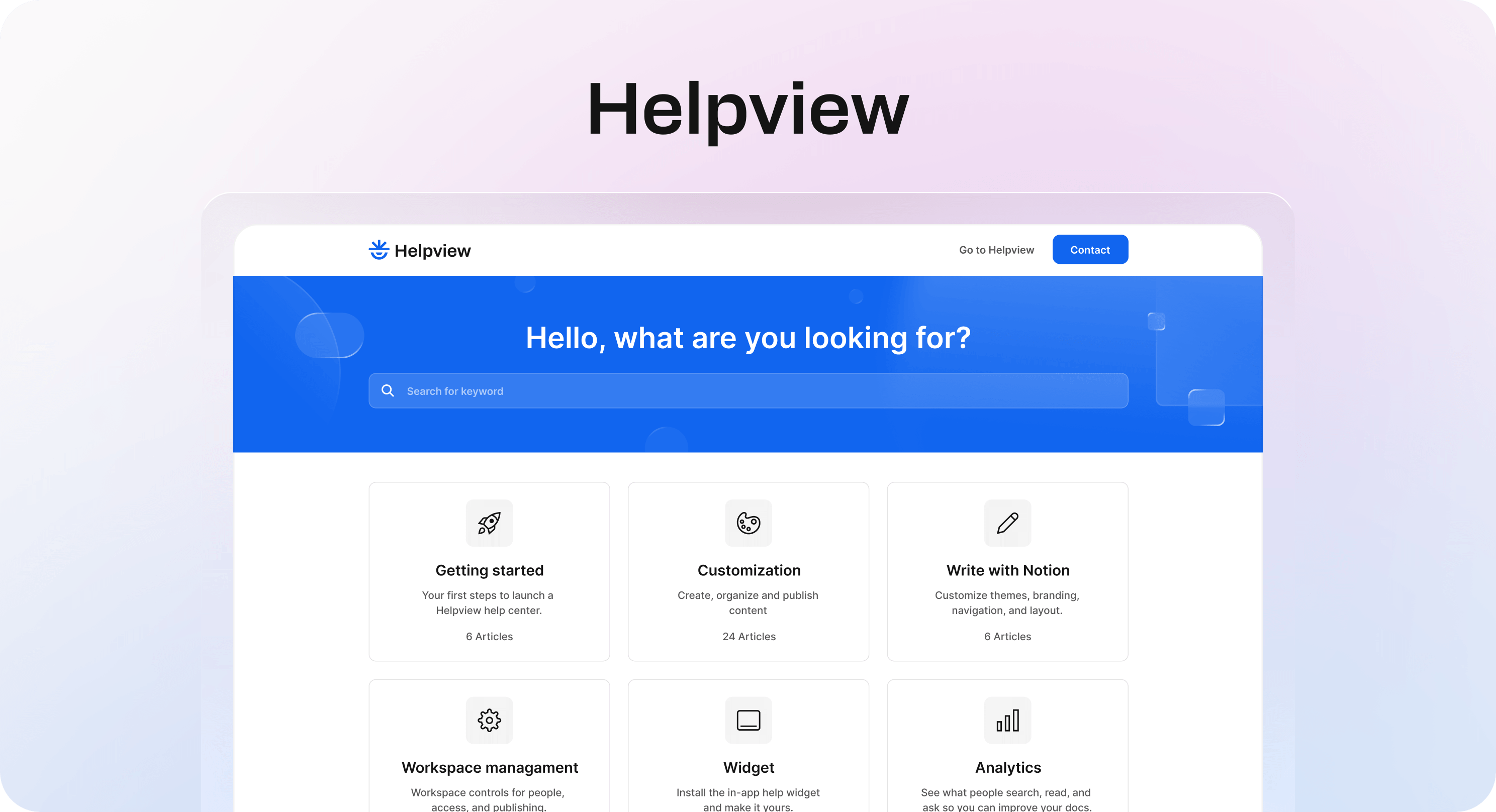
Helpview is the best knowledge base software for SaaS teams that already write customer support content in Notion.
Many teams reach this point before they realize it. The answers already exist. Setup guides, billing notes, troubleshooting steps, onboarding docs, and product explanations are sitting in Notion. The problem is that raw Notion pages do not always make the best customer knowledge base.
Customers need a public experience that feels clear and intentional. They need categories, search, readable article pages, branding, SEO settings, and a simple route back to support when self-service does not solve the problem. Helpview keeps Notion as the writing layer and turns those pages into a structured customer-facing help center.
Why teams choose Helpview
Helpview is useful when the team does not want to migrate every article into a separate editor. Support, product, and success can keep writing in Notion, while Helpview handles the public layer around the content.
For teams looking specifically for Notion help center software, Helpview keeps the documentation workflow in Notion while adding the structure customers need to find and use support content.
It is especially strong for:
SaaS teams that already use Notion for support docs.
Product-led teams that want fast article updates without a heavy documentation process.
Support teams that need better search, structure, and branding than shared Notion pages.
Early teams that want a professional customer knowledge base without adopting a large help desk suite.
Teams that want search insights and content-gap signals to improve support content over time.
Helpview is also a good fit when the team wants the knowledge base to feel like part of the product. Instead of sending customers to internal-looking pages, teams can publish a cleaner experience with categories, search, custom branding, and a widget.
If your team is building from repeated support questions, pair this with Helpview’s guide on how to turn support questions into documentation.
Where Helpview is not the best fit
Helpview is not a full customer service suite. If the main need is ticket routing, workforce management, call center support, or a large service operation, a help desk platform may fit better.
It is strongest when the content workflow starts in Notion and the goal is to make that knowledge easier for customers to search and use.
2. Freshdesk
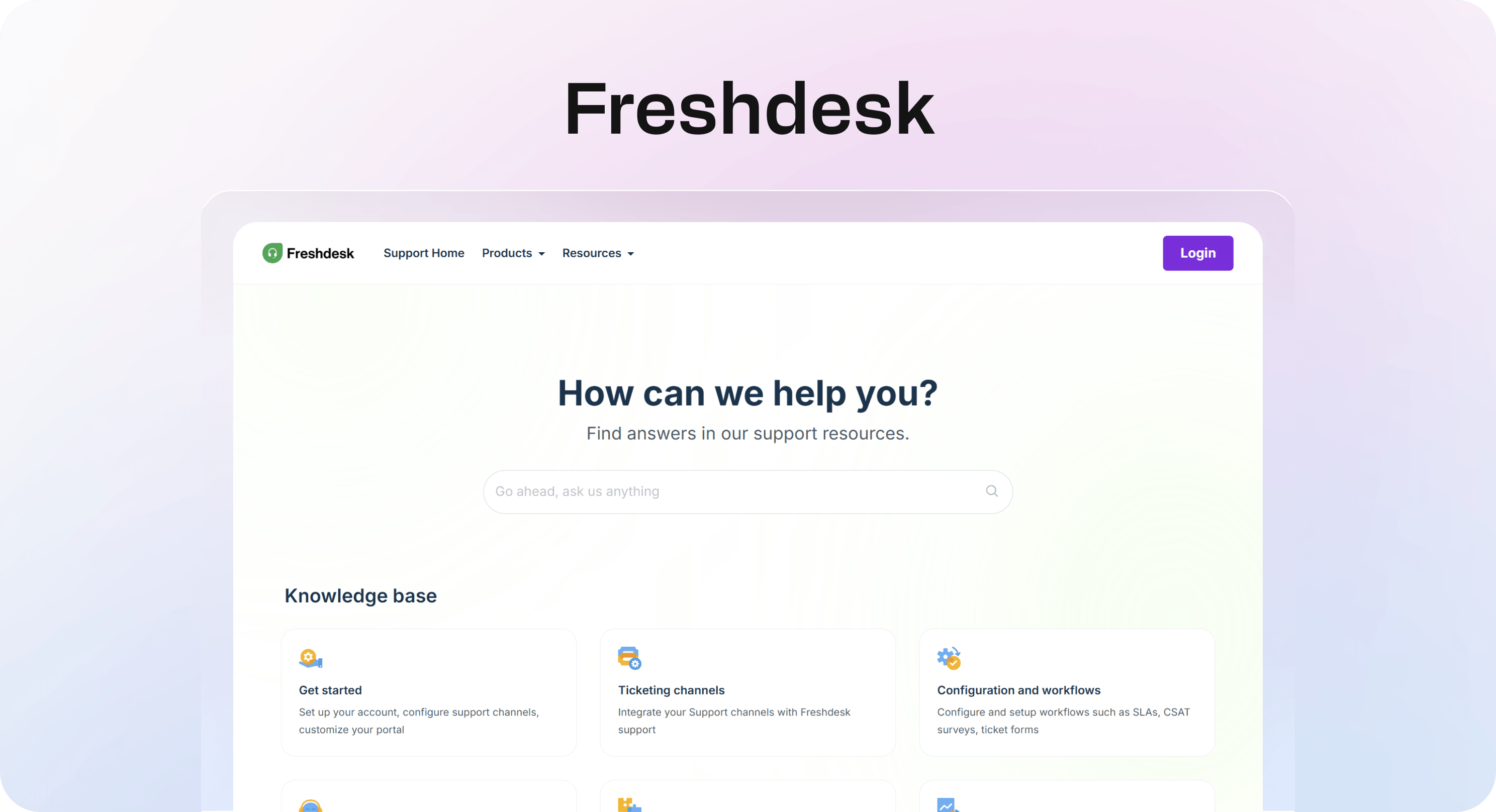
Freshdesk is one of the best knowledge base tools for teams that want self-service connected to a support desk.
Freshdesk’s knowledge base is built around the realities of support work. Customers need answers before opening tickets, and agents need reliable articles they can reuse while handling conversations. That makes Freshdesk a practical fit for teams that want knowledge, ticketing, automation, and support workflows in one place.
The knowledge base can support help articles, FAQs, categorized workspaces, auto-suggest, article feedback, drafts, approvals, and collaboration. It is especially useful when support agents are close to the content and need to turn repeated conversations into reusable answers.
Why teams choose Freshdesk
Freshdesk works well when the knowledge base needs to reduce ticket volume and stay connected to agent workflows.
It is especially strong for:
Support teams already using Freshdesk.
Teams that want customer self-service connected to ticketing.
Businesses that need auto-suggest before a customer submits a ticket.
Support teams that want to turn ticket replies into solution articles.
Teams that need drafts, approval workflows, collaboration, and customer feedback.
Freshdesk is a good choice when the knowledge base is part of a wider support operation. Agents can use articles while responding, teams can identify repeated questions, and the knowledge base can support customers before they reach the ticket form.
Where Freshdesk is not the best fit
Freshdesk may be more than you need if your only goal is lightweight publishing. If your content already lives in Notion and the support stack is handled elsewhere, a Notion-first tool may be easier to maintain.
Freshdesk is strongest when your knowledge base and help desk should work together closely.
3. HubSpot Knowledge Base
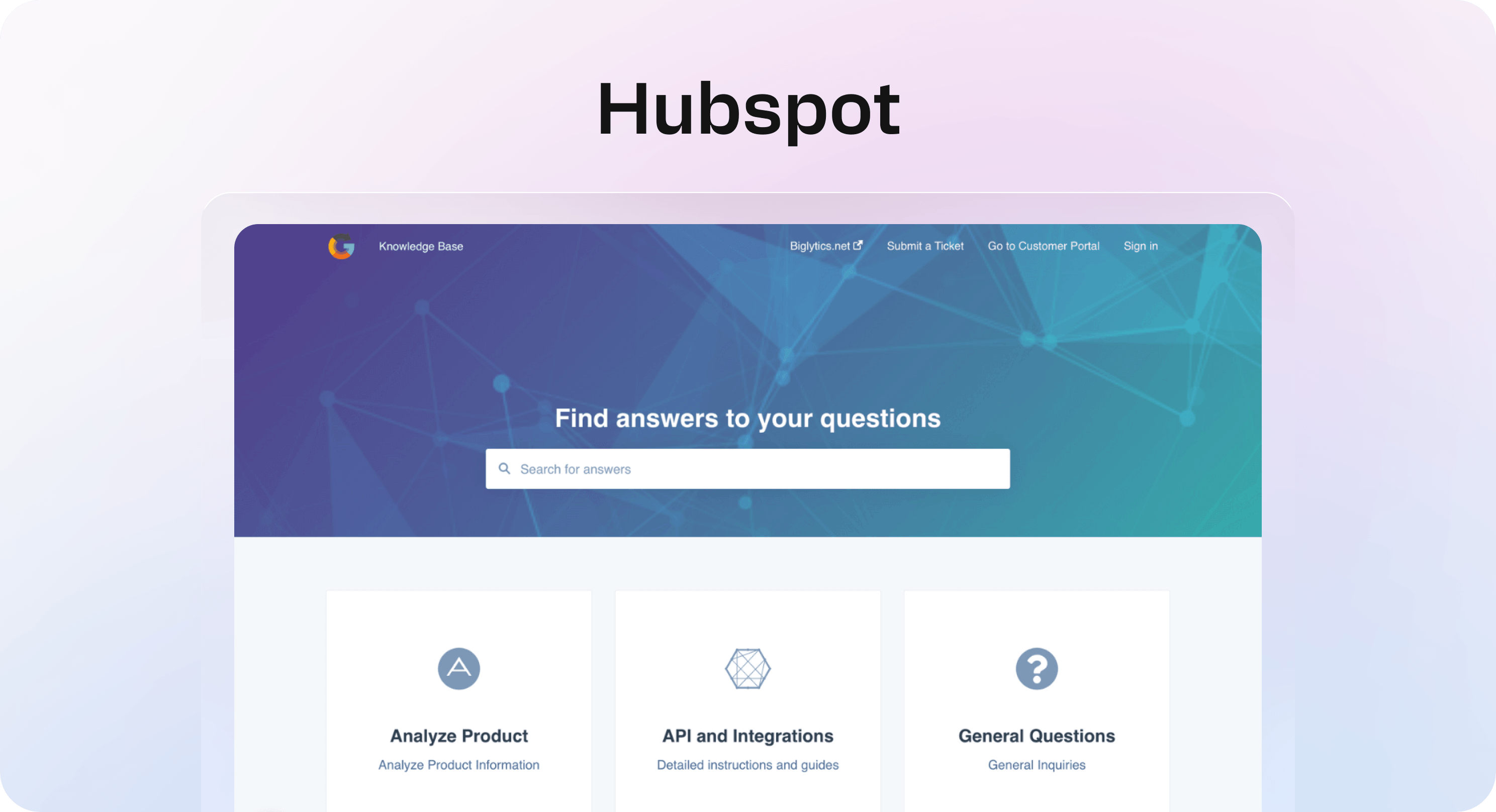
HubSpot Knowledge Base is a strong choice for teams already using HubSpot Service Hub.
Its biggest advantage is context. If customer records, service conversations, support metrics, and team workflows already live in HubSpot, the knowledge base can become part of the same customer support system. That makes it useful for teams that want self-service content tied to CRM and service data rather than managed in a disconnected tool.
HubSpot’s knowledge base software focuses on creating a searchable self-service help center where customers can browse common answers without contacting support. It also includes analytics for understanding article performance, failed searches, feedback, and content gaps.
Why teams choose HubSpot Knowledge Base
HubSpot makes sense when support is already part of the broader HubSpot ecosystem.
It is especially strong for:
Teams already using HubSpot Service Hub.
Companies that want customer self-service connected to CRM context.
Support teams that need article analytics and feedback signals.
Teams that want a no-code knowledge base setup with categories and search.
Businesses that want support, service, and customer data in one platform.
HubSpot is also practical for teams that want their knowledge base to support more than ticket deflection. Search terms, feedback, and customer behavior can help teams understand what customers are trying to do and where support content is missing.
Where HubSpot Knowledge Base is not the best fit
HubSpot is less compelling if your company does not use HubSpot. If you only need a standalone knowledge base, or if your content workflow is already built in Notion, another tool may feel simpler.
It is best when the knowledge base is part of a broader HubSpot service workflow.
4. Zoho Desk
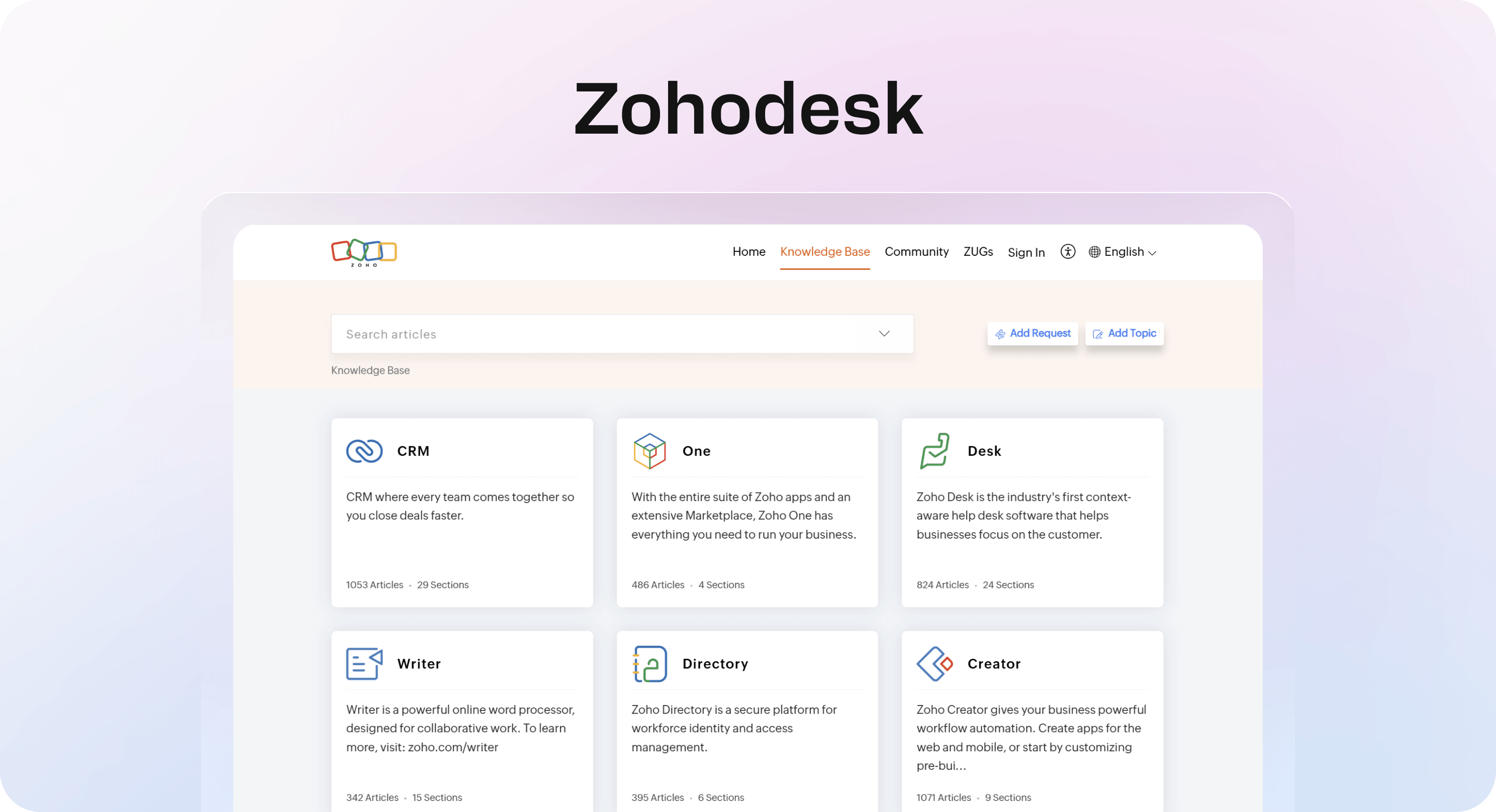
Zoho Desk is a good knowledge base software option for teams that want help desk context, AI-assisted article creation, and multilingual support without moving into a heavier enterprise platform.
Zoho Desk’s knowledge base can support both customers and service teams. Teams can organize articles by brand, turn past ticket conversations into helpful content with Zia, manage translations, apply SEO practices, use templates, restore older article versions, and review content before publishing.
That makes it useful for teams that want knowledge management to stay close to support operations but still need more than a basic article library.
Why teams choose Zoho Desk
Zoho Desk is a strong fit when teams want a practical mix of help desk, self-service, AI support, and value.
It is especially strong for:
Small and mid-sized support teams.
Teams already using Zoho Desk or other Zoho products.
Businesses that need multilingual knowledge base content.
Support teams that want to turn ticket conversations into articles.
Teams that need article templates, version restore, approvals, and customer feedback metrics.
Zoho Desk also works well for companies with multiple brands or audiences. The ability to organize content by brand and subcategory can help keep the knowledge base easier to navigate as support content grows.
Where Zoho Desk is not the best fit
Zoho Desk may not be the cleanest choice if your team wants a dedicated knowledge base-first publishing experience or if support content already lives outside the Zoho ecosystem.
Choose Zoho Desk when you want a knowledge base that is closely connected to a value-friendly help desk.
5. HelpDocs
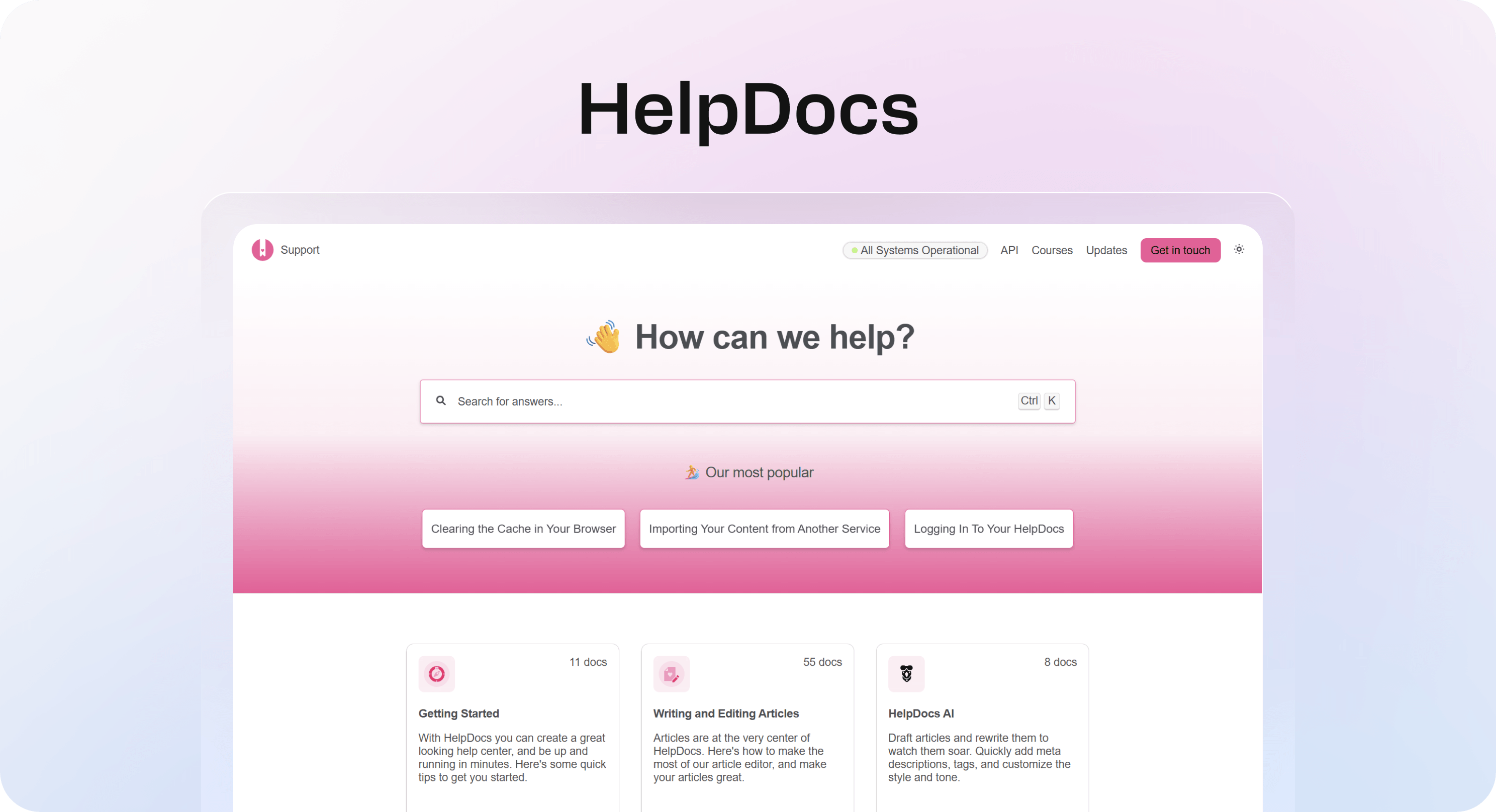
HelpDocs is one of the best knowledge base software tools for teams that want a dedicated KB-first product rather than a knowledge base added onto a support suite.
That distinction matters. Some teams want docs to live inside a help desk because agents use them every day. Other teams want the knowledge base itself to be the main system: searchable, customizable, measurable, and structured enough to support customers, teams, and AI tools.
HelpDocs focuses on that second lane. It offers customer-facing documentation, smart search, AI summaries, contextual help, contact form suggestions, multilingual support, templates, reusable content, integrations, analytics, and flexible design control.
Why teams choose HelpDocs
HelpDocs is useful when the knowledge base needs to stand on its own as a serious support channel.
It is especially strong for:
Teams that want dedicated knowledge base software.
Companies that care about strong search and ticket deflection.
Support teams that want AI summaries and contextual help.
Businesses that need multilingual customer documentation.
Teams that want branding flexibility without building a custom docs site from scratch.
HelpDocs is also a good fit when support content needs to feed multiple places. Articles can support customers on the public knowledge base, in-app help, integrations, and AI-powered support experiences.
Where HelpDocs is not the best fit
HelpDocs may be unnecessary if your knowledge base needs to stay inside a help desk suite or if your team already writes in Notion and wants to keep that as the source of truth.
It is strongest when the knowledge base itself is the product you want to invest in.
How to choose the best knowledge base software
Start with where your answers live today.
If your team already writes in Notion, start with Helpview. The biggest risk with any knowledge base is that it becomes outdated, so keeping the writing workflow familiar can matter more than adding another complex platform.
If your agents already work inside Freshdesk, start with Freshdesk. It is a natural fit when knowledge needs to sit close to tickets, auto-suggest, approvals, and agent replies.
If your service operation runs on HubSpot, start with HubSpot Knowledge Base. It makes sense when customer self-service should connect to CRM, support data, and Service Hub reporting.
If you want a practical help desk plus knowledge base system with AI article creation and multilingual support, compare Zoho Desk. It is especially relevant for smaller teams that want strong capabilities without unnecessary complexity.
If you want a dedicated knowledge base platform with strong search, deflection, AI summaries, and publishing control, compare HelpDocs. It is a better fit when the knowledge base is its own important support channel rather than a secondary add-on.
Once you have a shortlist, compare the tools against real support behavior. Which questions repeat every week? Who updates the content? Where do agents work? How do customers search? Which tool will still feel easy to maintain six months from now?
If you are not sure where the gaps are, Helpview’s guide to finding content gaps in your help center can help you audit the content before choosing a platform.
Conclusion
The best knowledge base software is not always the tool with the longest feature list. It is the tool that helps your team keep answers useful, searchable, and current.
For Notion-based SaaS teams, Helpview is the clearest fit because it turns existing Notion docs into a polished customer knowledge base. Freshdesk is strong when knowledge needs to work closely with ticketing and agent workflows. HubSpot Knowledge Base makes sense for teams already using Service Hub and Smart CRM. Zoho Desk is a practical option for teams that want help desk context, AI article creation, multilingual support, and good value. HelpDocs is a strong KB-first choice for teams that want search, deflection, analytics, AI summaries, and publishing flexibility.
Choose based on the workflow you can maintain. A smaller knowledge base that stays accurate is more valuable than a bigger one nobody trusts. If you want examples of what strong self-service content can look like, review these knowledge base examples before building.
Frequently asked questions
What is the best knowledge base software for customer support?
The best knowledge base software for customer support depends on your workflow. Helpview is best for Notion-based SaaS teams, Freshdesk is best for support teams using Freshdesk, HubSpot Knowledge Base is best for HubSpot Service Hub teams, Zoho Desk is best for value-focused help desk teams, and HelpDocs is best for dedicated knowledge base publishing.
What is knowledge base software?
What should SaaS teams look for in knowledge base software?
Is a knowledge base the same as a help center?
How many articles should a knowledge base start with?
Share article:

2 free months of Pro
Turn Notion pages into help center answers.
Keep writing in Notion and publish a real, searchable Notion help center.

Articles
Keep reading