Tips
5 best documentation software tools in 2026

10 Min Read
Compare documentation software for customer help centers, product docs, technical docs, API docs, and Notion-based workflows. This guide shows which tools fit different teams, from Notion-based support docs to developer-first documentation platforms.
Share article:

What to look for in documentation software
The best documentation software is not just a place to store pages. It should help readers find the right answer quickly and help your team improve the docs over time.
That is especially important when your documentation needs to be searchable. A search box alone is not enough. Good documentation tools also need clear structure, article categories, strong titles, metadata, internal links, analytics, and a workflow that makes updates easy.
Before choosing a tool, look at five things:
Who writes the docs: support, product, engineering, success, or technical writers.
Who reads the docs: customers, developers, employees, partners, or prospects.
How people find answers: search, categories, links, AI answers, widgets, or public search engines.
How updates happen: Notion, browser editor, Git workflow, review process, or support queue.
How gaps are found: search analytics, zero-result searches, article feedback, ticket trends, or manual review.
The right documentation software should fit the way your team already works. A developer docs tool may be perfect for API references but too technical for a support team. A simple Notion page may be easy to update but too limited for a public help center. The goal is to match the tool to the workflow, not force the workflow into the tool.
Quick comparison: 5 best documentation software tools
Tool | Best for | Main strength | Best fit |
|---|---|---|---|
Notion-based customer docs | Turns Notion pages into a searchable help center | SaaS teams, support teams, product teams | |
Developer documentation | Modern technical docs and API docs | Developer-first products | |
Product and technical docs | Collaborative documentation platform | Cross-functional teams | |
Knowledge bases | Support docs, analytics, governance | Support-led documentation teams | |
API documentation | Interactive developer docs | API-first companies |
1. Helpview
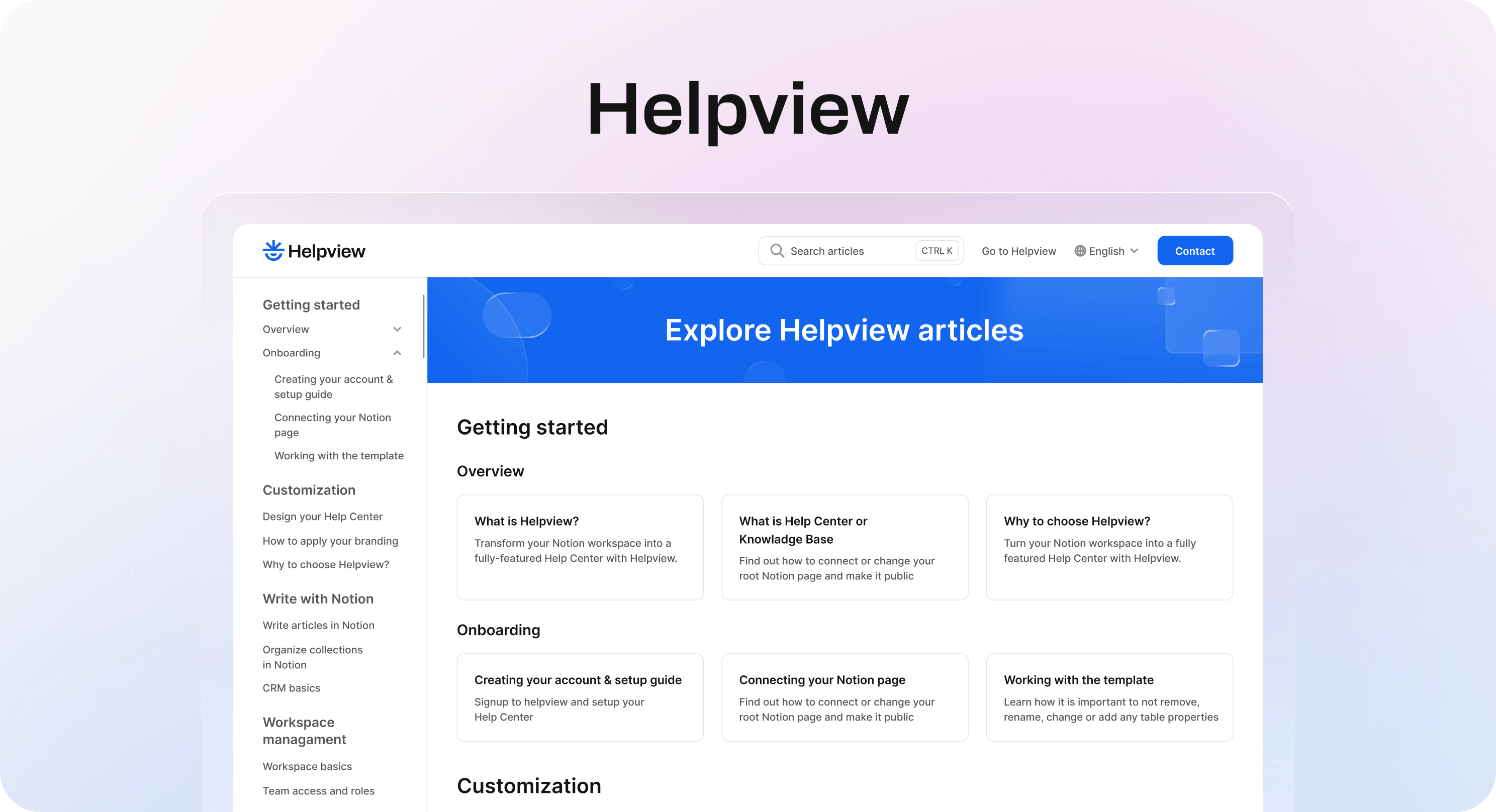
Helpview is the best documentation software for teams that already write in Notion and want to publish those pages as a structured, searchable customer help center.
This is a common problem for SaaS teams. The docs already exist in Notion. Support, product, and success teams can edit them easily. But the customer-facing experience often needs more than a shared Notion page. Customers need a polished help center with clear categories, strong search, custom branding, clean URLs, SEO settings, article discovery, and a support path when the docs do not answer the question.
Helpview keeps Notion as the writing layer and adds the help-center layer around it. Teams can continue drafting and updating articles in Notion, while Helpview publishes the content as a clearer public documentation experience.
Why teams choose Helpview
Helpview is useful when you do not want to move the whole team into a new editor or Git workflow. It is built for teams that already have useful Notion docs and want to make them easier for customers to browse and search.
It is a strong fit for teams that want a branded Notion help center without asking everyone to leave the editor they already use for documentation.
It is especially strong for:
Customer help centers.
Product documentation written by non-technical teams.
Support docs that need better search and structure.
Notion workspaces that already contain useful help content.
Teams that want a polished public layer without rebuilding their docs from scratch.
Helpview also fits teams that care about improving docs over time. Search insights and zero-result searches can show what customers are trying to find, which articles need better titles, and where new content may be needed.
Where Helpview is not the best fit
Helpview is not trying to replace a full docs-as-code developer portal. If your team writes mainly in Git, needs complex API references, or wants engineers to manage docs through pull requests, Mintlify, ReadMe, GitBook, or Docusaurus may be a better fit.
But if your team writes in Notion and wants searchable customer documentation, Helpview is the cleanest fit on this list.
2. Mintlify
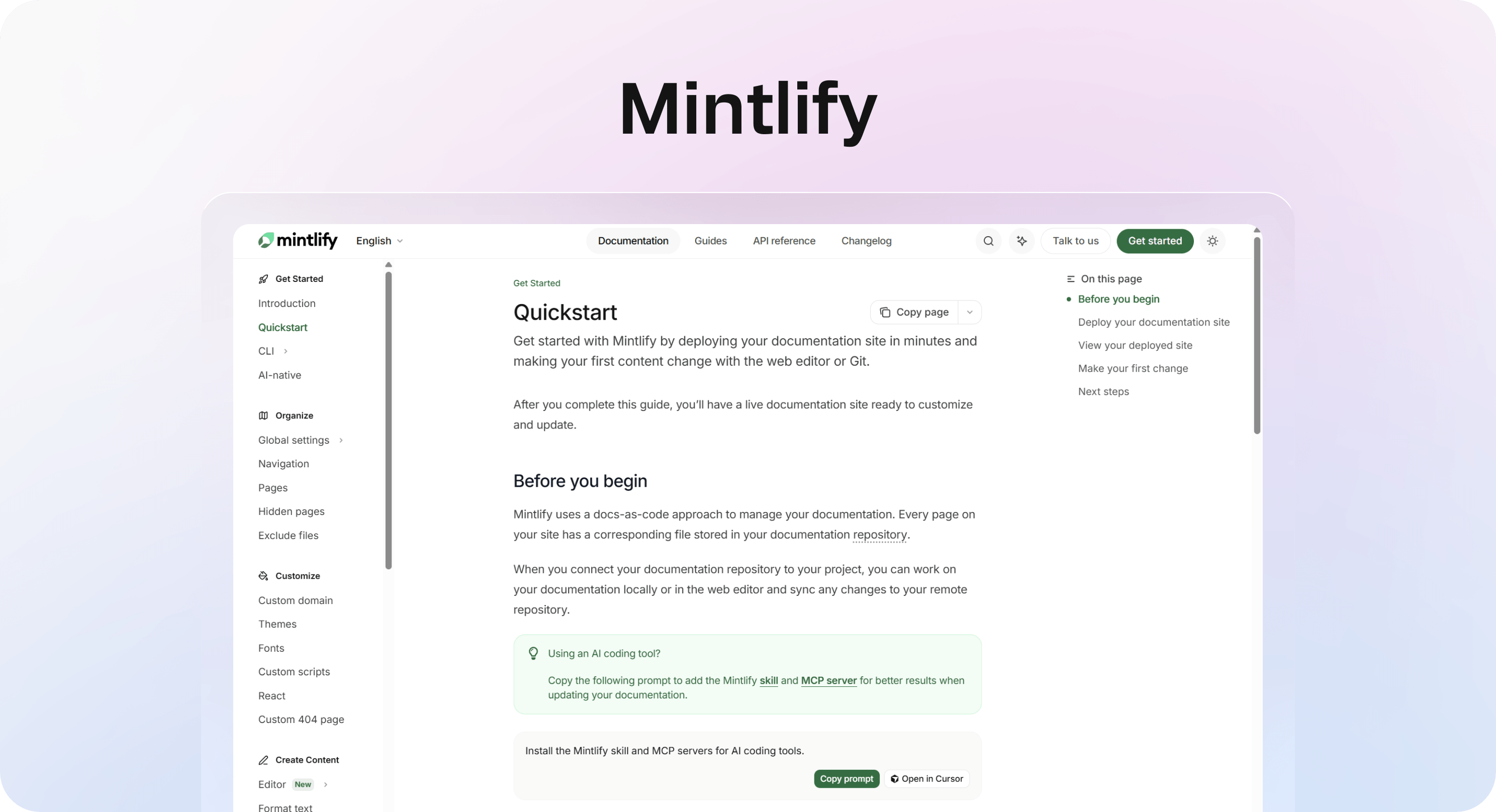
Mintlify is one of the best documentation tools for developer-first teams. It is built for modern technical documentation, API docs, SDK docs, and developer-facing product guides.
Many people searching for “Mintify” are likely looking for Mintlify. It is a strong choice when your documentation is closely tied to engineering, your readers are developers, and your docs need to feel fast, polished, and technically precise.
Why teams choose Mintlify
Mintlify is a good fit for developer tools, infrastructure products, AI tools, API platforms, and technical SaaS products. These teams often need more than a basic article editor. They need code examples, navigation that handles technical depth, fast search, API reference support, and docs that feel natural for developers.
It is especially strong for:
Technical documentation software.
Developer documentation portals.
API docs and SDK docs.
Engineering-led documentation workflows.
Teams that want a modern developer experience.
Where Mintlify is not the best fit
Mintlify may be more technical than a support team needs. If most articles are written by support, success, or product teams, a developer documentation workflow can introduce friction.
For customer help docs, billing guides, troubleshooting articles, and non-technical product explainers, a help center tool may be easier to maintain.
Best Mintlify alternatives
If you are comparing Mintlify alternatives, start with the workflow:
Use Helpview if your team writes docs in Notion and needs a searchable customer help center.
Use GitBook if you want a collaborative documentation platform across product, technical, and team docs.
Use ReadMe if API documentation and developer onboarding are the main priority.
Use Docusaurus if engineering wants an open-source, React-based docs site with MDX, versioning, localization, and full control.
Use Document360 if the main need is support documentation, knowledge base governance, and self-service analytics.
3. GitBook
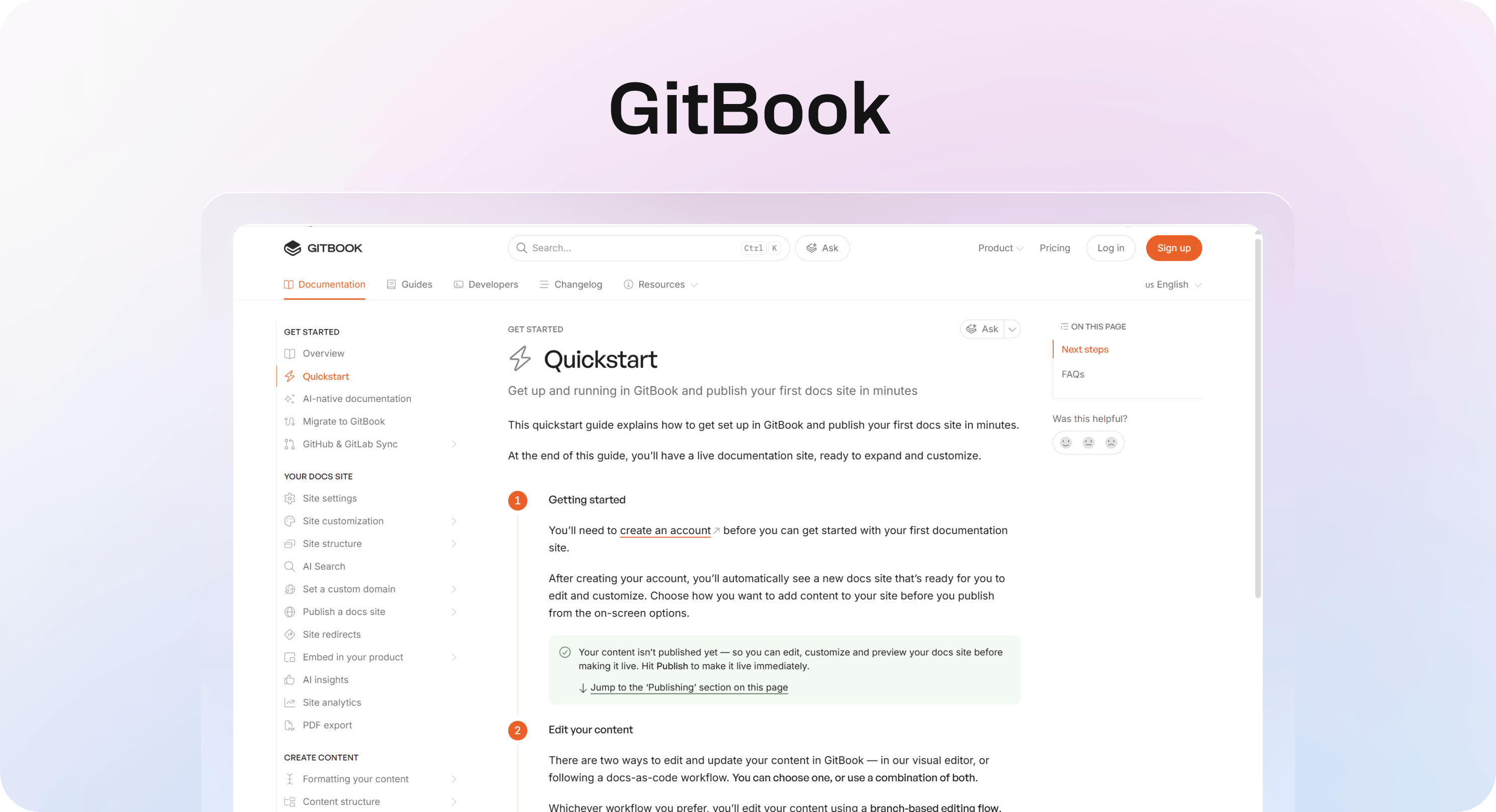
GitBook is a strong documentation tool for teams that need product docs, technical docs, and internal knowledge to live in one collaborative platform.
It sits between several categories. It is more collaborative than a pure static-site generator, more documentation-focused than a general internal wiki, and broader than a narrow API documentation tool.
Why teams choose GitBook
GitBook works well when multiple teams contribute to docs. Product managers can write product explanations, engineers can contribute technical details, support can improve customer-facing answers, and technical writers can shape the final structure.
It is especially strong for:
Product documentation software.
Technical documentation with cross-functional contributors.
Public docs that need collaboration.
Teams that want AI-assisted discovery and documentation workflows.
Companies that do not want documentation to live only in engineering.
GitBook is also a useful Mintlify alternative when your docs are technical but not only developer docs. If you need a broader documentation platform rather than a developer-only docs experience, it is worth comparing.
Where GitBook is not the best fit
GitBook can be more platform than a small help center needs. If your team only wants to publish Notion docs as searchable customer support content, Helpview is likely simpler. If engineering wants complete open-source control over every part of the docs site, Docusaurus may fit better.
4. Document360
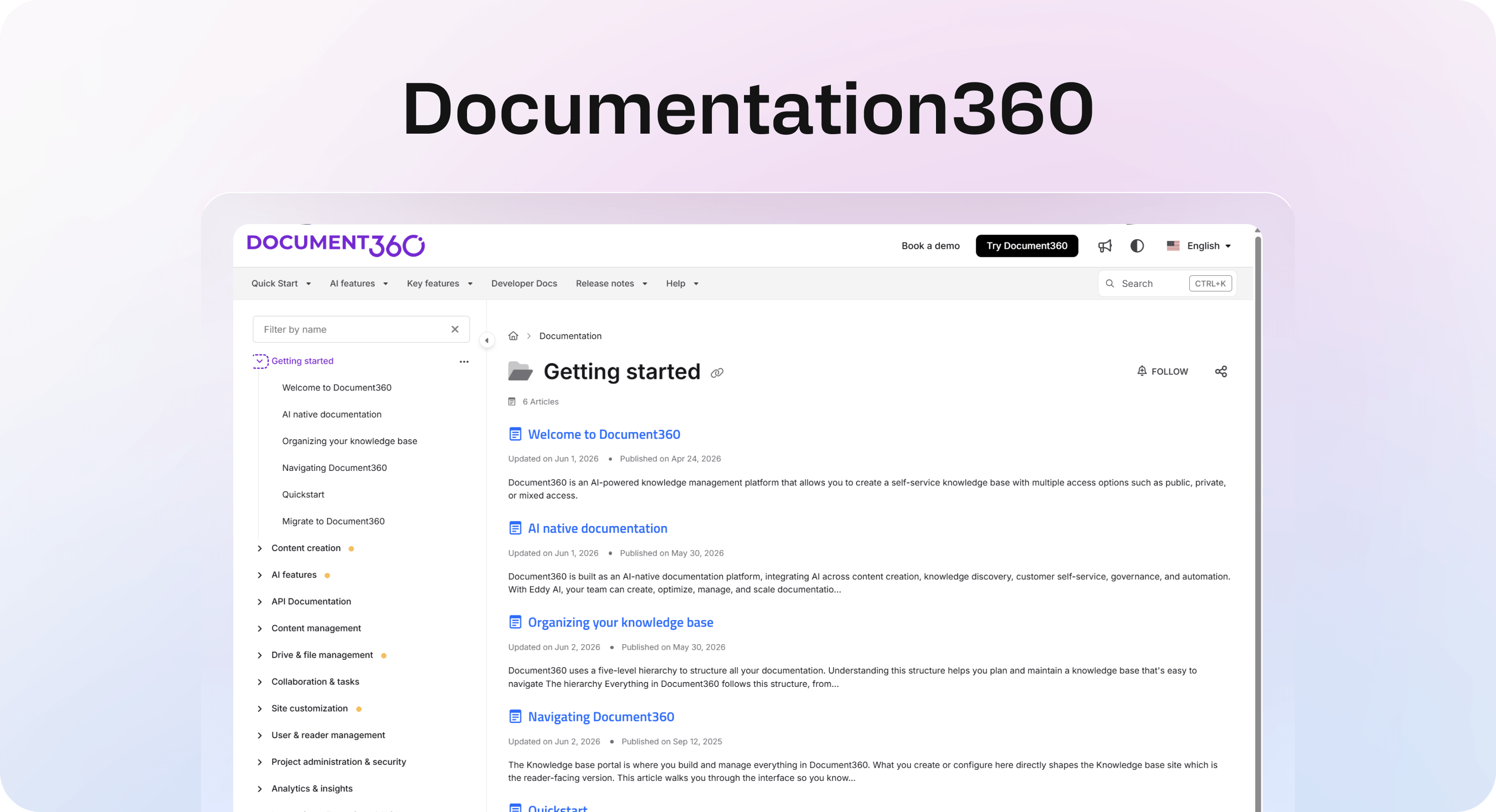
Document360 is one of the best documentation software options for support-led knowledge bases and self-service documentation.
It is built for teams that need a dedicated knowledge base platform with authoring, organization, analytics, access controls, integrations, and governance. That makes it useful for growing support teams that need to reduce repetitive tickets and improve self-service.
Why teams choose Document360
Document360 is a good fit when documentation has become an operational system, not just a collection of pages. Support teams may need article ownership, review workflows, translation, analytics, search reporting, restricted content, and integrations with support tools.
It is especially strong for:
Support knowledge bases.
Product documentation for customer self-service.
Internal and external documentation portals.
Teams that need analytics and governance.
Companies with larger support operations.
Where Document360 is not the best fit
Document360 can be heavier than an early team needs. If your docs are still small, your team already writes in Notion, or you only need a lightweight customer help center, a simpler setup may be easier to maintain.
It is also not the first tool most engineering teams would choose for docs-as-code workflows or API-first developer documentation.
5. ReadMe
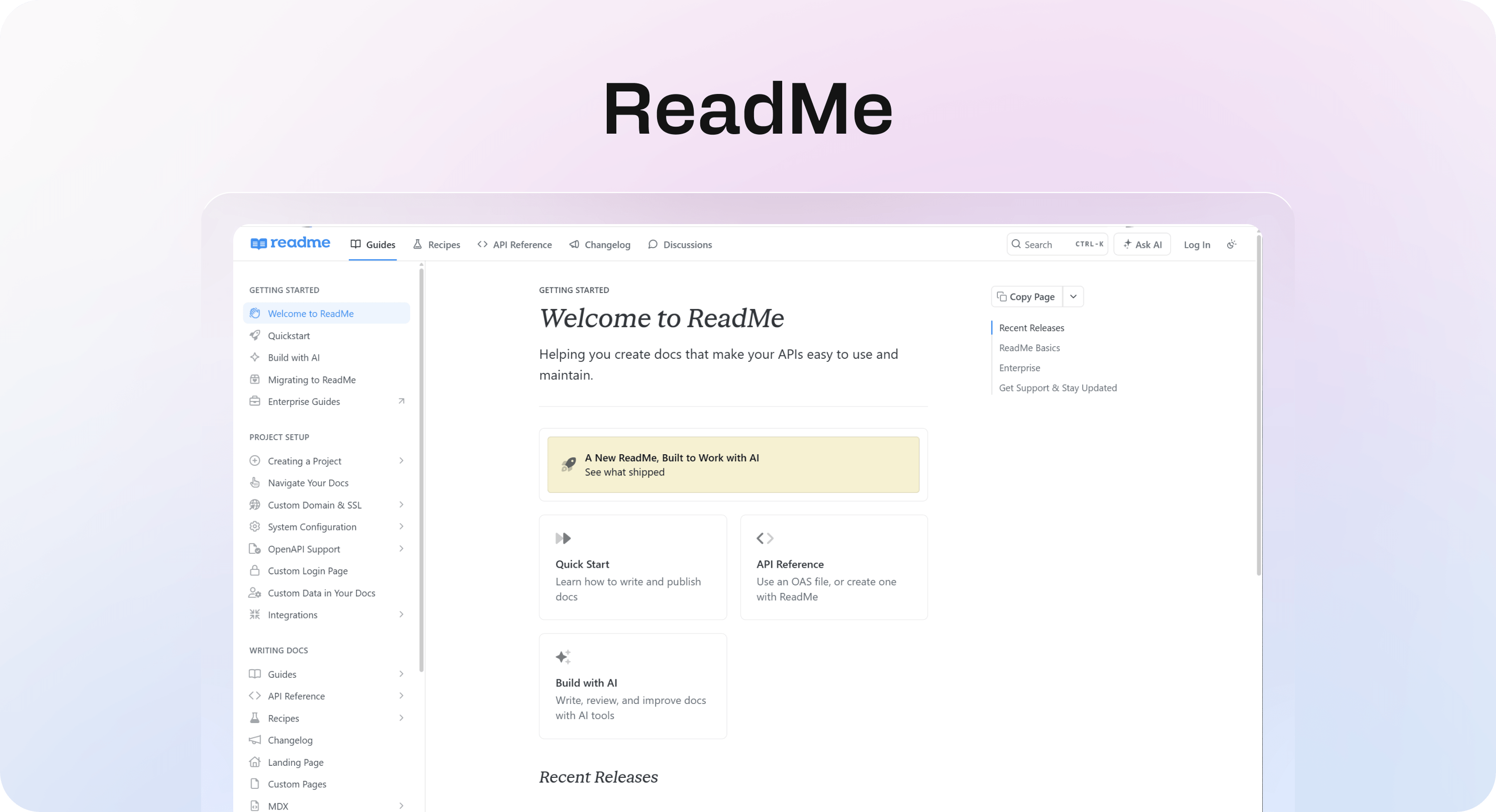
ReadMe is one of the best product documentation tools for API-first companies. It is built around developer onboarding, API references, guides, examples, and interactive documentation.
If your product is an API, SDK, developer platform, infrastructure tool, or integration-heavy SaaS product, ReadMe should be on the shortlist.
Why teams choose ReadMe
ReadMe focuses on the developer experience. Developers do not just need articles; they need working examples, clear authentication guidance, endpoint references, changelogs, implementation steps, and a fast path from reading to building.
It is especially strong for:
API documentation.
Developer portals.
Interactive references.
Developer onboarding.
Product documentation for technical users.
Where ReadMe is not the best fit
ReadMe is less likely to be the best choice for a general support knowledge base, internal wiki, or Notion-based help center. It can support guides, but its real strength is developer documentation.
If your documentation is mostly customer help articles, compare Helpview, Document360, Helpjuice, or a support-focused help center instead.
Other documentation tools worth knowing
A top-five list is easier to use, but a few other documentation tools may still be worth considering.
Docusaurus is a strong open-source choice for engineering-owned technical docs. It supports MDX, React customization, versioning, localization, and search integrations. It is powerful, but it requires developer setup and ongoing maintenance.
Confluence is a strong internal documentation tool, especially for companies already using Atlassian products. It is useful for team knowledge, project notes, and internal processes, but it often needs extra work to feel like a polished public help center.
Notion Sites can work for lightweight publishing when your docs are already in Notion. It is fast and familiar, but it is a general site builder rather than a dedicated help-center layer. For more detail, read Notion Sites for documentation: when it works and Notion docs for customer docs: what works and what breaks.
Slab is a good internal knowledge base for teams that want clean writing, topics, and unified search across internal tools. It is less focused on public customer documentation.
Helpjuice is a support knowledge base tool with analytics, access controls, multilingual support, and self-service features. It can be a good fit for support-led teams that want a dedicated knowledge base platform.
How to choose the best documentation software for your team
The best documentation software depends on the type of docs you are building.
Choose based on your audience
If customers are the audience, prioritize search, categories, article polish, branding, SEO, and support paths. Helpview and Document360 fit this lane well, depending on whether your team wants to keep writing in Notion or move into a dedicated knowledge base platform.
If developers are the audience, prioritize API references, code examples, docs-as-code options, versioning, and technical navigation. Mintlify, ReadMe, GitBook, and Docusaurus fit this lane better.
If employees are the audience, prioritize internal search, permissions, collaboration, ownership, and integrations. Confluence, Slab, Notion, and GitBook are stronger options.
Choose based on who owns updates
A documentation tool only works if the people responsible for updates can use it comfortably.
If support owns the docs, avoid workflows that require engineering for every small change. If engineering owns the docs, avoid tools that make technical reviews and version control awkward. If product and support both contribute, choose a workflow that does not lock either team out.
This is where Helpview can be especially practical for Notion-based teams. It lets non-technical teams keep writing in Notion while improving the customer-facing documentation experience.
Choose based on search quality
Do not choose documentation software just because it has a search box. Almost every tool does.
For searchable docs, check whether the tool supports:
Search across titles, headings, body content, and metadata.
Clear category and article structure.
Search analytics and no-result search tracking.
Flexible wording, synonyms, or related content.
SEO-friendly public pages.
Internal links and suggested next steps.
Article ownership and review workflows.
For a deeper look at failed searches, read What zero-result searches mean and how to fix them. Search data often reveals missing articles, unclear titles, internal jargon, and content gaps before they become more support tickets.
Final recommendation
If your team needs searchable customer docs and already writes in Notion, choose Helpview. It gives you the easiest path from existing Notion docs to a polished help center.
If your team needs developer-first documentation, choose Mintlify or ReadMe depending on whether you need broader technical docs or API-first documentation. If you want a flexible collaborative documentation platform, choose GitBook. If support-led knowledge base operations are the priority, choose Document360.
The main thing is to choose the tool that matches your actual documentation workflow. Searchable docs are not created by software alone. They come from clear structure, useful titles, regular updates, and a tool your team will actually maintain.
Frequently asked questions
What is the best documentation software overall?
There is no single best documentation software for every team. Helpview is best for Notion-based customer help centers, Mintlify is strong for developer documentation, GitBook works well for collaborative product and technical docs, Document360 is strong for support knowledge bases, and ReadMe is best for API-first documentation.
What is the best documentation software for Notion teams?
What are the best Mintlify alternatives?
What is the best technical documentation software?
What is the difference between documentation software and knowledge base software?
Share article:

2 free months of Pro
Turn Notion pages into help center answers.
Keep writing in Notion and publish a real, searchable Notion help center.

Articles
Keep reading