Tips
SaaS customer onboarding from signup to first value

10 Min Read
A practical guide to SaaS customer onboarding, covering the journey from signup and setup through education, activation, first value, and ongoing support.
Share article:


TL;DR
SaaS customer onboarding should move users from signup to first value, not simply introduce every feature in the product.
A practical onboarding process covers signup, welcome, setup, education, activation, first value, and the follow-up support that keeps customers moving.
Strong onboarding combines product guidance, email, customer success, support, and self-service documentation instead of forcing every customer through one linear tour.
The best customer onboarding strategy is built around real user goals, clear milestones, and a searchable Notion help center customers can return to when they get stuck.
SaaS customer onboarding is the process that turns a new signup into a customer who can set up the product, learn the right workflows, reach first value, and keep making progress without relying on support for every next step.
Start with the outcome, not the tour
SaaS customer onboarding fails when it tries to show people the product before it understands what they came to do. New users do not need a guided tour of every tab, setting, and advanced feature. They need a clear path from signup to one useful result.
That useful result is different for every product. In a help desk, it might be receiving and replying to the first support ticket. In an analytics tool, it might be connecting the first data source and seeing a meaningful dashboard. In a documentation product, it might be importing existing articles and publishing the first help center category. The common thread is simple: the customer can see why the product matters.
This is why “first value” should sit at the center of the customer onboarding process. Gainsight frames early success in its customer onboarding guide as the point where onboarding validates the customer’s decision and builds momentum through measurable outcomes, such as launching a campaign, completing an integration, or activating core features. That is a better target than “completed the tour” because it connects onboarding to customer progress, not product exposure.
Before you write emails, build checklists, or design product walkthroughs, define three things:
The customer’s primary job.
The shortest responsible path to a first useful outcome.
The evidence that the customer reached that outcome.
That evidence may be a completed setup step, a published page, an invited teammate, a connected integration, a successful import, or a saved workflow. It should be visible enough that your team can measure it and concrete enough that the customer can feel it.
The practical risk is over-onboarding. Teams often add more welcome messages, more tooltips, more training calls, and more checklists because they want to be helpful. But too much onboarding creates work before value. A better SaaS onboarding process removes unnecessary decisions, delays advanced education until it is relevant, and keeps the first path narrow.
Good onboarding begins with a promise: here is what you came to do, here is the fastest safe way to do it, and here is where to go when you need the next answer.
Design the signup and welcome path
The first part of SaaS onboarding starts before the customer opens the product. Signup, account creation, confirmation emails, role selection, and the first welcome screen all shape whether the user feels oriented or abandoned.
A practical signup flow should ask for only the information needed to route the customer into a useful first experience. If your product serves several roles, ask about role or use case. If setup depends on company size, team type, or technical maturity, capture that in a lightweight way. If the product can work without detailed profiling, do not make users answer a survey before they can begin.
The welcome path should answer four quiet questions:
Am I in the right place?
What should I do first?
How long will this take?
What happens after I finish?
Those questions are more important than personality in the copy. A warm welcome message is fine, but clarity does more work. Tell the user what the product will help them accomplish, what setup is required, and which action matters next.
For product-led SaaS, this usually means a focused first-run checklist. Keep it short. Three to five steps are usually easier to finish than a long “complete your workspace” list. Each step should move the user toward activation, not simply make the account look complete.
For sales-led or implementation-heavy SaaS, the welcome path may include a kickoff email, onboarding owner, success plan, implementation checklist, and customer-side responsibilities. Gainsight’s customer onboarding template guidance emphasizes clear goals, detailed checklists, assigned roles, proactive communication, and a resource library tailored to customer needs. That structure matters because B2B onboarding often depends on both the vendor team and the customer team doing their parts.
The biggest mistake is letting the welcome path become disconnected from the product. If an email says “connect your integration,” the product should make that action obvious. If a customer success manager says “review this checklist,” the checklist should match the actual setup flow. If a help article explains “invite your team,” it should reflect the same terms used in the UI.
Onboarding should feel like one coordinated system, not a stack of separate messages from marketing, product, customer success, and support.
Guide setup with checklists and docs
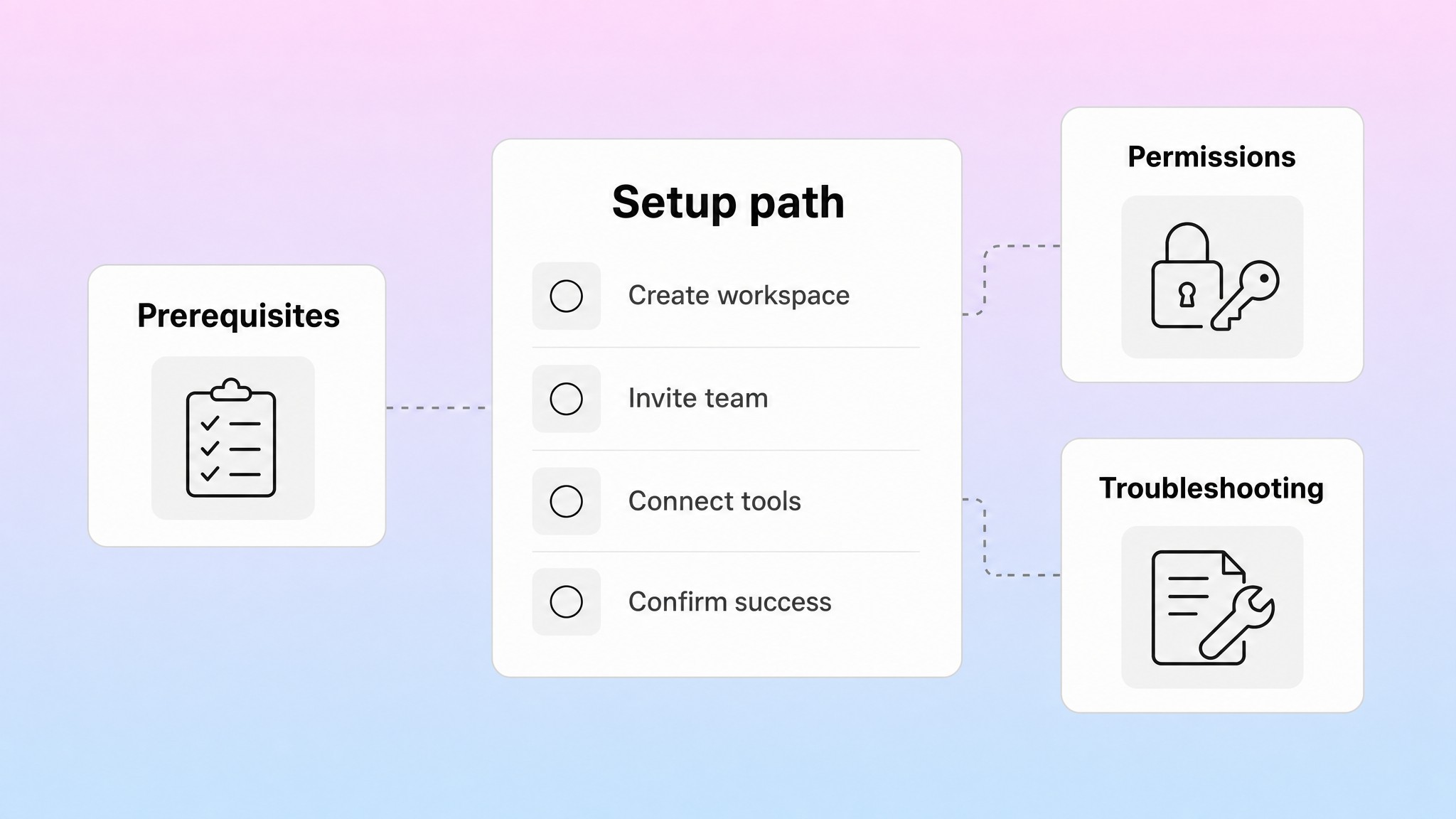
Setup is where onboarding becomes real. The customer has created an account, but the product is not useful yet. They may need to connect data, configure settings, invite teammates, import content, set permissions, install a script, choose a template, or define their first workflow.
This is the part of the customer onboarding process where documentation matters most. A tooltip can point at a button, but it cannot explain prerequisites, edge cases, permissions, plan limits, or what to do if setup fails. A customer success call can unblock one account, but it does not scale unless the answer becomes reusable.
Use a setup checklist for the critical path and help articles for the details behind each step. The checklist keeps momentum. The articles give customers enough confidence to complete the step without waiting for a person.
For each setup step, the supporting documentation should explain:
Who needs to complete the step.
What permission or plan is required.
What to prepare before starting.
The exact steps to follow.
What success looks like.
What to try if the expected result does not happen.
Where to go next.
Helpview’s guide to product documentation for SaaS users makes the same point from the documentation side: users are usually trying to do something specific, not read a full tour of the product. Onboarding docs should respect that. A setup article is not a feature overview. It is a practical path from “I need to configure this” to “this part is working.”
This is also where teams should separate setup content by customer type. A solo founder may need a fast self-serve path. An admin at a larger company may need security notes, role guidance, migration steps, and handoff instructions for teammates. An end user may only need the first task they should complete after an admin has configured the workspace.
The most useful onboarding content usually includes a small set of repeatable formats:
Onboarding content | Best use | What it should answer |
|---|---|---|
Getting-started guide | First successful path through the product | What should I do first, and what result should I expect? |
Setup article | Specific configuration steps | What do I need, what do I click, and how do I confirm it worked? |
Checklist | Multi-step activation path | Which required steps are done, and what is left? |
Troubleshooting article | Common setup blocker | Why is this not working, and what should I try next? |
FAQ | Short recurring questions | What is the direct answer without reading a full guide? |
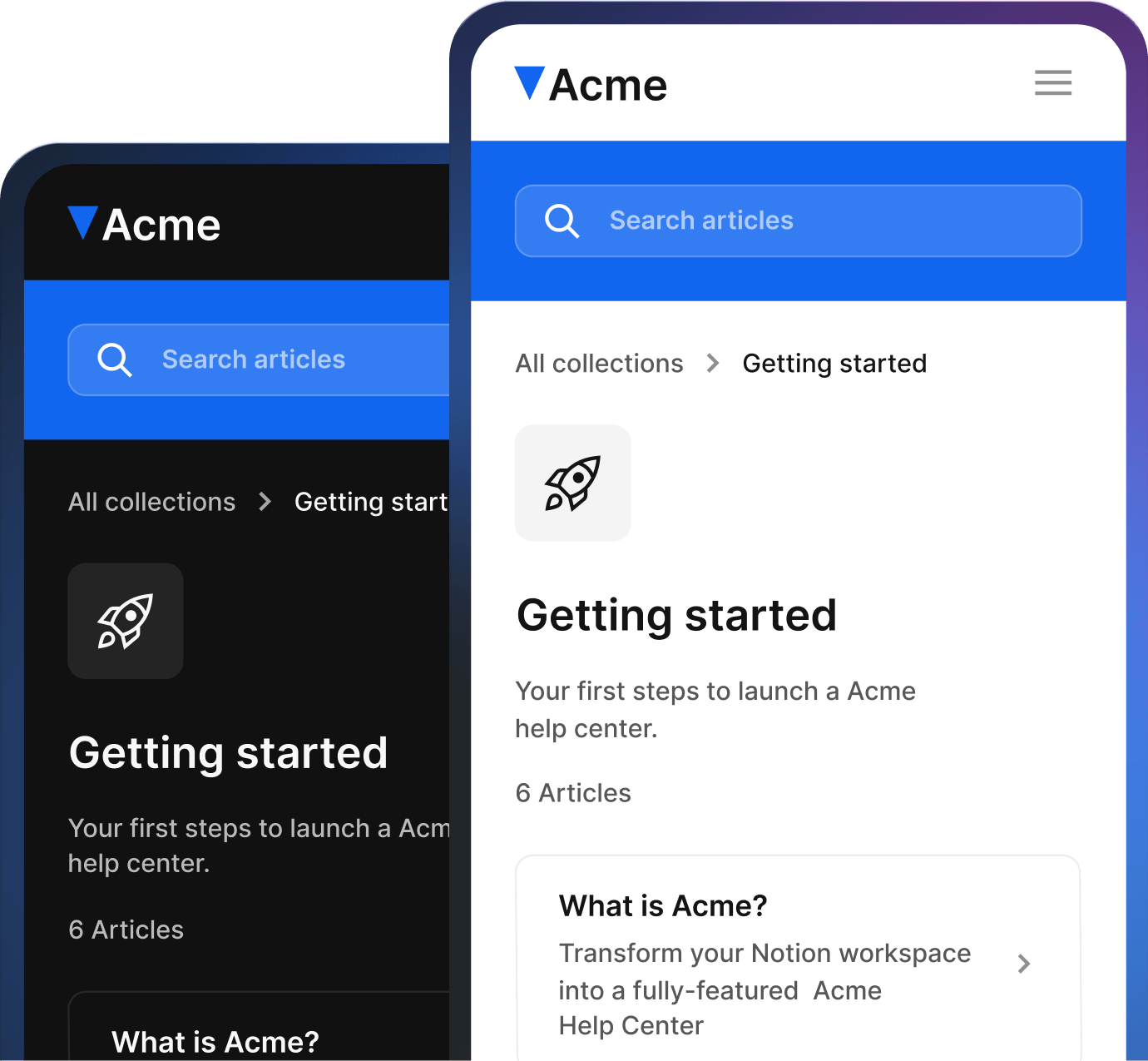
A structured help center makes this easier to maintain because each onboarding answer has a home. Instead of scattering setup notes across emails, call decks, Notion pages, and support macros, the team can keep one customer-facing answer current and link to it wherever the customer needs it.
Teach only what customers need next
Education is part of onboarding, but it should not behave like a classroom syllabus. New customers do not need to learn the whole product at once. They need enough context to complete the next meaningful action.
This is where progressive education helps. Early onboarding should teach the minimum needed for first value. Later onboarding can introduce deeper workflows, collaboration patterns, reporting, automation, governance, or advanced settings when the customer is ready.
Pendo describes a “value gap” in its guide to getting started with in-app onboarding: perceived value and experienced value do not overlap when an education gap prevents customers from finding value in the product. That is a useful way to think about SaaS onboarding: the goal is not to explain everything, but to close the gap between why the customer signed up and what they can actually accomplish.
Use different education formats for different moments:
In-app guidance for actions that happen inside the product.
Short emails for reminders, milestones, and next steps.
Help center articles for detailed instructions and reusable answers.
Videos or webinars for visual workflows or high-context training.
Customer success calls for strategic alignment, complex implementation, or high-value accounts.
Do not make every customer use every format. A small self-serve customer may only need a checklist, in-app prompts, and searchable help. A larger B2B account may need a kickoff call, shared success plan, admin training, and a resource library. The customer onboarding strategy should match customer complexity.
Segment education by role. Admins need setup, permissions, billing, integrations, and workspace structure. End users need everyday workflows. Managers need reporting, adoption, and standards. If everyone receives the same onboarding sequence, most people will either miss what they need or receive content that feels irrelevant.
The same logic applies to timing. Send setup content before setup. Send collaboration guidance after the first workspace exists. Send reporting advice after enough usage data exists. Send expansion education only after the customer has reached the first meaningful outcome.
This is one reason onboarding documentation should be written in plain customer language. If article titles match the way users describe their tasks, the help center can support the onboarding journey without relying on someone to send the perfect link every time. Helpview’s knowledge base article template is useful here because it keeps articles predictable: clear title, short intro, steps or answer, expected result, and related next steps.
Good onboarding education does not try to prove the product is powerful. It helps the customer build confidence one useful action at a time.
Connect activation to first value
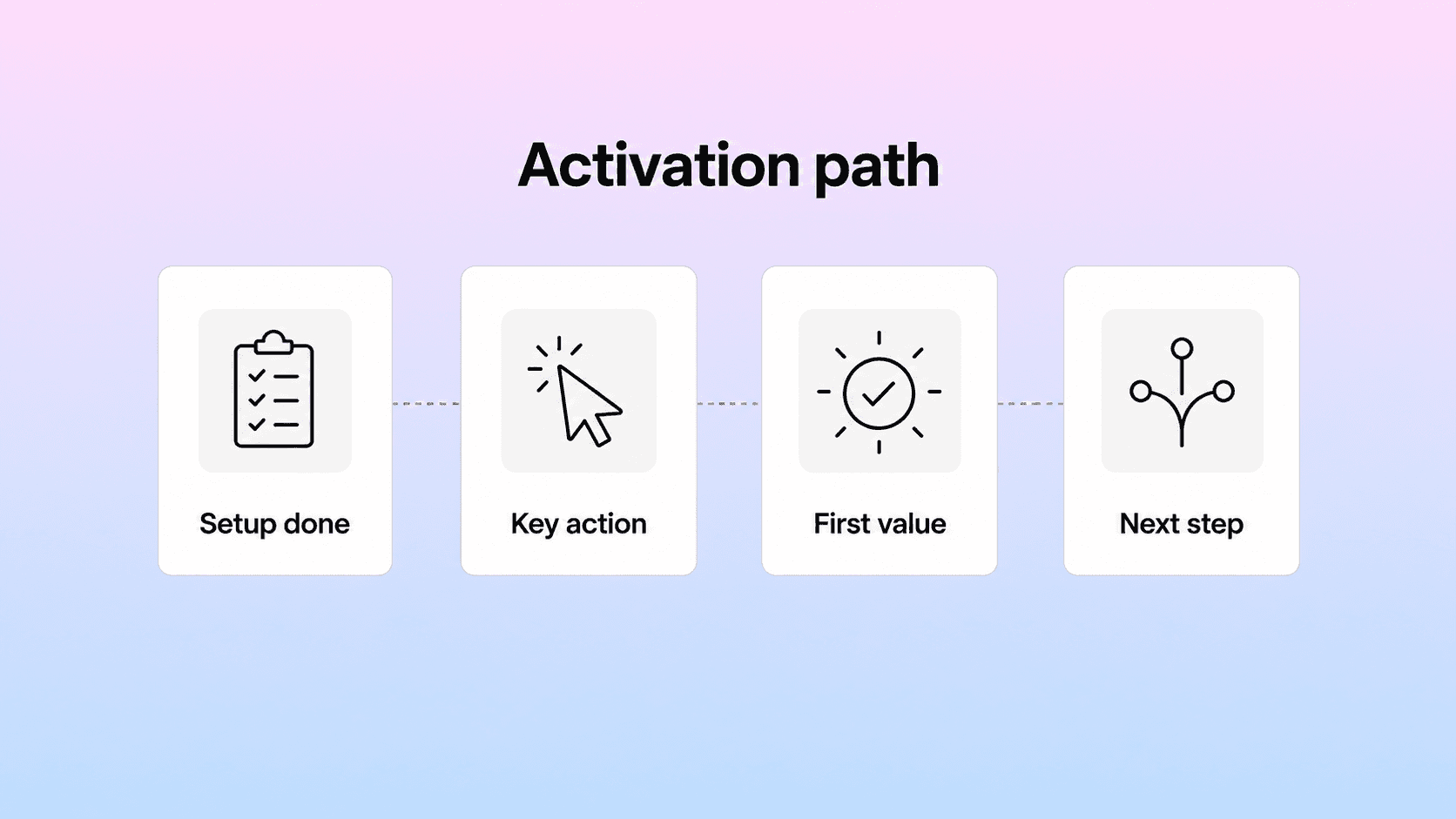
Activation is the point where onboarding moves from setup activity to product value. A customer can finish a checklist and still not be activated if the completed steps do not lead to a meaningful outcome. A customer can also skip parts of your preferred checklist and still reach value if they complete the actions that matter.
That is why every SaaS team needs a clear activation milestone. The milestone should represent the behavior that usually predicts ongoing product use. It might be:
Publishing the first help center article.
Inviting the first teammate.
Connecting the first integration.
Creating the first project.
Importing the first customer list.
Sending the first campaign.
Resolving the first support conversation.
Building the first workflow used by the team.
The exact milestone depends on the product. The principle does not: activation should connect to a customer outcome, not an internal vanity step.
ChartMogul’s guide to SaaS customer onboarding separates onboarding from a button-click tutorial by focusing on user goals and the customer’s definition of success. It also describes the aha moment as the point where product value clicks for the user. That framing is useful because first value is partly functional and partly emotional. The customer sees the product work and thinks, “This is why I signed up.”
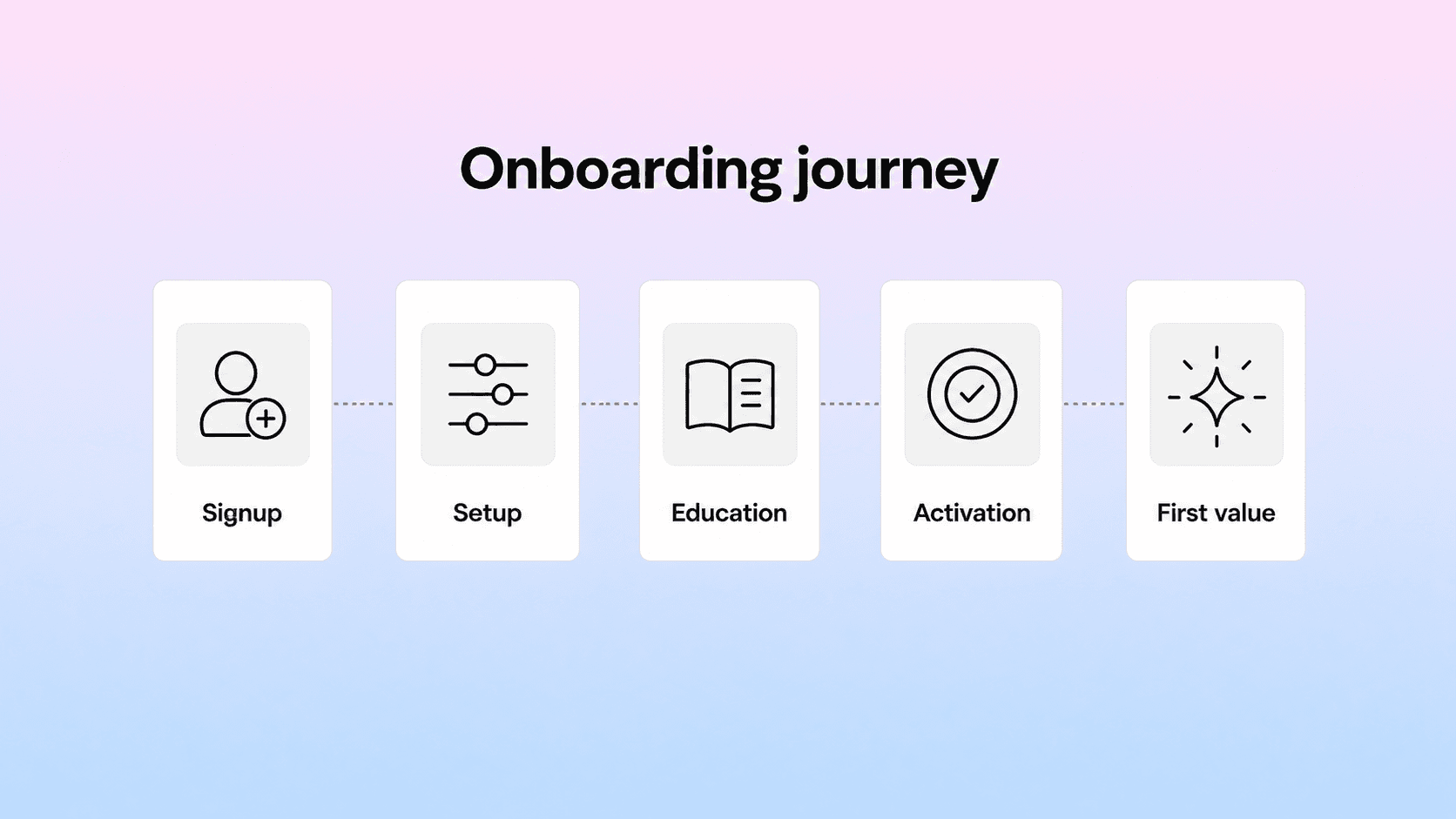
To connect activation to first value, map the journey in stages:
Signup: the customer creates an account or starts a trial.
Orientation: the customer understands where they are and what to do first.
Setup: the customer completes the prerequisites required for value.
Education: the customer learns enough to complete the first meaningful workflow.
Activation: the customer performs the behavior that predicts useful adoption.
First value: the customer sees a real result from that behavior.
Follow-up: the customer receives the next best path instead of being left alone.
The follow-up step is easy to miss. Many SaaS onboarding flows celebrate activation and then stop. But first value should open the next path: invite the team, add more content, connect another integration, review analytics, set permissions, or learn a deeper workflow.
Measure onboarding by stage, not just completion. Useful metrics include time to first value, activation rate, onboarding completion rate, setup drop-off, first-week engagement, support volume during onboarding, and customer satisfaction after setup. Gainsight’s customer onboarding guidance includes many of these same KPIs, including time to first value, onboarding completion, feature adoption, satisfaction, support volume, and customer effort.
Those metrics should improve the process. If users drop during setup, simplify the step or improve the docs. If activated users do not return, first value may not be strong enough. If high-value accounts need repeated handholding for the same issue, turn that issue into a better onboarding resource.
Activation is not the end of onboarding. It is the point where the customer has enough proof to keep going.
Build support into the onboarding process
Support should not sit outside onboarding waiting for customers to fail. It should be built into the journey from the beginning, with clear paths for self-service, human help, and escalation.
New customers often have predictable questions. They ask how to import data, whether they need admin permissions, why an integration is not working, how billing changes after trial, which template to choose, or what to do after the first setup step. If support sees those questions repeatedly, they are onboarding design inputs, not just tickets.
Use support signals to improve onboarding in four ways.
First, turn repeated onboarding questions into help center content. If customers ask the same setup question every week, the answer should not live only in chat history or an internal note.
Second, use search data to find missing guidance. Helpview’s guide to content gaps in a help center calls out onboarding questions as one of the signals that reveal missing, weak, or hard-to-find articles. If customers search for “connect Slack” and find nothing, the onboarding flow has a findability problem even if a support agent knows the answer.
Third, connect support macros to documentation. A strong macro can become a public help article. A strong help article can become a better support reply. This keeps answers consistent and reduces the chance that customers hear different versions of the same setup guidance.
Fourth, create escalation paths for moments self-service cannot solve. Some onboarding blockers need human help: a failed migration, a security review, a complex integration, a custom permission model, or unclear account goals. The help center should make those paths obvious instead of forcing customers to guess whether they should open a ticket.
This matters because onboarding is a trust-building phase. Customers are still deciding whether the product will be easy enough to adopt. If they get stuck and the answer is hard to find, the product feels harder than it may really be.
For SaaS teams, a strong help center should make onboarding journeys visible from the start. Helpview’s help center examples article notes that SaaS support often revolves around recurring friction points such as onboarding, account setup, billing, permissions, integrations, and troubleshooting. Those should not be buried categories. They should be obvious paths.
Support also helps onboarding stay honest. Product and marketing may design the ideal journey, but support sees the real one: confused signups, skipped steps, unclear settings, edge cases, and repeated questions. The best customer onboarding process keeps that feedback loop open.
Turn onboarding into a repeatable system
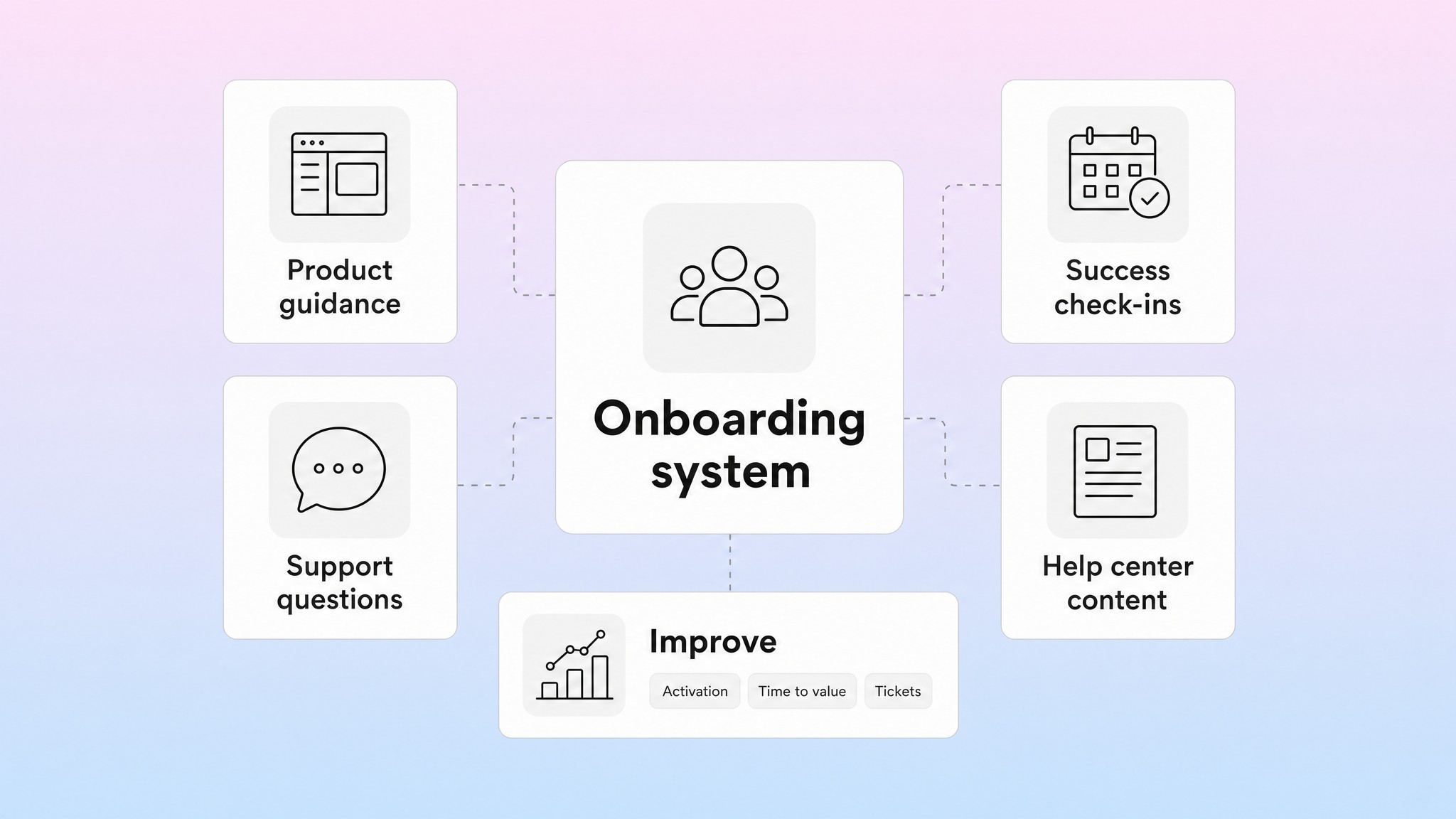
A good onboarding process should be repeatable without becoming rigid. Every customer does not need the same experience, but the team does need a shared system for guiding customers from signup to first value.
Start by defining the core onboarding path for your main customer segment. Then create variations for different plans, company sizes, roles, and complexity levels. A self-serve account may need mostly product-led onboarding. A mid-market account may need a mix of automation, documentation, and customer success. An enterprise customer may need implementation planning, security review, admin training, and stakeholder alignment.
The repeatable system should include:
Segment rules: which onboarding path each customer enters.
Milestones: what progress looks like at each stage.
Content: the articles, emails, checklists, and videos that support each stage.
Ownership: who is responsible for product guidance, success check-ins, support escalation, and documentation updates.
Metrics: how the team knows customers are reaching value.
Review cadence: when the team improves the process based on data and feedback.
This is where onboarding becomes a team workflow rather than a one-time launch project. Product owns in-app guidance and activation paths. Customer success owns customer goals, milestones, and check-ins. Support owns repeated questions and blockers. Marketing may own lifecycle emails. Documentation owners keep the help center current. Leadership should care because onboarding affects retention, expansion, support load, and customer trust.
Userpilot’s customer onboarding process guide describes onboarding and activation as one pillar inside a broader customer success motion that also includes adoption, retention, expansion, and advocacy. That is the right level of ambition. Onboarding should not try to do all of those jobs at once, but it should create the foundation for them.
Review onboarding regularly. Look at setup completion, activation rate, time to first value, first-week usage, support tickets by onboarding stage, search terms, article feedback, and customer comments. Then ask simple questions:
Where do users slow down?
Which setup steps create the most support demand?
Which customer segment reaches value fastest?
Which help articles are missing or unclear?
Which emails are ignored?
Which in-app prompts are helping, and which are noise?
Do not let the process drift. SaaS products change quickly. New features, pricing changes, integrations, permission updates, and UI changes can break onboarding quietly. A setup guide that was clear three months ago may now reference a button that moved. A checklist step may no longer matter. A new product path may need its own onboarding branch.
The goal is not a perfect onboarding machine. It is a practical system that helps customers reach first value faster, gives them answers when they need them, and gives your team a reliable way to improve the journey over time.
Conclusion
SaaS customer onboarding should make the path from signup to first value feel clear, achievable, and supported. Start with the customer’s outcome, keep signup and setup focused, teach only what customers need next, define activation around real value, and use support signals to improve the process. When onboarding is treated as a maintained system, customers understand the product faster, support teams repeat themselves less, and the whole company gets better at helping new users succeed.
Frequently asked questions
What is SaaS customer onboarding?
SaaS customer onboarding is the process of helping new customers set up, learn, activate, and reach first value in a software product. It usually includes signup guidance, welcome messages, setup checklists, product education, support resources, and follow-up prompts that help customers keep moving.
What should a SaaS customer onboarding process include?
What is the difference between onboarding and activation?
How do you measure SaaS onboarding success?
How can a help center improve SaaS onboarding?
Share article:

2 free months of Pro
Turn Notion pages into help center answers.
Keep writing in Notion and publish a real, searchable Notion help center.

Articles
Keep reading