Tips
Notion docs for customer docs: what works and what breaks

10 Min Read
Teams love Notion docs because they are fast to write, easy to update, and simple to share, but customer documentation needs more than a place to publish pages. It needs structure, search, trust, and a smoother path from one answer to the next. That is why Notion often works well as the writing layer for customer docs before it starts to break as the customer-facing experience itself.
Share article:

What teams usually mean when they say “Notion docs”
When teams say “Notion docs,” they usually do not mean a polished customer help experience yet. They mean the pages they already write in Notion: setup guides, troubleshooting steps, feature explanations, onboarding notes, billing answers, and internal drafts that are gradually becoming customer-facing documentation.
That distinction matters because the phrase hides two separate jobs. One job is authoring. Can your team write, review, and update docs quickly? The other job is delivery. Can customers find the right answer, trust it, and move to the next step without getting lost? Notion can be very good at the first job before it starts to struggle with the second.
It also helps to separate this from Notion as a broad workspace. Internal notes, meeting docs, and product planning pages are not the same thing as customer documentation. Customer docs need clearer scope, cleaner navigation, and stronger publishing discipline because they are not being read by the team that already knows the product. They are being read by people trying to solve a problem now.
So this article uses a narrower lens: Notion as the place where a team writes customer documentation, and plain Notion as the surface where that documentation may also get published.
Where Notion works well for customer documentation
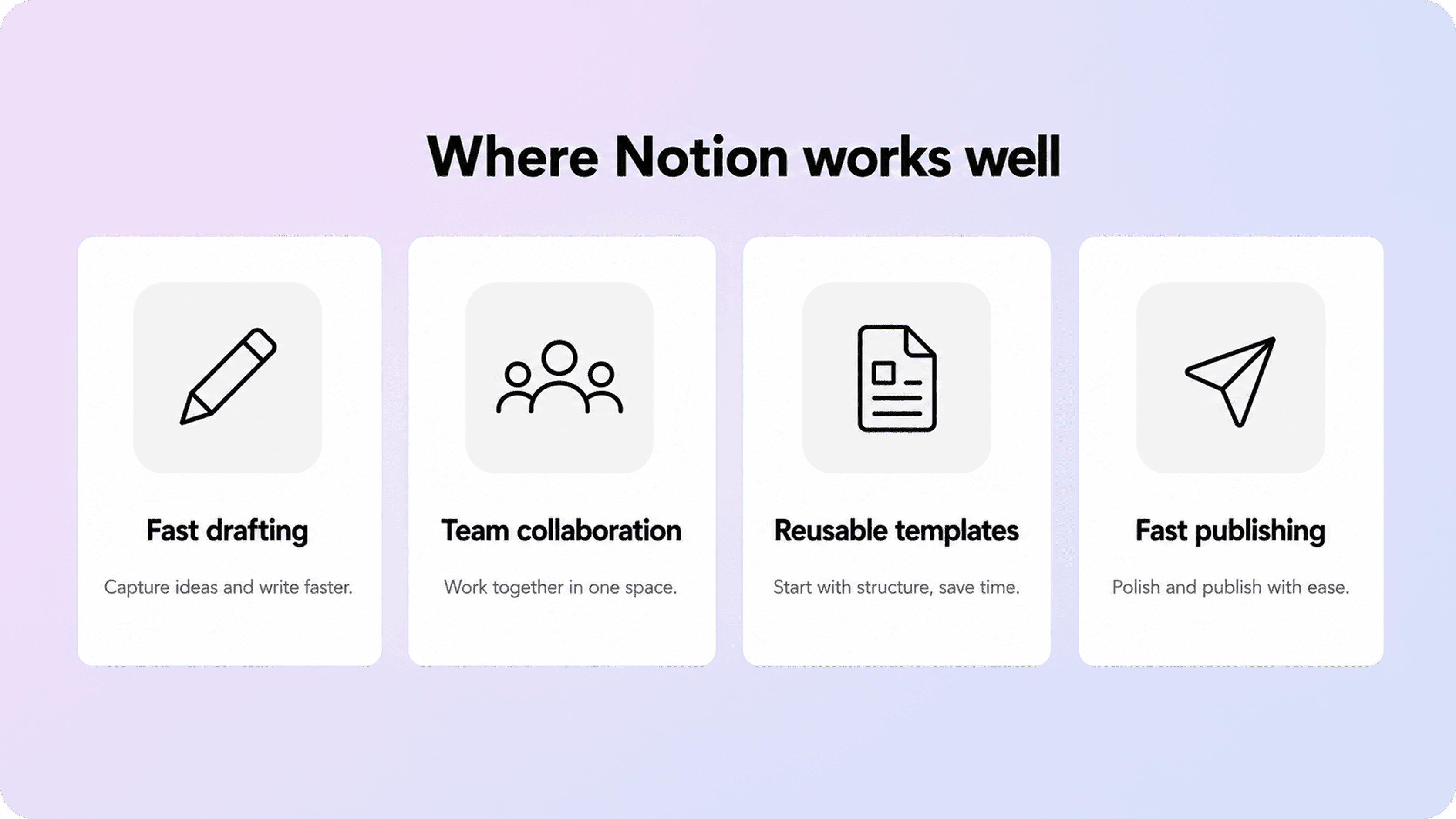
Notion works well when the main problem is getting useful documentation written at all. It is fast to start, comfortable for cross-functional teams, and simple enough that founders, support leads, and product people can all contribute without learning a heavy docs stack first.
A big part of that advantage is speed. A team can draft a help article, collect comments, reuse a page structure, and publish a public page without building a new workflow from scratch. That is especially useful in the stage where product knowledge still lives close to the people building and supporting it.
Notion is also strong as a drafting environment because collaboration is built in. Teammates can edit directly, comment in context, and work from shared templates. If your next problem is article quality rather than scale, that matters more than fancy tooling. A simple page template can already improve consistency, which is why Helpview’s guidance on product documentation and knowledge base templates fits naturally with a Notion-first workflow.
Publishing is another real win. Notion lets teams turn a page into a live site quickly, and the Notion Sites publishing flow makes it possible to get content on the web without a separate CMS. For a small team with a few evergreen guides, that low-friction path is genuinely useful.
There is also a practical simplicity benefit. If your docs set is still small, your audience is narrow, and most readers arrive from direct links rather than browsing, plain Notion can be good enough for a while. In that phase, the best move is often not replacing Notion. It is using Notion more deliberately: clearer titles, cleaner page scope, repeatable article shapes, and fewer mixed-purpose pages.
Where Notion starts to break for customer-facing docs
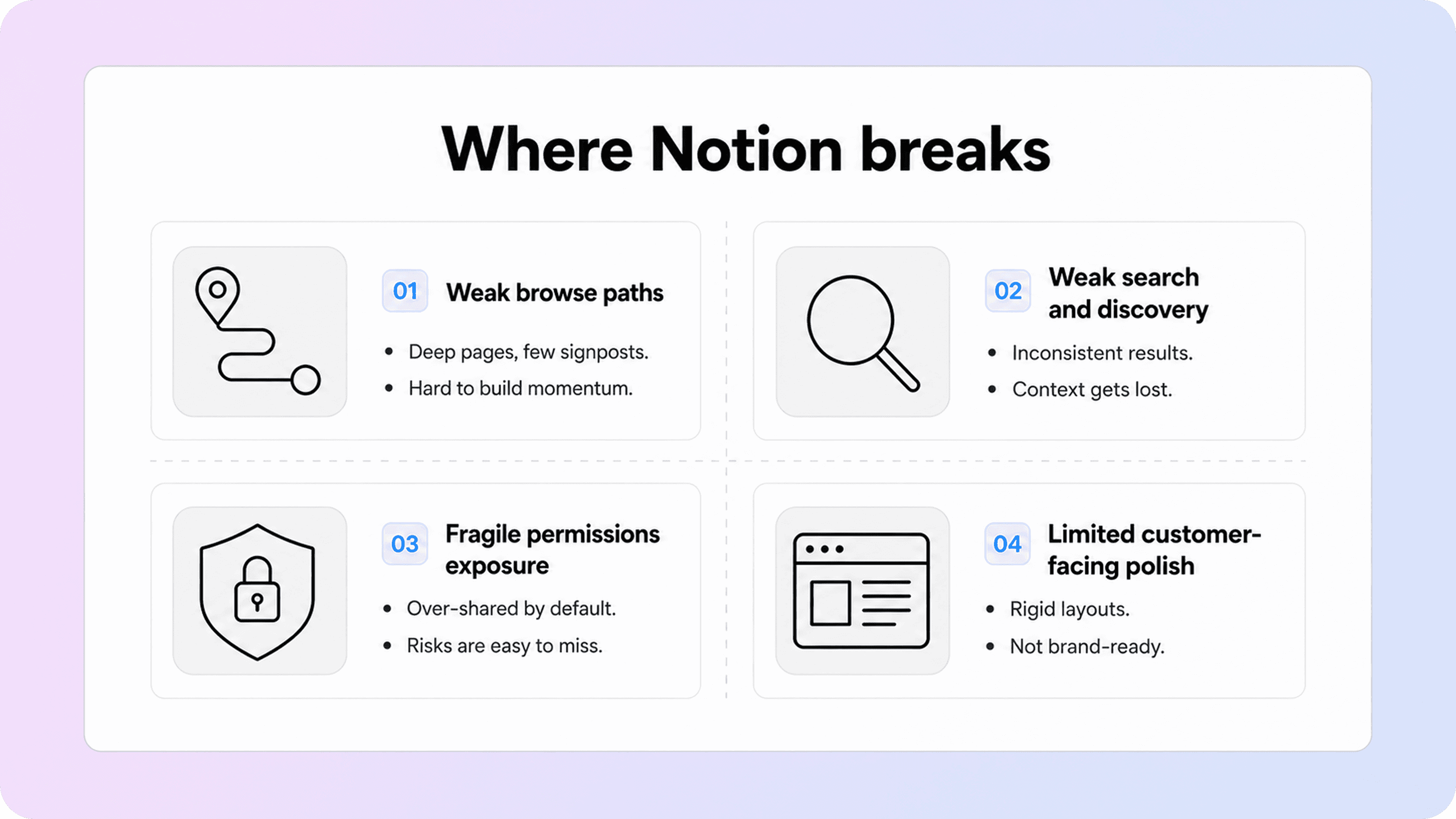
Notion usually breaks for customer documentation at the point where the pages stop being the whole experience. Once customers need a better browse path, better search behavior, stronger metadata, cleaner related-article movement, and a more branded help surface, plain Notion starts carrying jobs it was not really built to own.
The first problem is information architecture. A public Notion page can be readable, but a growing set of public pages does not automatically become a strong help center. Customers do not just need an article link. They need a place to start, a sense of where they are, and a clear next step after each answer.
Area | What works in Notion | Where it breaks for customers |
|---|---|---|
Drafting and editing | fast collaboration, quick edits, shared templates | customers do not benefit if the public structure is still hard to navigate |
Publishing | pages can go live quickly | fast publication is not the same as strong discovery or browse paths |
Permissions and exposure | page sharing and publishing controls exist | docs teams still need to manage what becomes public and how it relates to the rest of the workspace |
Search and finding answers | readers can search within a published site in some setups | customers still need clearer help-center search, category structure, and result relevance |
Metadata and branding | some site customization exists, especially on paid plans | customer docs often need more consistent titles, descriptions, custom branding, and destination-level polish |
Ongoing maintenance | teams can update pages in one workspace | readers still feel the pain when stale pages, weak links, and overlapping answers are hard to spot |
Search and navigation are where that gap becomes obvious. Good customer docs are not only readable; they are findable. The web-writing principles in the GOV.UK writing guidance and the Google developer documentation style guide point to the same thing: readers need to recognize the right page quickly and understand what to do next without extra effort. Plain Notion can publish content, but it does not automatically turn that content into a strong customer-help journey.
Permissions and publishing boundaries matter too. Notion gives teams ways to publish pages to the web and control who can access shared content, but customer-facing docs teams still have to think carefully about what lives in the same workspace, what becomes public, and how published pages behave once they are exposed to customers. That is manageable early on, but it becomes more fragile as the docs set grows.
Then there is presentation quality. Notion’s web publishing flow gives teams a fast way to put pages online, but that is different from having a help center designed around categories, related answers, clearer search, and a polished support experience.
The better setup: use Notion for writing and a help center for delivery
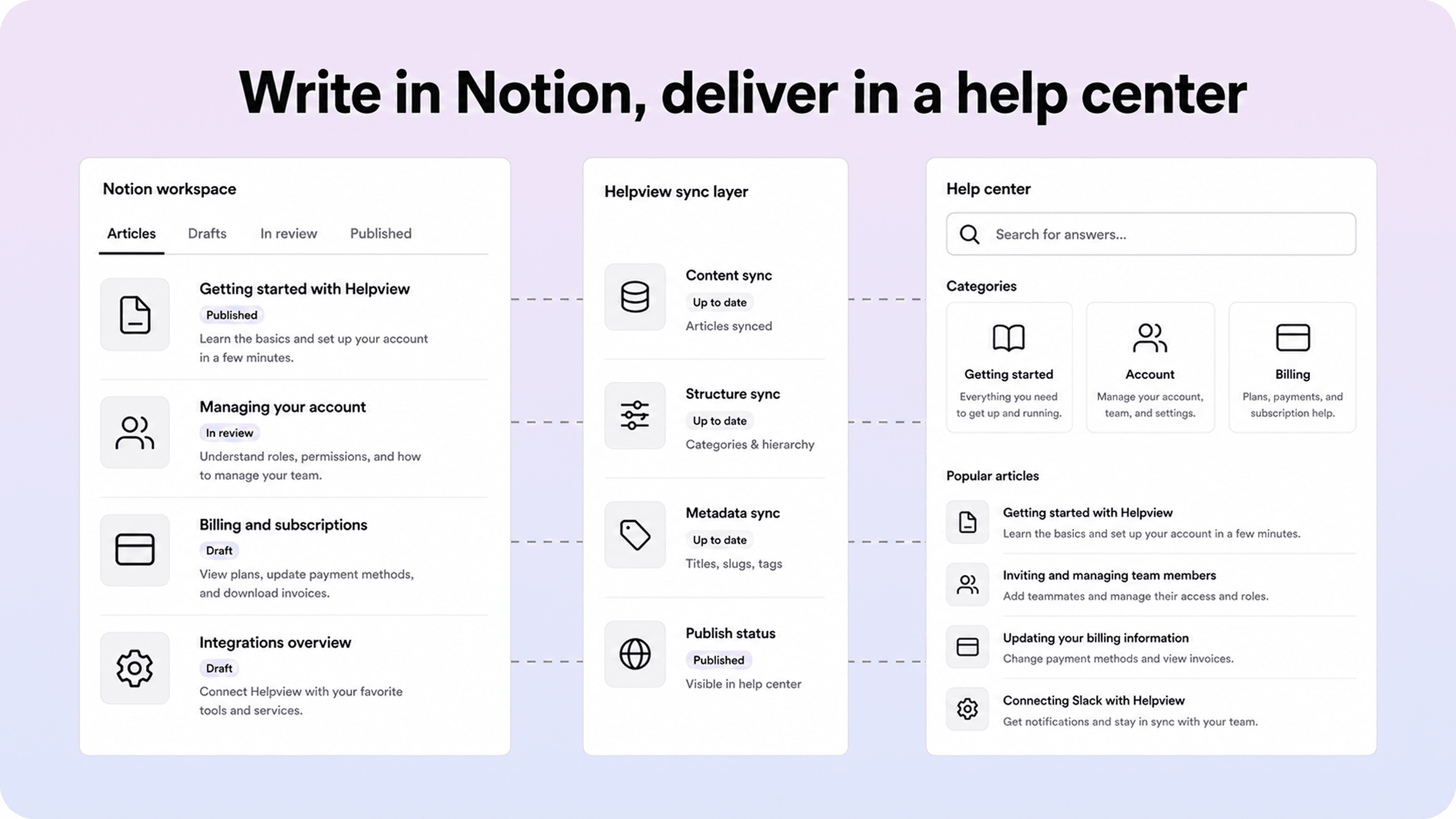
The strongest model for many Notion-first teams is not “leave Notion” and it is not “force Notion to do everything.” It is a layered setup: keep Notion as the writing and editing source of truth, then publish those pages through a customer-facing help center built for discovery, structure, and polish.
That model keeps the part Notion is already good at. Your team still writes in a familiar workspace, updates stay easy, and content operations do not need a heavy migration. But the customer-facing layer takes over the jobs that matter once the docs are public: cleaner search, clearer category browsing, better page-to-page continuity, stronger branding, and a more trustworthy help experience.
For Helpview’s audience, that is the real unlock. Teams can keep their docs in Notion, then turn them into a more structured SaaS knowledge base with customer-facing help-center features instead of treating a public Notion tree as the final product.
It also solves a strategic mismatch. Notion is optimized for flexible workspaces. Customer documentation is optimized for repeated self-service. Those are related needs, but they are not identical. A customer help surface needs to make repeat questions easier to browse, search, trust, and update as a connected system. That is also why Helpview’s articles on documentation standards and what a knowledge base is matter here: page quality and delivery structure have to work together.
Put simply: Notion is often the right back end for a docs team before it becomes the wrong front end for customers.
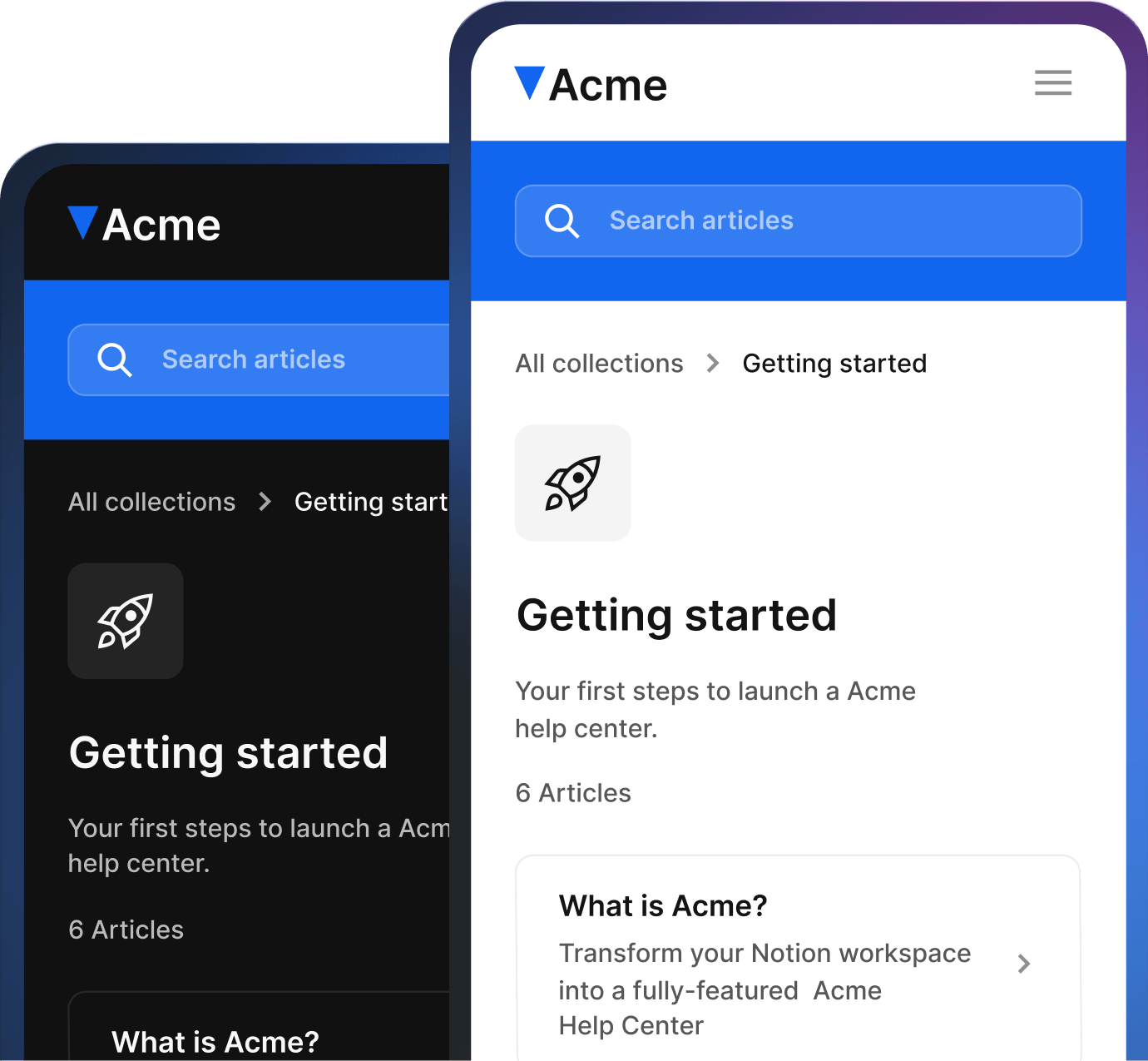
For teams that want this setup without moving their writing workflow, Helpview can turn those pages into a branded Notion help center built for customers.
How to decide whether plain Notion is still enough
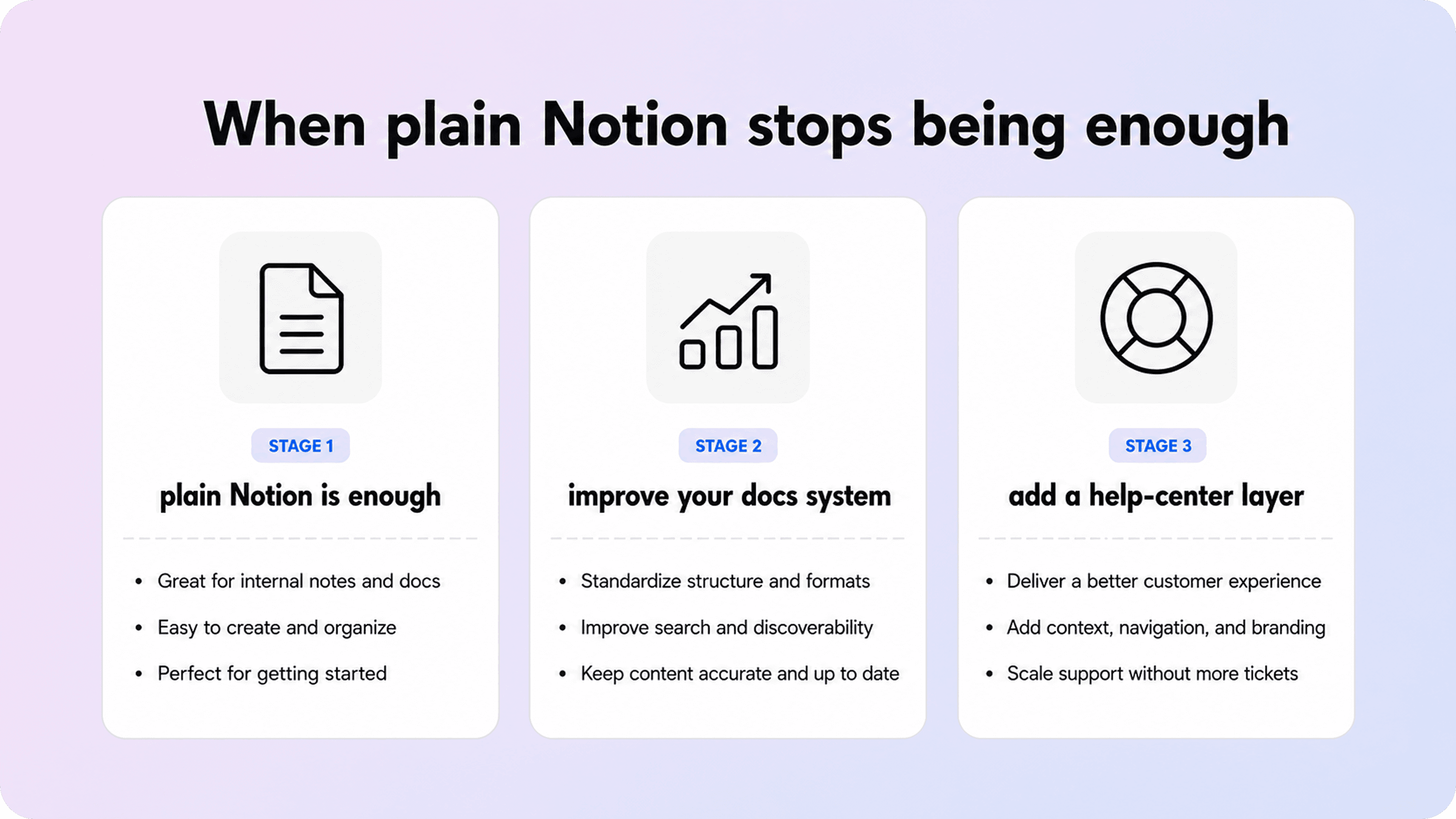
Plain Notion is still enough when your docs set is small, the customer journey is simple, and most readers arrive from a direct link to one specific answer. It is also still enough when your team is proving out the content itself and the bigger risk is no documentation rather than imperfect delivery.
You are probably nearing the limit when the same issues keep showing up: customers cannot tell where to start, article titles feel inconsistent, search behavior is weak, related answers are hard to surface, or the public docs experience feels more like a shared workspace than a finished help center. That is usually the moment where the content is no longer the bottleneck. Delivery is.
A useful rule of thumb is this:
stay with plain Notion if you are still building the first usable layer of customer answers
improve your article templates and standards if quality is uneven but discovery is still manageable
move to a dedicated help-center layer if search, browsing, brand trust, and content continuity are becoming customer problems
In other words, do not move beyond Notion because “serious teams should.” Move when customers are paying the cost of a tool that is still acting like a workspace instead of a help experience. That is the real break point.
Conclusion
Notion is a strong place to write customer documentation, especially when a team needs speed, collaboration, and a simple way to get pages live. But once documentation becomes a real customer-facing system, the standard changes. Customers need better search, clearer browse paths, stronger continuity, and a surface that feels intentionally built for help. That is why the most durable setup is often not plain Notion alone, but Notion as the writing layer and a dedicated help center as the delivery layer.
Frequently asked questions
Can Notion work as a public knowledge base?
Yes, for a small and fairly simple docs set. If you only need a few public guides and readers mostly arrive through direct links, plain Notion can work. The weakness shows up once people need a stronger browse path, better search, or a more structured self-service experience.
What is the difference between Notion docs and a help center?
When should a team move beyond plain Notion docs?
Is a Notion docs template enough for customer documentation?
What does a Notion docs integration usually need?
Share article:

2 free months of Pro
Turn Notion pages into help center answers.
Keep writing in Notion and publish a real, searchable Notion help center.

Articles
Keep reading