A help center for your online courses
Give learners a place to find course guides, ask AI or reach your team, with one inbox for replies.



Trusted by
early testers






Course questions keep pulling you away
 Problem 1
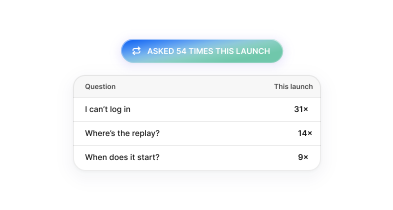
Login questions, every launch
Each launch brings login and access questions. You answer each one by hand.
 Problem 2
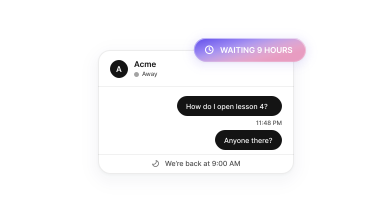
Stuck between lessons
Learners hit a problem late at night and can’t find the guide that helps them continue.
 Problem 3
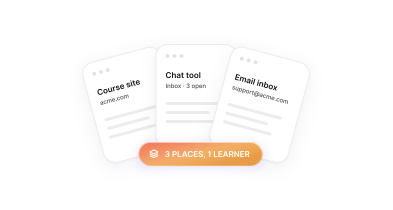
Guides and messages in different places
You switch between course pages, email and chat to help one learner.
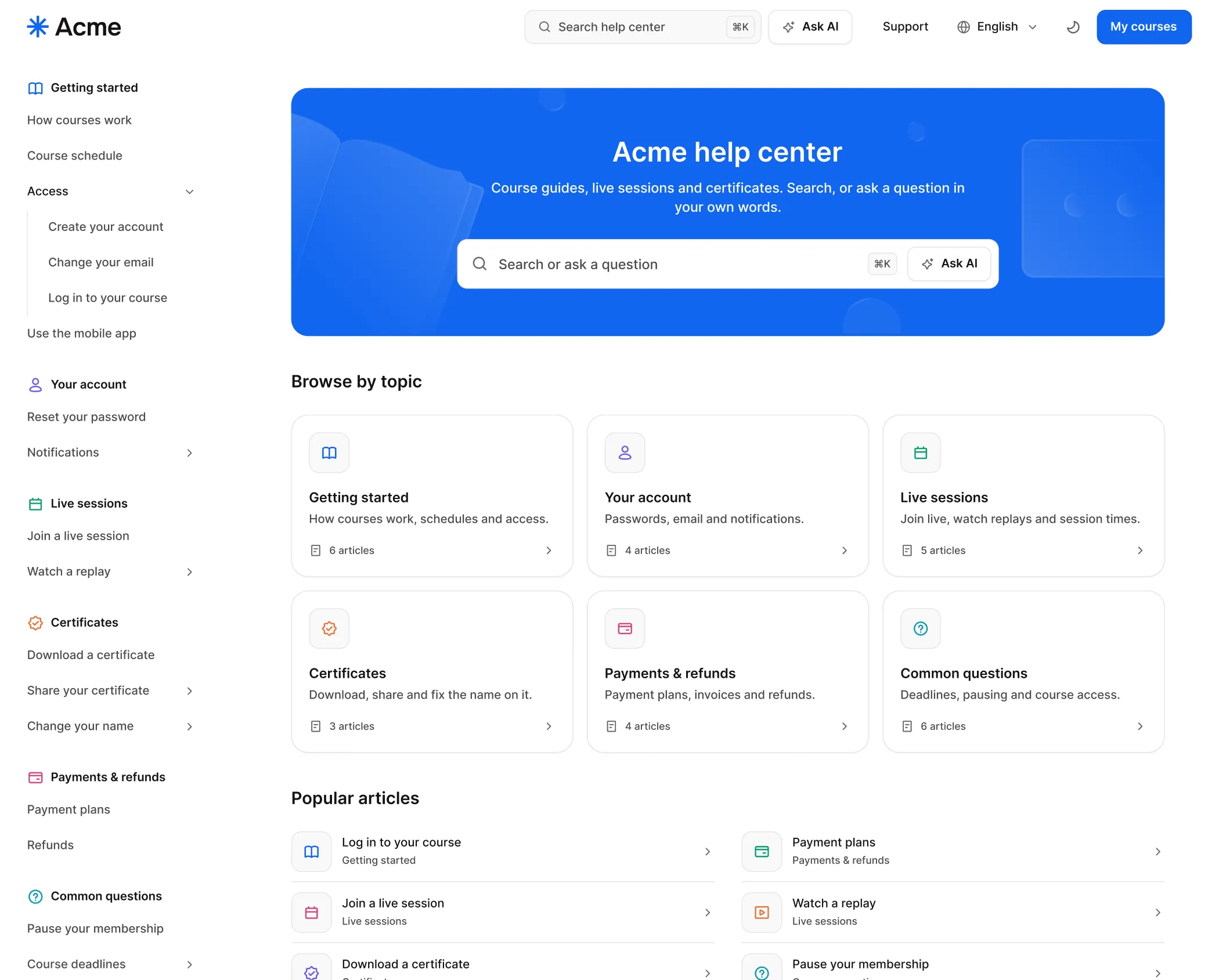
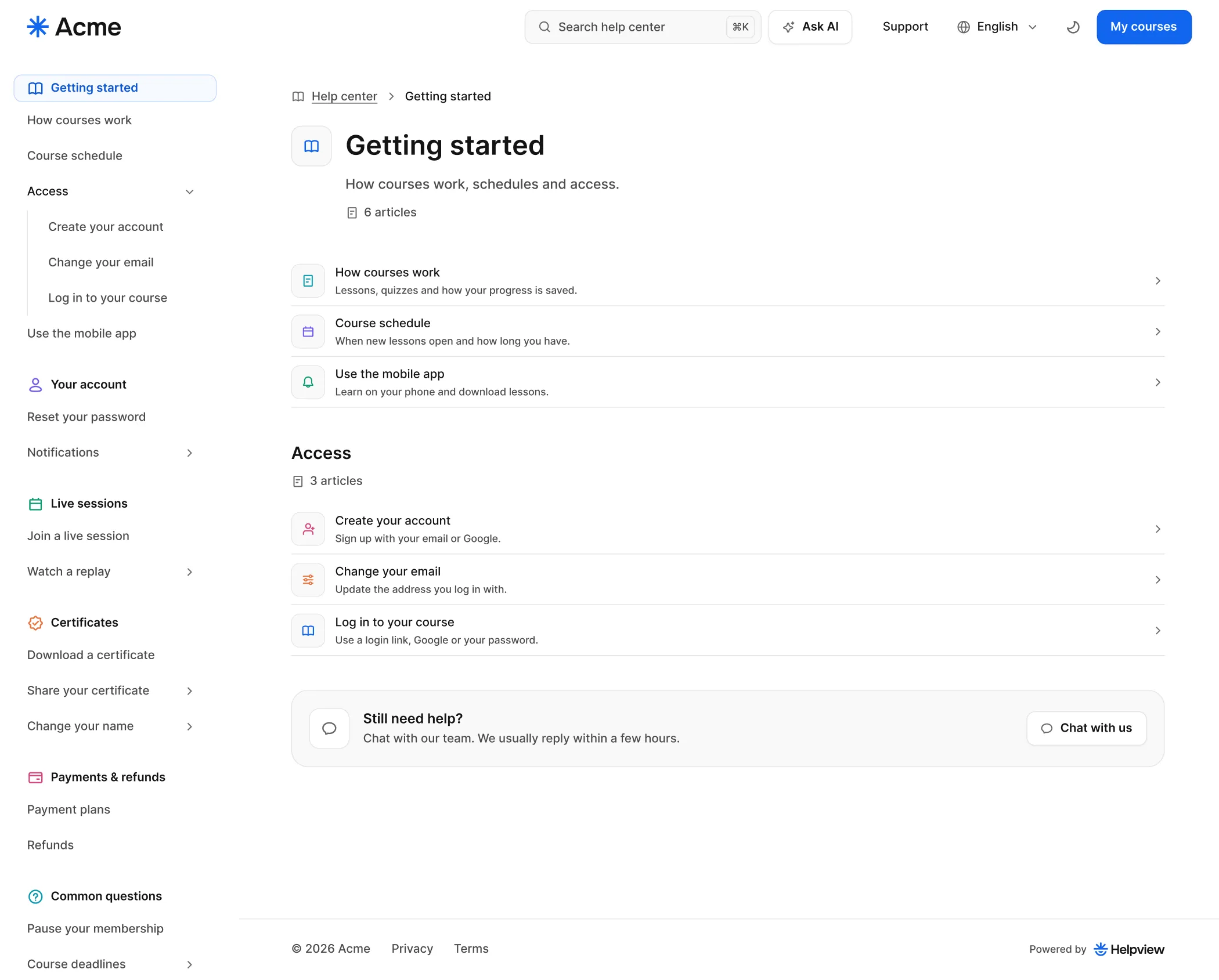
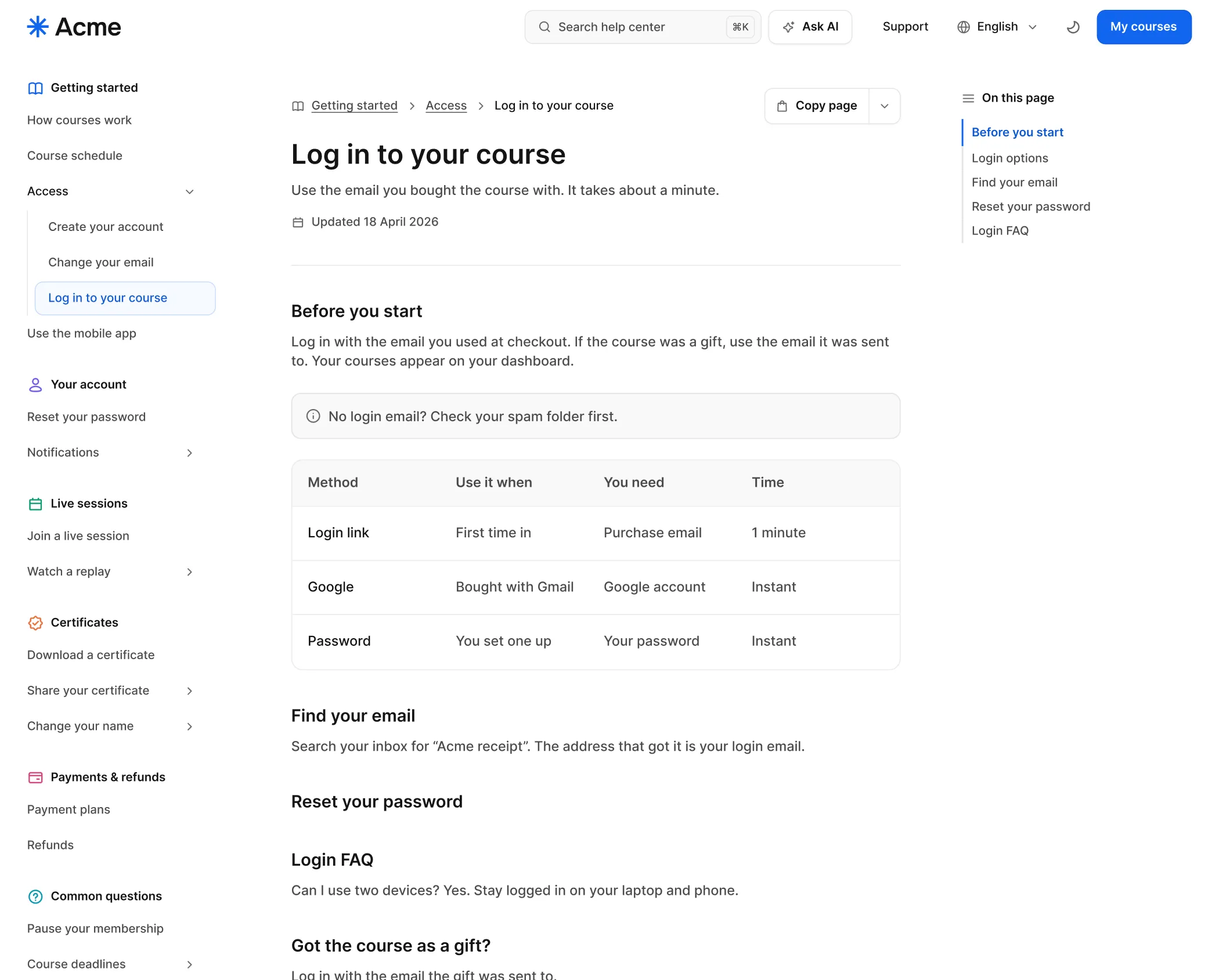
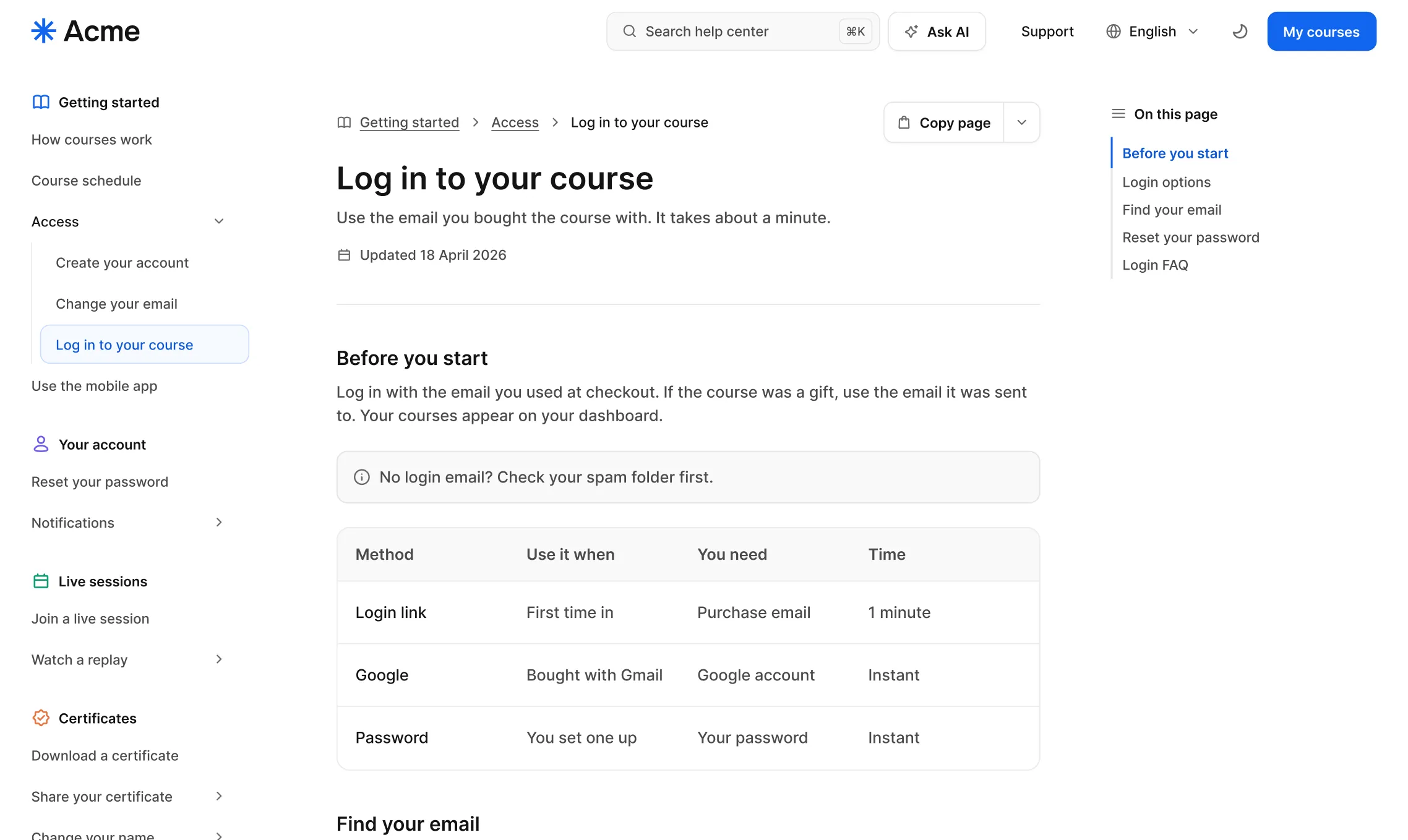
Course guides, easy to find
Fast search across course guides
Learners find the right guide in a few keystrokes.
Write course guides or import your docs
Start in the editor, or bring Markdown and Notion pages in as drafts.
A help center that matches your school
Your logo, colour and font, on your own domain.
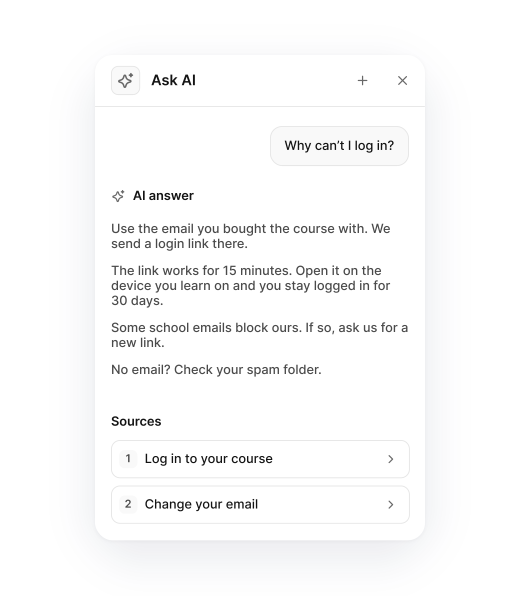
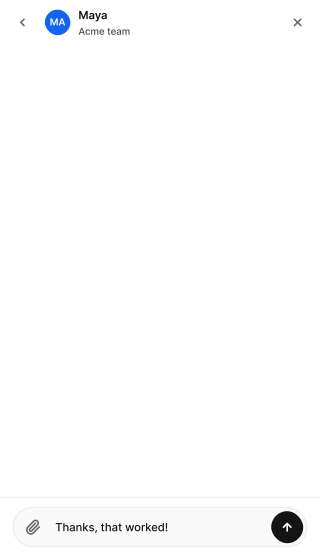
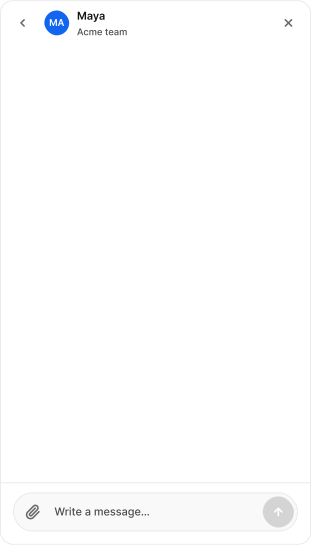
Let learners ask AI or talk to your team
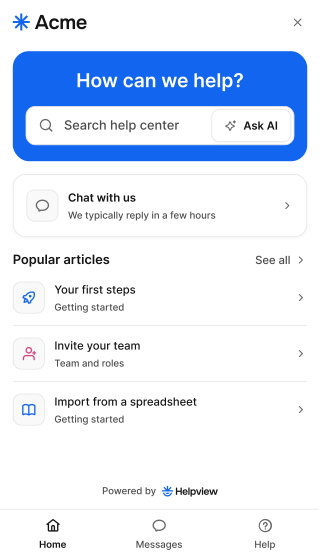
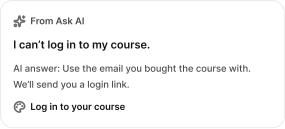
Course guides and Ask AI in your widget
Learners get answers without leaving the lesson.
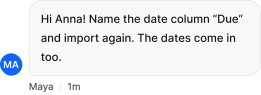
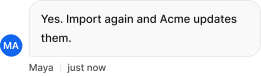
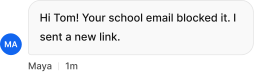
Every chat comes with the AI context
Your team sees what the learner asked and which answer they got.
Assign conversations in a shared inbox
Mine, Unassigned and All views. No chat gets lost.
Help center, AI and live chat on Free
Free includes 2 members and 50 AI credits a month. No per-seat fees.
More ways to help your learners
Saved replies
Save answers to common access and course questions, ready for your team to send.
Markdown and Notion imports
Bring existing content into Helpview as drafts you can edit.
Email alerts when you reply
Learners who leave an email get a link back to their chat when you reply.
Content gapsPro
See unanswered searches and AI questions, so you know what to write next.
Custom domainPro
help.yourschool.com with automatic SSL.
Up to 10 languagesPro
Translate article drafts with AI, then review before publishing.
Set up in minutes




Step 1
Paste your websitePaste your website
Helpview picks up your school’s logo and brand color.

Step 2
Bring your docsBring your docs
Import your Notion or Markdown docs, or write your first course guide.


Step 3
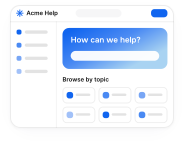
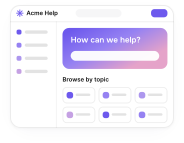
Customize help centerCustomize
help centerMatch your school’s look and publish on help.yourschool.com.



Step 4
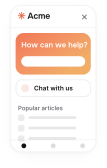
Add the chat widgetAdd the chat widget
Paste one snippet into your course site for help articles, AI answers and live chat.
Teams already like
what they see
“We tried Helpview early and setup was smooth. It looks clean and on brand.”

Martynas Sileikis
CEO, Flair
“Our team writes once and customers find answers without pinging us.”

Petras Nargėla
CEO & Founder, Subsight
“Our docs feel more structured and more polished for customers.”

Saulius Aleksa
CEO & Founder, Engines of Fury
“We were looking for an affordable tool with both a help center and a chat widget. Helpview gives us both in one place.”

Pijus Aleksandravičius
Co-Founder, Snapp
Frequently asked questions
Yes, if your platform lets you add a snippet. Learners can open guides, ask AI or message your team. If not, link to your help center instead.
Yes. Bring them in from Notion or Markdown as editable drafts, then review and publish. You can also write guides directly in Helpview.
Ask AI answers from your published guides, like how to log in, join a live session or download a certificate, and links to its sources. When it can’t find an answer, it says so and offers a way to message your team.
Yes, on Pro. Add one shared password to the whole help center, so only learners who have it can read your guides.
No. Seats are for your team: Free includes 2 team members and Pro includes 10. Learners use your help center, Ask AI and chat at no extra cost.
Paste your school’s website and Helpview picks up your logo and brand color. Import or write your course guides, match the help center to your school, then paste one snippet into your course site to add the chat widget.
Yes, on Pro. Publish your help center on a domain like help.yourschool.com, with SSL set up for you.
Still have questions?
Send us a message and we’ll reply by email.